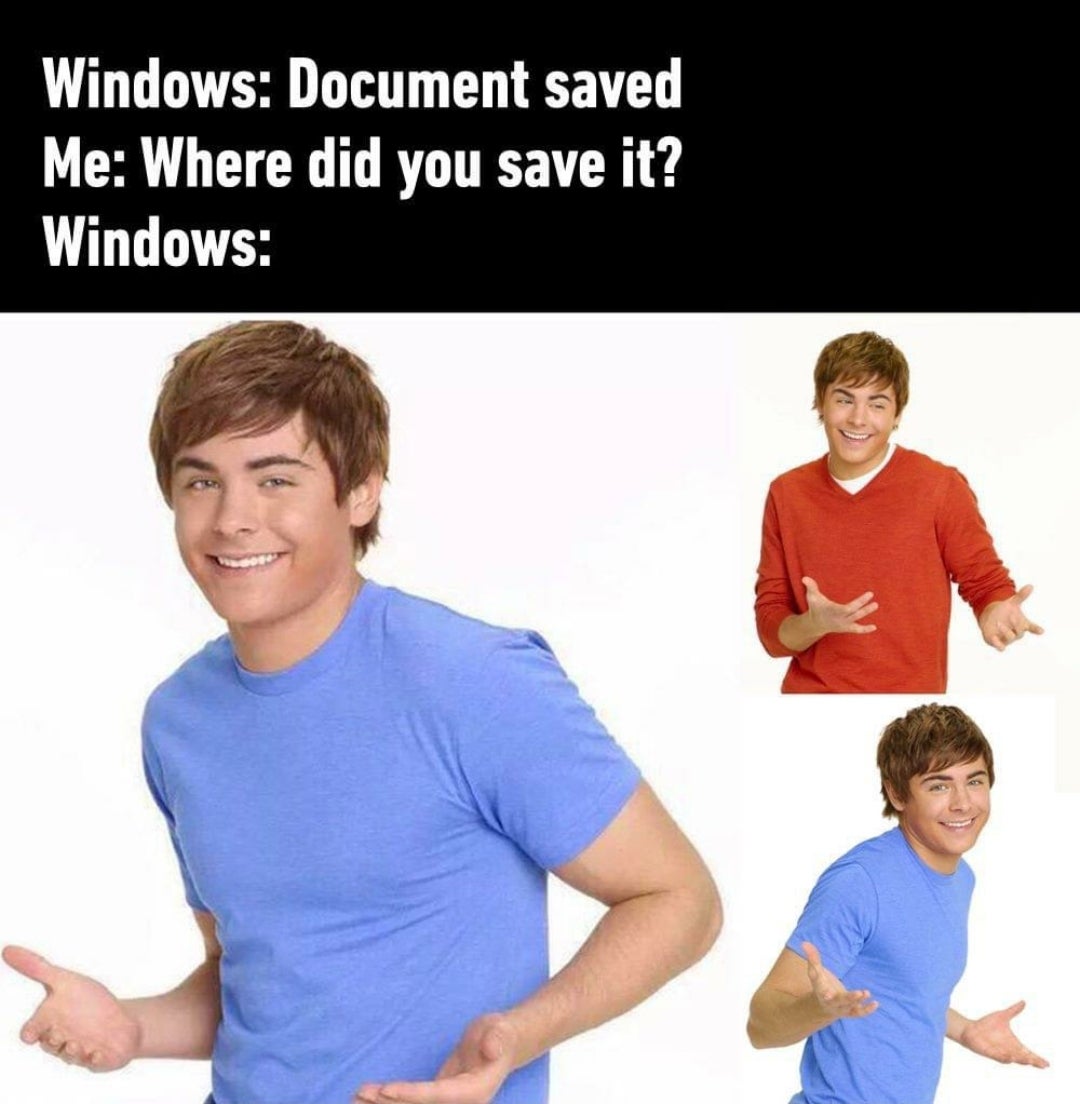
Feels much more true on Android than Windows in my experience.
post
- Me: Ctrl+S, please save this file
- Windows: Do you want to save it on SharepointOnedriveCloudthing?
- Me: Put it in the local Downloads folder FFS
- Windows: OMG it's too hard!
It's amazing the hoops people will jump through to deal with Windows' bullshit but the moment Linux presents the slightest obstacle they write it off as "too hard to use."
LPT: get a debloater to remove One Drive and other MS bullshit.
LPT: Use Linux
I keep seeing this sentiment from people who are supposedly savvy with computers. I never have to question where a file was saved to on Windows and I'm not sure why you guys do.
I've questioned it before when I just didn't watch where it went, but it usually takes just a few seconds to figure it out most of the time.
Now Android on the other hand...
Same here, I've never had this problem, ever. I don't even get how it's possible to not know where your files are being saved if you are the least bit techsavvy.
In my experience it's easiest to find things in Linux, next easiest in Windows, and on OSX, good luck with that.
I feel like that's worse on android and ios. The former it's like "I saved it somewhere in this byzantine folder structure!" and in ios it's like "Fuck you we don't talk about folder structure"
Save an image - it's either in Downloads or inside some folder in DCIM or Pictures or some random folder in root - or if you're super lucky - inside some random folder in the app's data directory.
The DCIM folder always seems so odd to me. It's a modern, mobile OS pretending to be a Fujitsu point-and-shoot digital camera from 2004.
Documents folder: obviously where video game files should go...
Some of them, anyways!
I can't stand when games do it. Just put the files in a designated folder where the game is installed dammit!
I'll meet you halfway: I created a new folder in the hidden folder %AppData% --> .NameofPublisher --> GameName
In C:\Program Files? Or C:\Program Files (x86)?
Please don't mix executables and data created by applications, even if the application happens to be a game. Those are supposed to be separate. That being said, "Documents" is obviously the wrong place for save game files.
Documents/games
Or
Documents/My Games
Or
Document/[Game Name]
Android: Photo downloaded
Me: Where did you download it?
Android: ¯_(ツ)_/¯
Yeah seriously, Android is way worse at this. At least Windows has the option to ask you where you want to save the file to first.
I miss the bot that gives you your arms back when you put that emoji
The Windows Scan app is particularly bad at this. When you scan a document, it saves the scan as a PNG in Pictures\Scans. This is a sensible place to save scans by default, but it doesn't tell you where. It just says it was saved. There's a button to view it, but this just opens the scan in the Windows Photos app, which (at least, last I checked) doesn't have an option to view the full path of the picture you're viewing or open the folder it's in!
They want you to access everything through search and recently accessed because its so intuitive. It's like they want computers to be as hard to use as possible for people who need to do actual work on many projects in any sort of organized way.
Also, now that IT has integrated everything with OneDrive, I routinely have to wait for my own files to be redownloaded before accessing them.
Pretty sure it saves it to "my documents"
That fucking no man's land. Who actually stores shit there?
Fucking Teams does this and it's really annoying. Clicking the downloaded notification doesn't take you to where the file was downloaded.
PowerToys Run or Everything are the Windows search replacement everyone needs.
Seconding Everything. Being able to search for text inside of files has been a godsend.
At least there's Windows Search to bring your system to its knees by indexing everything constantly in the background, only to be both terribly slow and unable to find anything at all when you actually need it.
I depend on Voidtools' Everything search, which actually finds stuff.
I've never had this issue on Windows, but I have on mobile many times. The more a platform tries to hide the FS from me, the more I struggle to navigate it (surprise!). Mobile devices have been moving to be more transparent that a FS exists at least in recent times.
Casual plug for Search Everything, not FOSS but still free. It's an alternate indexer/search for Windows, but way faster.
How are the hackers supposed to find it if even you can’t? Exactly. Latest security at its finest
Does windows not have the concept of "recents" so you can find things you were just messing with easily
It did, but even then you could just open it again. NOT find out where the fuck it was stored...
Right click > Open file location
top 50 comments