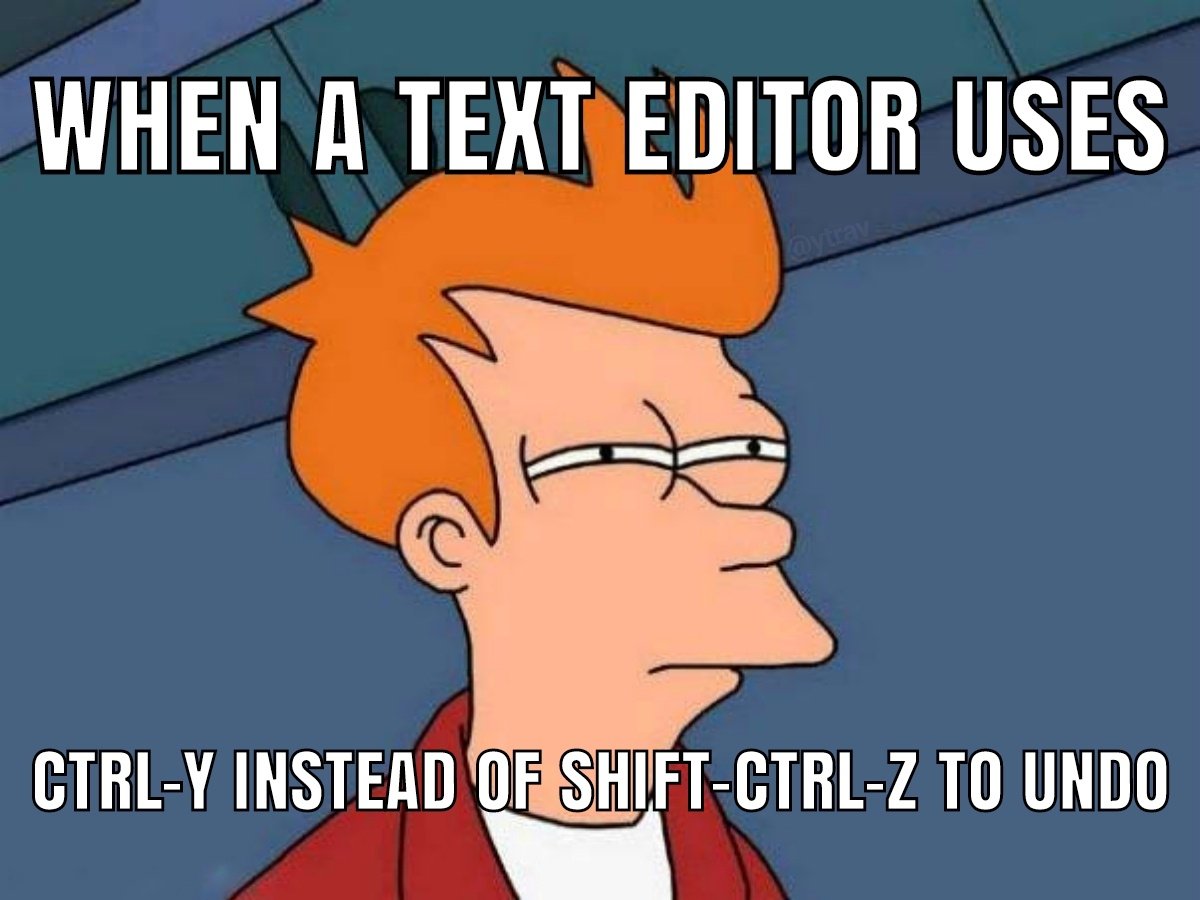
*redo, sorry

all 44 comments

sorted by: hot top controversial new old
[–] 93 points 3 years ago (1 child)
  • [–] 23 points 3 years ago* (1 child)

    Right, this meme is just undo but with extra steps

  • source
  • parent
  • hideshow 2 child comments
  • [–] 51 points 3 years ago (1 child)
  • [–] 17 points 3 years ago

    Don't forget that Vim also keeps every tree of undo history. Wrote someone one way, wanted to try another way, and changed your mind? Switch to the other undo future! Change your mind again? Go back!

    And there's persistent undo, where your undo history is written a file. Quit Vim, power off your machine for 5 years, power it back on, and you can still undo!

  • source
  • parent
  • [–] 39 points 3 years ago (1 child)

    Shouldn't it be used for redo?

    I mean, yeah, of course it should be paste. But if you decide to break the established convention, isn't the next option redo, instead of undo?

  • source
  • hideshow 2 child comments
  • [–] 36 points 3 years ago (1 child)

    Germans on English kezboards know the struggle

  • source
  • hideshow 2 child comments
  • [–] 31 points 3 years ago (1 child)

    My text editor uses u and U

  • source
  • hideshow 2 child comments
  • [–] 5 points 3 years ago (2 children)
  • [–] 18 points 3 years ago (2 children)

    "What did that code look like two minutes ago?"

    • Cmd+A
    • Cmd+C
    • Cmd+ZZZZZZZZZZZZZZZZZZZZZZ

    "Oh, ok."

    • Cmd+Shift+ZZZZZZZZZZZZZZZZZZZZZZ
  • source
  • hideshow 4 child comments
  • [–] 2 points 3 years ago* (1 child)

    lol, just use time travel, Vim time travel:
    :earlier 2m
    and back:
    :later 2m

  • source
  • parent
  • hideshow 2 child comments
  • [–] 1 point 2 years ago (1 child)

    wait that seems really usefull is that in standart vim ?

  • source
  • parent
  • hideshow 2 child comments
  • [–] 15 points 3 years ago

    More like Ctrl-WHYYYY?

  • source
  • [–] 10 points 3 years ago (2 children)
  • [–] 6 points 3 years ago

    vim using u and ``

  • source
  • [–] 6 points 3 years ago*

    Am I the only one who only knew ctrl+y? I've been used to it since forever and never used ctrl+shift+z even tough I am a keyboard shorcut fanboy...

    edit: also the logic behind ctrl+shift+z totally makes sense, i'll try it everywhere now lol

  • source
  • [–] 5 points 3 years ago (3 children)

    Ctrl + Y shall paste, and nothing else!

  • source
  • hideshow 6 child comments
  • [–] 33 points 3 years ago* (3 children)

    Ctrl-c copy. Ctrl-v past. Ctrl-x cut

  • source
  • parent
  • hideshow 6 child comments
  • [–] 29 points 3 years ago (2 children)
  • [–] 16 points 3 years ago* (1 child)

    I prefer ctrl+shift+z for redo. The advantage is you can spam both undo and redo without moving your finger from Ctrl and Z buttons. Very common in professional apps.

  • source
  • parent
  • hideshow 2 child comments
  • [–] 5 points 3 years ago

    Also in art apps, because it's not uncommon to want to undo and redo the same action over and over to see the difference something makes

    ...except gimp and krita. Seriously get your damn act together youse two

  • source
  • parent
  • [–] 4 points 3 years ago

    Similar to how vscode uses Ctrl+shift+arrows for multi line editing but for some reason on my person computer that is hot keyed to flip the screen upside down.

  • source
  • [–] 2 points 3 years ago

    Windows Explorer..

  • source
  • [–] 1 point 3 years ago

    C-/ for undo. C-/ for redo. All you need.

  • source