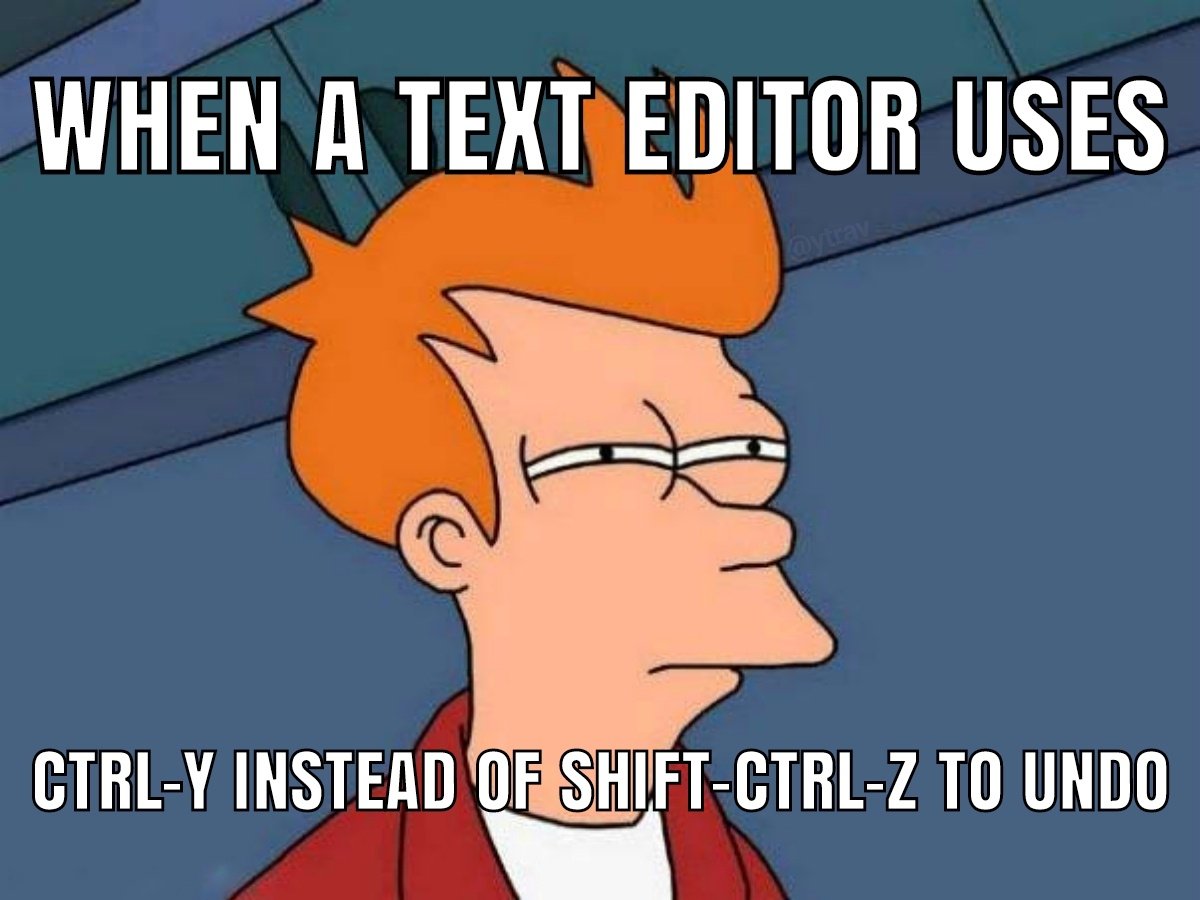
▲ 301 ▼ It always gets me (lemmy.world) submitted 3 years ago* by ytrav@lemmy.world to c/programmer_humor@programming.dev 41 comments fedilink hide all child comments *redo, sorry
[–] EmasXP@lemmy.world 5 points 3 years ago (3 children) Ctrl + Y shall paste, and nothing else! permalink fedilink source hideshow 6 child comments replies: [–] Diabolo96@lemmy.dbzer0.com 33 points 3 years ago* (3 children) Ctrl-c copy. Ctrl-v past. Ctrl-x cut permalink fedilink source parent hideshow 6 child comments replies: [–] Eonandahalf@lemmy.world 29 points 3 years ago (2 children) And Ctrl-y is redo. permalink fedilink source parent hideshow 4 child comments replies: [–] redcalcium@lemmy.institute 16 points 3 years ago* (1 child) I prefer ctrl+shift+z for redo. The advantage is you can spam both undo and redo without moving your finger from Ctrl and Z buttons. Very common in professional apps. permalink fedilink source parent hideshow 2 child comments replies: [–] Squids@sopuli.xyz 5 points 3 years ago Also in art apps, because it's not uncommon to want to undo and redo the same action over and over to see the difference something makes ...except gimp and krita. Seriously get your damn act together youse two permalink fedilink source parent [–] Diabolo96@lemmy.dbzer0.com 11 points 3 years ago* (last edited 3 years ago) (1 child) And Ctrl-z undo. That's all i know. If anyone know more please share. permalink fedilink source parent hideshow 2 child comments replies: [–] MagicShel@programming.dev 8 points 3 years ago (1 child) Ctrl-Deez nutz permalink fedilink source parent hideshow 2 child comments replies: [–] Diabolo96@lemmy.dbzer0.com 9 points 3 years ago Strange, It open the magnifier. permalink fedilink source parent [–] BorgDrone@lemmy.one 7 points 3 years ago y to yank p to paste d to cut permalink fedilink source parent [+] nogrub@lemmy.world 1 point 2 years ago [deleted] permalink fedilink source parent [–] Skipcast@lemmy.world 7 points 3 years ago Found the qwertz user permalink fedilink source parent [–] psilocybin@discuss.tchncs.de 7 points 3 years ago (1 child) Yank it permalink fedilink source parent hideshow 2 child comments replies: [–] Synthead@lemmy.ml 2 points 3 years ago Into shape permalink fedilink source parent
[–] Diabolo96@lemmy.dbzer0.com 33 points 3 years ago* (3 children) Ctrl-c copy. Ctrl-v past. Ctrl-x cut permalink fedilink source parent hideshow 6 child comments replies: [–] Eonandahalf@lemmy.world 29 points 3 years ago (2 children) And Ctrl-y is redo. permalink fedilink source parent hideshow 4 child comments replies: [–] redcalcium@lemmy.institute 16 points 3 years ago* (1 child) I prefer ctrl+shift+z for redo. The advantage is you can spam both undo and redo without moving your finger from Ctrl and Z buttons. Very common in professional apps. permalink fedilink source parent hideshow 2 child comments replies: [–] Squids@sopuli.xyz 5 points 3 years ago Also in art apps, because it's not uncommon to want to undo and redo the same action over and over to see the difference something makes ...except gimp and krita. Seriously get your damn act together youse two permalink fedilink source parent [–] Diabolo96@lemmy.dbzer0.com 11 points 3 years ago* (last edited 3 years ago) (1 child) And Ctrl-z undo. That's all i know. If anyone know more please share. permalink fedilink source parent hideshow 2 child comments replies: [–] MagicShel@programming.dev 8 points 3 years ago (1 child) Ctrl-Deez nutz permalink fedilink source parent hideshow 2 child comments replies: [–] Diabolo96@lemmy.dbzer0.com 9 points 3 years ago Strange, It open the magnifier. permalink fedilink source parent [–] BorgDrone@lemmy.one 7 points 3 years ago y to yank p to paste d to cut permalink fedilink source parent [+] nogrub@lemmy.world 1 point 2 years ago [deleted] permalink fedilink source parent
[–] Eonandahalf@lemmy.world 29 points 3 years ago (2 children) And Ctrl-y is redo. permalink fedilink source parent hideshow 4 child comments replies: [–] redcalcium@lemmy.institute 16 points 3 years ago* (1 child) I prefer ctrl+shift+z for redo. The advantage is you can spam both undo and redo without moving your finger from Ctrl and Z buttons. Very common in professional apps. permalink fedilink source parent hideshow 2 child comments replies: [–] Squids@sopuli.xyz 5 points 3 years ago Also in art apps, because it's not uncommon to want to undo and redo the same action over and over to see the difference something makes ...except gimp and krita. Seriously get your damn act together youse two permalink fedilink source parent [–] Diabolo96@lemmy.dbzer0.com 11 points 3 years ago* (last edited 3 years ago) (1 child) And Ctrl-z undo. That's all i know. If anyone know more please share. permalink fedilink source parent hideshow 2 child comments replies: [–] MagicShel@programming.dev 8 points 3 years ago (1 child) Ctrl-Deez nutz permalink fedilink source parent hideshow 2 child comments replies: [–] Diabolo96@lemmy.dbzer0.com 9 points 3 years ago Strange, It open the magnifier. permalink fedilink source parent
[–] redcalcium@lemmy.institute 16 points 3 years ago* (1 child) I prefer ctrl+shift+z for redo. The advantage is you can spam both undo and redo without moving your finger from Ctrl and Z buttons. Very common in professional apps. permalink fedilink source parent hideshow 2 child comments replies: [–] Squids@sopuli.xyz 5 points 3 years ago Also in art apps, because it's not uncommon to want to undo and redo the same action over and over to see the difference something makes ...except gimp and krita. Seriously get your damn act together youse two permalink fedilink source parent
[–] Squids@sopuli.xyz 5 points 3 years ago Also in art apps, because it's not uncommon to want to undo and redo the same action over and over to see the difference something makes ...except gimp and krita. Seriously get your damn act together youse two permalink fedilink source parent
[–] Diabolo96@lemmy.dbzer0.com 11 points 3 years ago* (last edited 3 years ago) (1 child) And Ctrl-z undo. That's all i know. If anyone know more please share. permalink fedilink source parent hideshow 2 child comments replies: [–] MagicShel@programming.dev 8 points 3 years ago (1 child) Ctrl-Deez nutz permalink fedilink source parent hideshow 2 child comments replies: [–] Diabolo96@lemmy.dbzer0.com 9 points 3 years ago Strange, It open the magnifier. permalink fedilink source parent
[–] MagicShel@programming.dev 8 points 3 years ago (1 child) Ctrl-Deez nutz permalink fedilink source parent hideshow 2 child comments replies: [–] Diabolo96@lemmy.dbzer0.com 9 points 3 years ago Strange, It open the magnifier. permalink fedilink source parent
[–] Diabolo96@lemmy.dbzer0.com 9 points 3 years ago Strange, It open the magnifier. permalink fedilink source parent
[–] BorgDrone@lemmy.one 7 points 3 years ago y to yank p to paste d to cut permalink fedilink source parent
[–] psilocybin@discuss.tchncs.de 7 points 3 years ago (1 child) Yank it permalink fedilink source parent hideshow 2 child comments replies: [–] Synthead@lemmy.ml 2 points 3 years ago Into shape permalink fedilink source parent