I'm surprised they didn't know that apk is very popular format for android. Might confuse a lot of users starting out.
I'm surprised they didn't know that apk is very popular format for android. Might confuse a lot of users starting out.
Just a tip that you in fact can create new notebooks or even trees of notebooks.
But if you want a completely separate collection of notebook, you can create a new profile (file - profile -new profile).
Cool website for extra stats, thanks 😊
Planning to get my feet into it but given the docs are sparse I anticipate a lot of tinkering needed. Any tips/sources how to make hosting it better and easier?
Thanks, this has finally pushed me over the line to block the community. The sub was good while it lasted. See yall at other meme communities
We all know rt is going to take over eventually, just like communism 🤔😳
It's like hammered drunk claiming he's capable to drive home
Stock footage: I used to be ai slop before it was called that!
if your coworker shared smt or you see smt online that made you chuckle, it's good enough to repost it on lemmy. Dont' overthink it

Touche, I get your point, indeed there's a lot of tech supporty posts however narrowing the community is only good when it has enough content
How about we wait out on fragmentation for flagship community of the instance until it starts to get at least 5 posts/day (30 posts/week)?
For lurkers hoarding high quality content for this community, this is your sign to press the button "New post"
cross-posted from: https://lemmy.ca/post/24023332
a cool guide for police encounters
More advice from @bosco@lemmy.ml:
Speak to them through the closed/locked door, DO NOT open the door or exit your home unless they are serving a warrant, at which point you should be asking to see it.
Stepping outside can potentially impact your protection under different interpretations of constitutional rights and also opens the doors to a litany of manufactured charges/claims from the police to justify entering the home or seizing individuals.
They got aggressive and threatening and/or assaulted an officer.
I saw ______ inside the home when they opened the door.
I detected the scent/signs of ______.
Getting back into your house once outside is infinitely more likely to trigger the cops to escalate the situation compared to never exposing yourself to that rush by not opening the door to begin with.
Not to mention the garbage where somehow an officer can place their foot/body into the open doorway of you open the door at which point if you attempt to close the door they claim assaulting an officer.
Don’t open the door. Don’t go outside to speak with them. If they’ve got a warrant they’re not going to be asking.
The number of times I got asked if import/export can be used instead of sync
jerk-sock
old car

perfectly good tennis balls

dry wall

sharp blades

art degree

Any more suggestions?

I'd love to support SD tuning but there's no hall sensor sticks and it's more expensive than Vader 3 pro... I don't get where's the value here
1 pound is ~450g

Readme of the project:
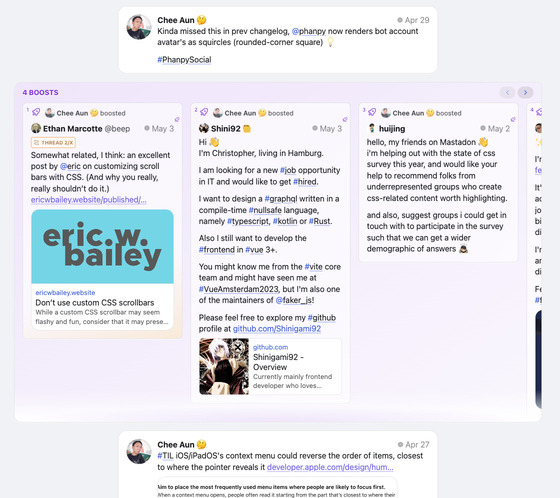
Minimalistic opinionated Mastodon web client.
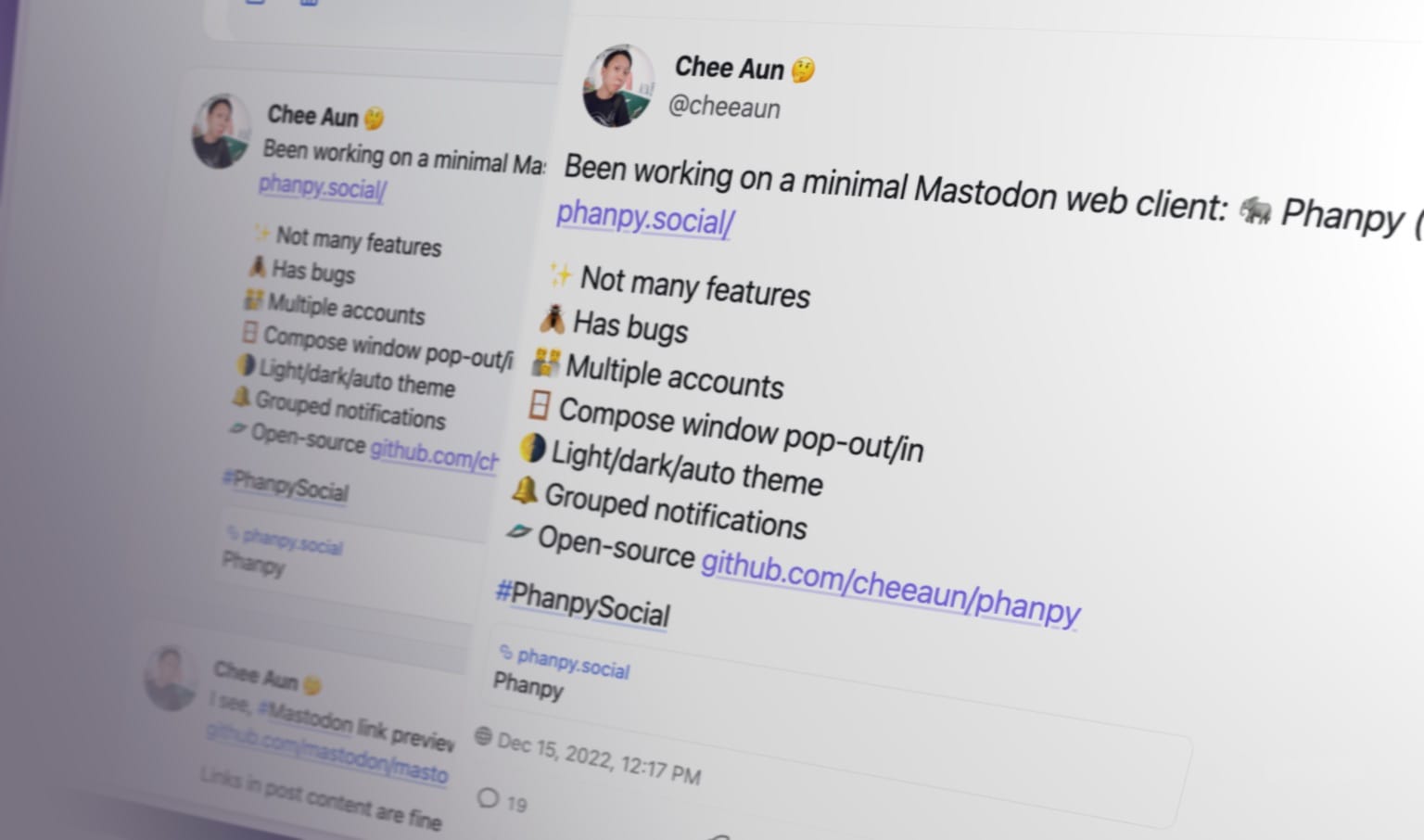
🗣️ Pronunciation: /fænpi/ (FAN-pee) 🔊 Listen
This is an alternative web client for Mastodon.
production branchmain branch🐘 Follow @phanpy on Mastodon for updates ✨
Everything is designed and engineered following my taste and vision. This is a personal side project for me to learn about Mastodon and experiment with new UI/UX ideas.
@username) are displayed in timelines, instead of the full account username (@username@instance).[NAME] @[username].@[username], always exclude the instance domain name.[NAME] looks the same as the @[username], then the @[username] is excluded as well.inReplyToId from cache or additional API requests, until the root post is found.Thread without the number.... at the end.