
(Edit: Fixed image)
post
replies:
load more comments
(1 reply)
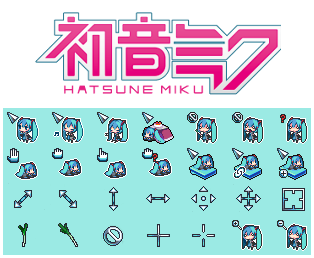
https://github.com/supermariofps/hatsune-miku-linux-cursors/
When my laptop is in presentation mode, I use this instead:

I'd love to implement my own cursor so I have things like cursor trail, but it's a lot harder than I thought. Something about hardware cursor.
replies:
default breeze, the black one
EDIT : Downloaded a win 3.1 dark version just for the hell of it , since you prompted me https://store.kde.org/p/999998
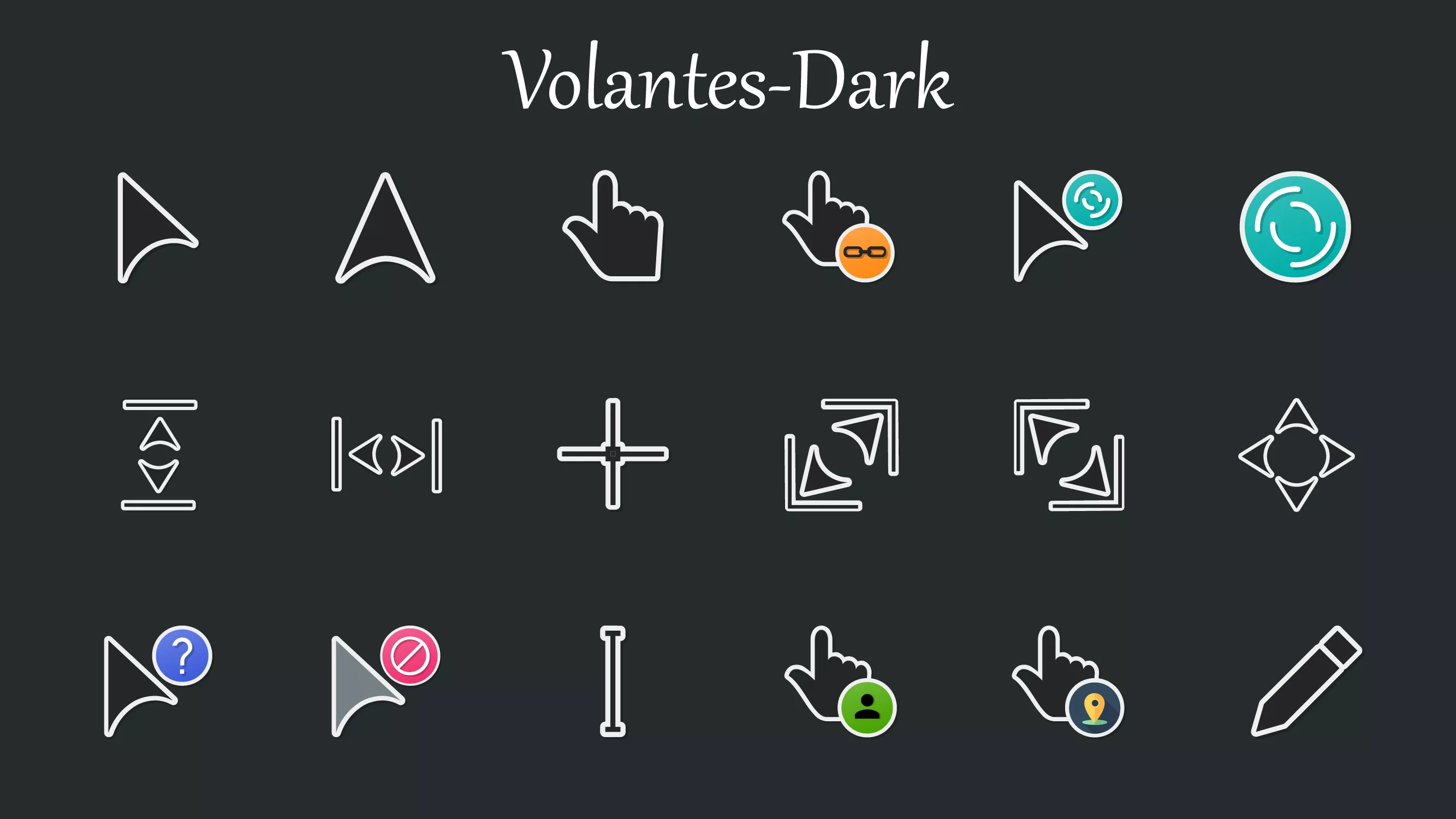
Quite fond of it. To the point where I kind of have to use these cursors on any PC I seriously use. Ordinary cursors just look out of place. At the very least, I always want tailless cursors. Seeing a tail on my cursor just feels old-fashioned, vestigial, and cringe to me.
replies:
load more comments
(2 replies)
Fuck Shit Cunt --
Edit oh whoops cursors oops
load more comments
(1 reply)
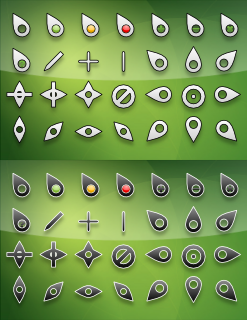
I really like Mocu.

load more comments
(1 reply)
People downvoting because now they have to customize their cursor and never considered it before lol

load more comments
(1 reply)
Loving just the stock KDE Breeze theme
I like posy-cursors
load more comments
(1 reply)
Polarnight:

replies:
Call me weird, but the cursors are just about the only visual element of my desktop that I don't customize. Boring default X cursors all the way!
banana cursor ftw. banana cursor github page
load more comments
(3 replies)
Brood war cursor best https://store.kde.org/p/1680392/

load more comments
(2 replies)
Vimix
load more comments
(1 reply)
I use Posy's
replies:
Phinger Cursors, was using Capitaine Cursors before that but i didn't like that the pre-built binaries were hosted on pling, or atleast i couldn't figure out how to get the actual download url from there for the sake of packaging, and building from source takes so long, so i ended up looking for something that had pre-builts hosted elsewhere.
load more comments
(3 replies)
After downloading tons of them, and trying them out on various computers over a range of screen sizes and resolutions, and also considering what fits with the vibe of my theming, I have ended up with Breeze. Pretty basic, but I love it. I have to use Windows at work, and got Breeze on there as well.
load more comments
(1 reply)
I'm actually on Windows (please don't murder me), but I use KDE's Oxygen cursors, and have for about 12 years.
[deleted]
Elementary os cursor
I use PearDarkCursors
I was looking for the obligatory 'I use a tiling WM btw' comment but it seems that everyone is touching grass here
load more comments
(5 replies)
The one with the blinking white block. Except when I'm in insert mode of vim then blinking white line
On windows 11 you can turn your regular cursor various colors, including green and pink, and I wish KDE could do that. I could edit cursor vectors myself, but I don't wanna. Too lazy. I like colorful cursors because they're easier to find and track, but I don't want those big bloated cutesy cursors.
replies:
Standard breeze, but I use light cursors on a dark background. I think that makes more sense.
i use bibata modern classic
replies:
Bibata Original Ice at day & Bibata Original Classic at Night
Not yet mentioned:
Polar cursors - long time classic. The download seems to have a wrong extension, correct is .tar.bz2.

I also just noticed Oreo cursors - not sure if I like them yet:


https://www.gnome-look.org/p/1249129/
Buuf cursor, it fits with Buuf icons.
Red alert 3 cursors
I use Beat Cursor Pack by HeroOfYore https://github.com/HeroOfYore/Yore-Cursorpacks/releases/tag/v1.1.0-beat
Rosé Pine Dawn Cursor https://github.com/rose-pine/cursor
view more:
next ›
top 50 comments