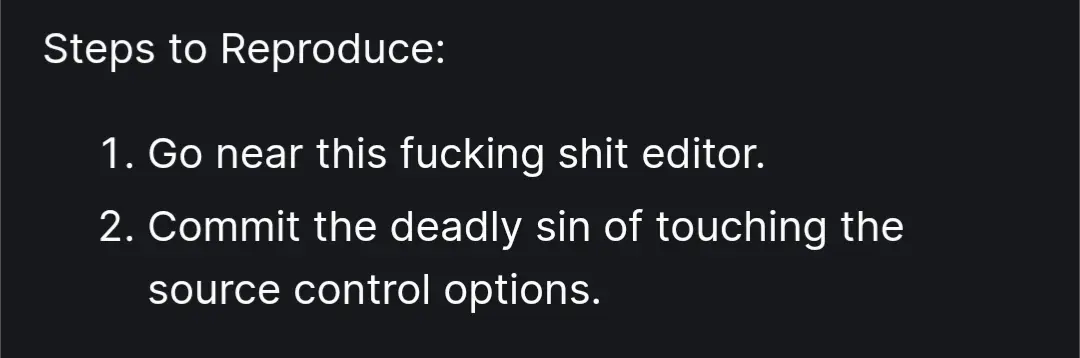
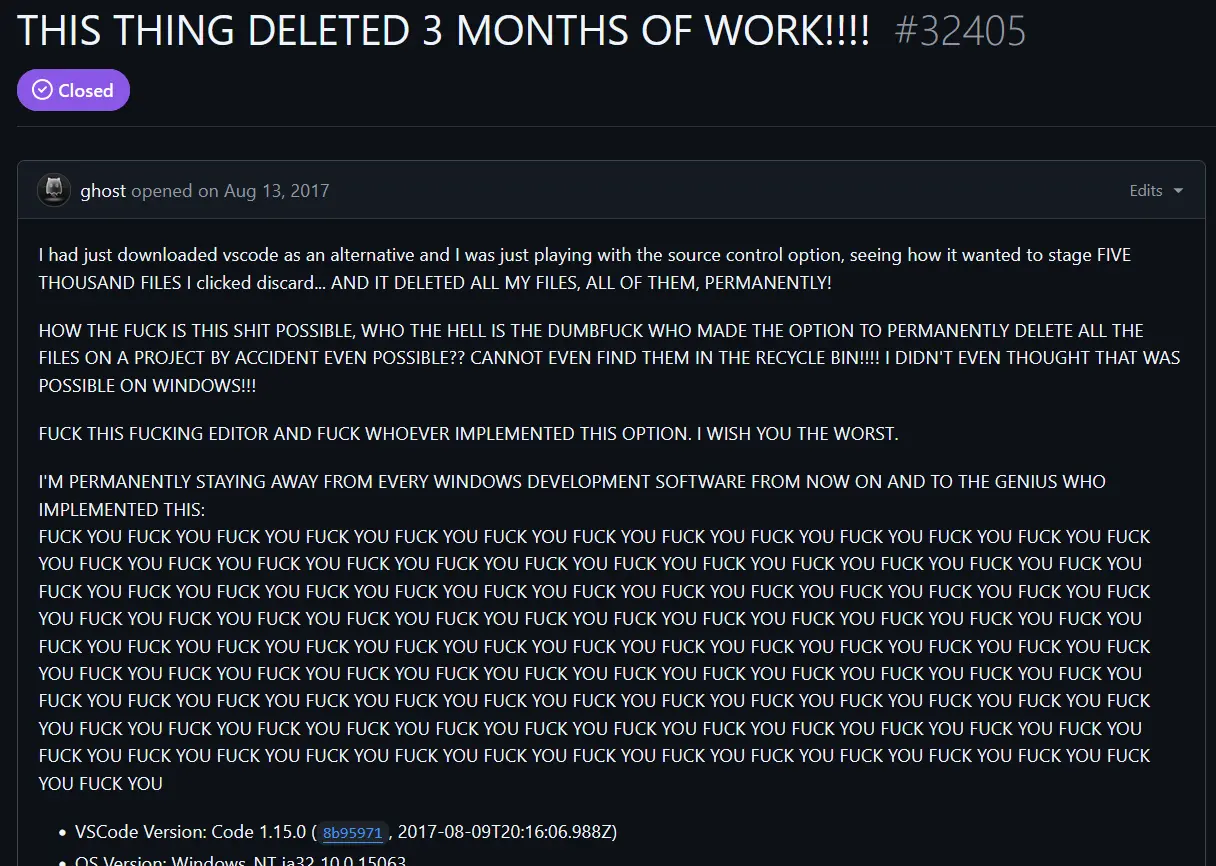
▲ 865 ▼ Microsoft Please Fix (lemmy.zip) submitted 2 years ago* (last edited 2 years ago) by Maven@lemmy.zip to c/programmer_humor@programming.dev 331 comments fedilink hide all child comments The real report
[+] mark3748@sh.itjust.works -3 points 2 years ago (2 children) [deleted] permalink fedilink source parent hideshow 4 child comments replies: [–] tyler@programming.dev 8 points 2 years ago (1 child) discarding changes does not discard uncommitted new files. The VS Code button did a git clean which is completely unexpected. Git even refers to a git clean with completely different terminology. git reset -> "Resets the index and working tree. Any changes to tracked files in the working tree since are discarded." git clean -> "Cleans the working tree by recursively removing files that are not under version control, starting from the current directory.". This command also requires you to specify a force option to actually do something, else it quits with an error. Note that git clean never once refers to discarding anything, and git reset never refers to removing untracked files. VS Code was doing an idiotic thing. Running git reset --hard AND git clean. There is absolutely no reason to be running git clean from an UI button ever. If you want to remove a file you can explicitly remove it. Imagine that the button said "Discard all changes" and then it ran rm -rf --no-preserve-root /*. Would that make sense as a button? No. It definitely would not. permalink fedilink source parent hideshow 2 child comments replies: [–] dosuser123456@lemmy.sdf.org 2 points 2 years ago or like "unmount d:" but instead it formats d: permalink fedilink source parent [–] onlinepersona@programming.dev 7 points 2 years ago Which is exactly the situation the dude was in. As a newbie, it's an easy mistake to make. Telling somebody who doesn't know "well, would you look at that, you didn't know!" is not just unhelpful, it's useless and condescending. Anti Commercial-AI license permalink fedilink source parent
[–] tyler@programming.dev 8 points 2 years ago (1 child) discarding changes does not discard uncommitted new files. The VS Code button did a git clean which is completely unexpected. Git even refers to a git clean with completely different terminology. git reset -> "Resets the index and working tree. Any changes to tracked files in the working tree since are discarded." git clean -> "Cleans the working tree by recursively removing files that are not under version control, starting from the current directory.". This command also requires you to specify a force option to actually do something, else it quits with an error. Note that git clean never once refers to discarding anything, and git reset never refers to removing untracked files. VS Code was doing an idiotic thing. Running git reset --hard AND git clean. There is absolutely no reason to be running git clean from an UI button ever. If you want to remove a file you can explicitly remove it. Imagine that the button said "Discard all changes" and then it ran rm -rf --no-preserve-root /*. Would that make sense as a button? No. It definitely would not. permalink fedilink source parent hideshow 2 child comments replies: [–] dosuser123456@lemmy.sdf.org 2 points 2 years ago or like "unmount d:" but instead it formats d: permalink fedilink source parent
[–] dosuser123456@lemmy.sdf.org 2 points 2 years ago or like "unmount d:" but instead it formats d: permalink fedilink source parent
[–] onlinepersona@programming.dev 7 points 2 years ago Which is exactly the situation the dude was in. As a newbie, it's an easy mistake to make. Telling somebody who doesn't know "well, would you look at that, you didn't know!" is not just unhelpful, it's useless and condescending. Anti Commercial-AI license permalink fedilink source parent