submitted 2 years ago* (last edited 2 years ago) by to c/jellyfin@lemmy.ml
 

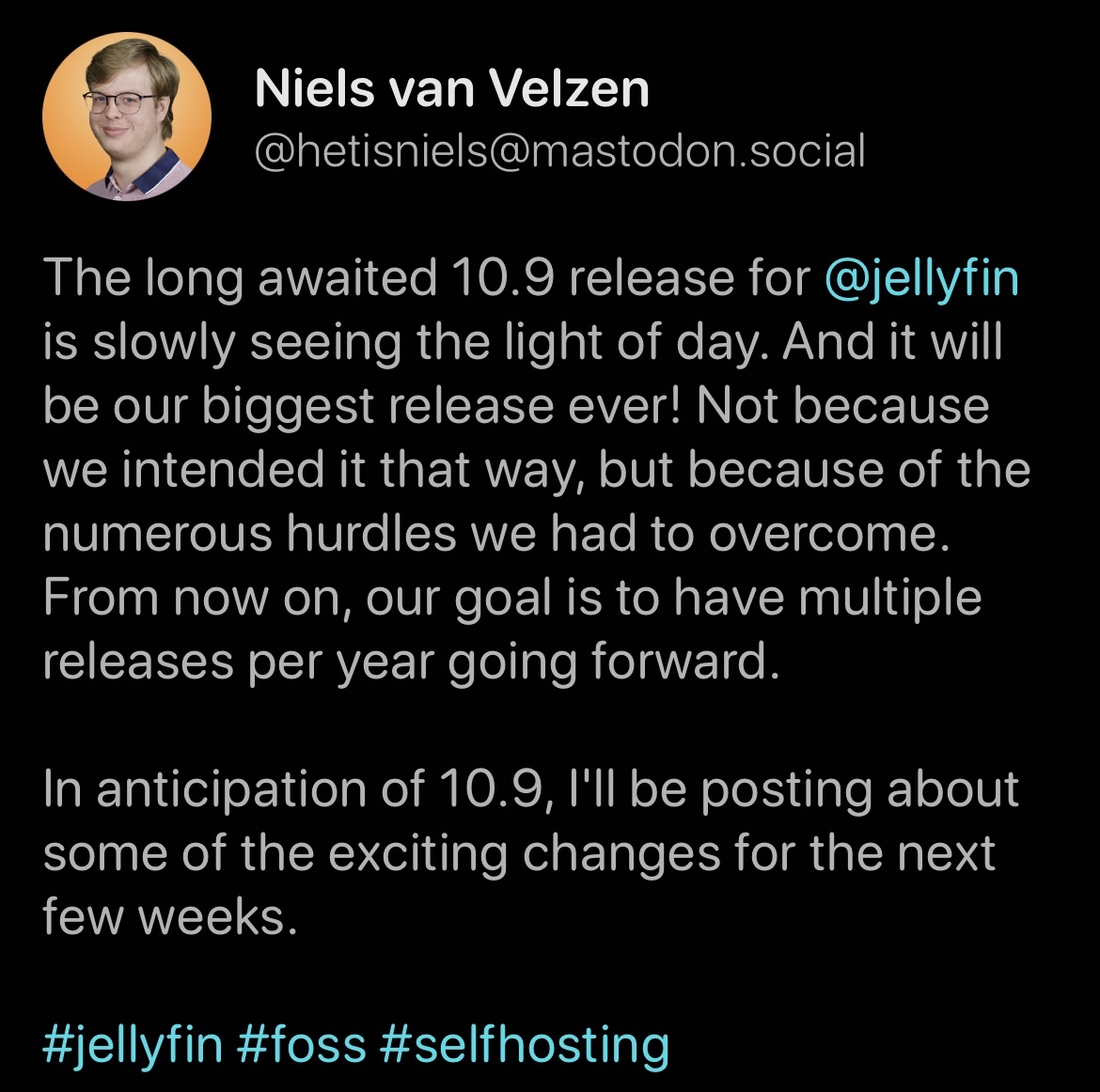
Release target is tentatively mid April according to here..
you are viewing a single comment's thread
view the rest of the comments
[–] 16 points 2 years ago (4 children)

Anyone have a good source that explains how to setup and find safe media. Computer literacy is not my strong point.

  • source
  • hideshow 8 child comments
  • [–] 33 points 2 years ago (2 children)

    Buy Blurays and rip them to your machine. From there copy them into Jellyfin.

    You will need a Bluray reader, Handbrake and MakeMKV

  • source
  • parent
  • hideshow 4 child comments
  • [–] 13 points 2 years ago* (3 children)

    @possiblylinux127 @Bluefalcon

    In this order:

    1. Rip the BluRay-Disk (or DVD) with MakeMKV, you will got the film with all languages and subtitles in one MKV-File;
    2. Shrink the MKV-File with Handbrake and save it as H264/H265 or better as AV1 (better because open-source and the future).

    #Film #Movie #rip #Bluray #MKV #MakeMKV #Handbrake

  • source
  • parent
  • hideshow 6 child comments
  • [–] 4 points 2 years ago* (5 children)

    Do not use AV1 or at least don't use it as of now as it isn't supported my most devices. I think there is exactly one phone that supports it as of now

  • source
  • parent
  • hideshow 10 child comments
  • [–] 3 points 2 years ago*

    I’m switching to AV1. But I’ve also been following its progress for years and understand the benefits and drawbacks. I wouldn’t recommend blindly jumping in if you’re new.

  • source
  • parent
  • [–] 2 points 2 years ago (3 children)

    Untrue, all my devices support av1 at this point, so that's only your mileage.

    I am happy with av1 and its awesome space savings over h264.

  • source
  • parent
  • hideshow 6 child comments
  • [–] 1 point 2 years ago (2 children)

    av1 is going to be super niche and never fully adopted, just like ogg was for audio. h264/265 will be the main thing going for years and is just fine.

  • source
  • parent
  • hideshow 4 child comments
  • [–] 4 points 2 years ago

    Are you aware that all android devices with A14 have av1 support as a requirement?

    Also Apple is adding that, and amazon sticks already support av1 natively.

    Said that, indeed h264 is and will be the safest and most supported choice for a very long time.

    As 265 goes, not so sure.

  • source
  • parent
  • [–] 1 point 2 years ago* (last edited 2 years ago) (2 children)

    @possiblylinux127
    @PM_Your_Nudes_Please
    @Bluefalcon

    A lot of newer Android-TV-Settop-Boxes are ready for AV1, for example products from Orbsmart.de like my Orbsmart S87L.
    On that box is Kodi preinstalled and you can install everything from android-stores, also the Jellybin-client.

    Don't forget: Jellybin is a very good open-source-software, but a client-server-system. So you need Hardware for the server-software.

    #Jellyfin #Kodi #Orbsmart #AndroidTV #Settopbox #AV1

  • source
  • parent
  • hideshow 4 child comments
  • [–] 3 points 2 years ago (1 child)

    *Jellyfin

    My point is that H264 is well supported everywhere so I personally am in no hurry to switch. Non of my devices support AV1 so it is a waste of my time for the most part.

    What's worse is when I first started a bunch of people recommended AV1 which lead to Jellyfin not working.

  • source
  • parent
  • hideshow 2 child comments
  • [–] 1 point 2 years ago

    And you're the norm, not the exception. Too many people choose to evangelize instead of looking at real-world use cases for the majority. I used to use Nvidia boxes around the house with Kodi. It worked but my wife and kids sure thought it was a pain in the rear often enough that it made it a pain for me too.

  • source
  • parent
  • Worth noting that AV1 is less compatible with older devices. My old Samsung TV, for instance, refuses to play them. It can’t DirectPlay AV1, so the server tries to transcode. But even when transcoding, the stream still fails. If you have an older smart TV, you may want to stick with h264 for compatibility reasons.

  • source
  • parent
  • [–] 1 point 2 years ago (1 child)

    Also of you can stand the quality check out DVDs in charity shops or second hand online (Ebay etc). (And give away / resell after you made a "backup".)

  • source
  • parent
  • hideshow 2 child comments
  • [–] 1 point 2 years ago (1 child)

    To keep a copy of the media in Jellyfin you need to have a physical copy with the server. You also probably shouldn't share it with friends unless you are living together.

  • source
  • parent
  • hideshow 2 child comments
  • [–] 3 points 2 years ago (2 children)

    You may need to keep the physical copy for it to be legal or moral according to your own ethics but from a purely technical standpoint there is absolutely no need.

  • source
  • parent
  • hideshow 4 child comments
  • [–] 1 point 2 years ago

    Yeah, fair, but depending on where you are you're already in illegal territory if you're circumventing DRM on the discs (e. g. Germany, I think).

    (And how likely is it that I 1. get busted for pirating when not torrenting/downloading and 2. will make the copyright trolls believe me that I actually legally bought this movie at a charity shop five years ago? Has that ever hapenend?)

  • source
  • parent
  • [–] 5 points 2 years ago (2 children)

    What do you mean by "safe media"?

  • source
  • parent
  • hideshow 4 child comments
  • [–] 18 points 2 years ago (1 child)

    I’m guessing he means how to sail the high seas without getting scurvy if you know what I mean

  • source
  • parent
  • hideshow 2 child comments
  • [–] 7 points 2 years ago (1 child)

    Where I don't have to throw my PC out afterwards due to virus and malware.

  • source
  • parent
  • hideshow 2 child comments
  • [–] 7 points 2 years ago (1 child)

    When looking for media online, you pretty much just need a good adblocker and the sense not to run any random executables.

    The media files themselves are very unlikely to have malware attached. They would need to exploit a bug in the specific video player you are using and then exploit another bug in your OS to get admin privileges before doing any real damage. It's pretty much just theoretical. Keep your stuff up to date and don't worry about it.

  • source
  • parent
  • hideshow 2 child comments
  • [–] 4 points 2 years ago (1 child)

    The good old Arr Stack is worth looking into.

    Radarr (movies), Sonarr (TV), Prowlarr (for finding things), Bazarr (if you're in the subtitles gang, but most newer rips already contain it), VPN (to keep out nosey lawyers).

    Only the VPN costs money, and it may be optional depending on where you are.

  • source
  • parent
  • hideshow 2 child comments
  • [–] 1 point 2 years ago

    That doesn't really resolve the problem of is the media safe.

    From a cybersecurity standpoint you should be validating the mime type of the media at a minimum (The actual magic number, not the extension). And running it through ClamAV as well, ideally, before it's released to your media library.

  • source
  • parent
  • [–] 2 points 2 years ago

    You may be better off using streamio, torrentio (a plugin for streamio,) and real-debrid.

    It’s a bit more straight forward and doesn’t involve all the setup of downloading, organizing, and hosting the media.

  • source
  • parent