1
posts
2
3
4
5
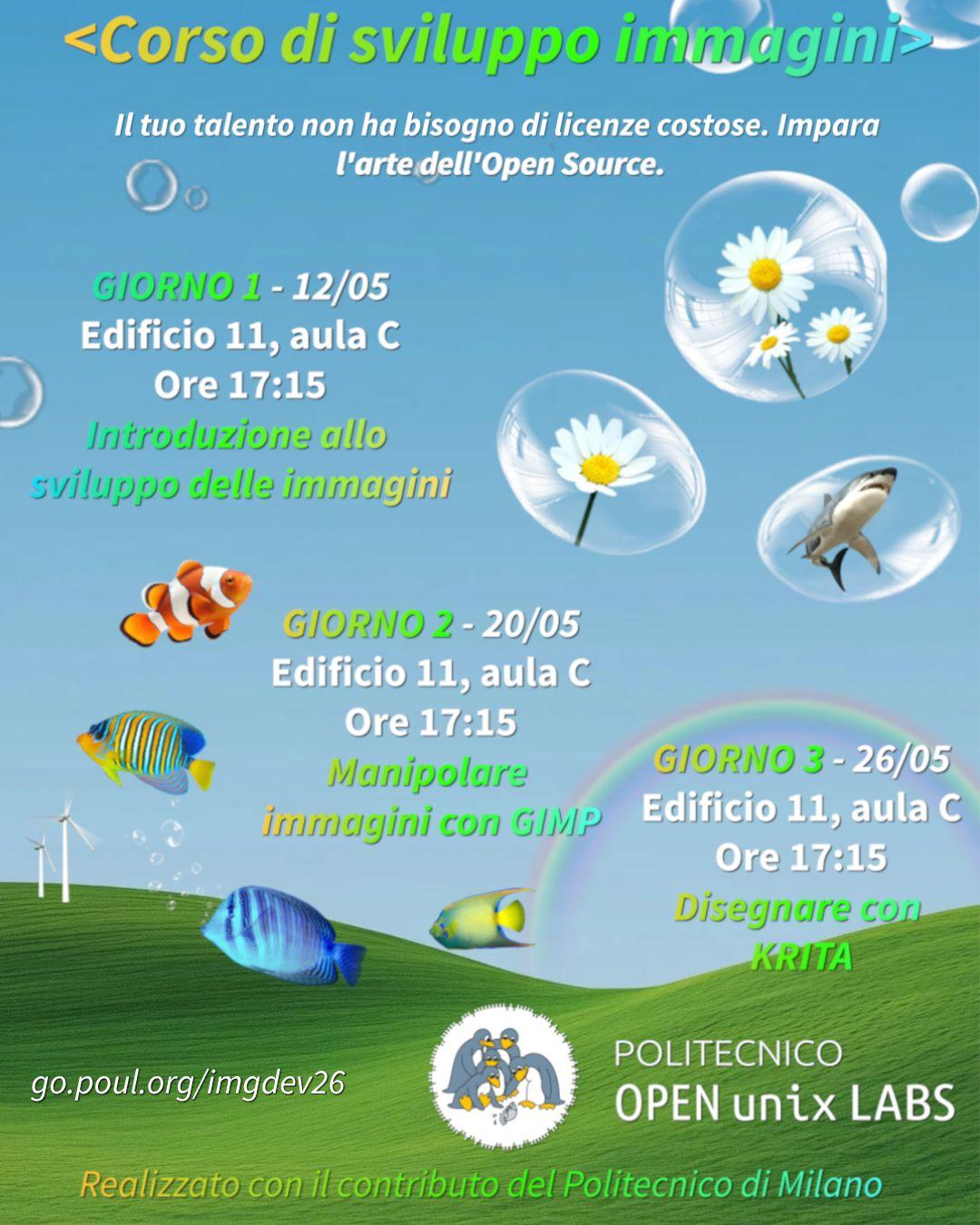
We are proud to showcase our new Image Editing course, where we’ll dive into the world of open source software for image manipulation. We’ll explain, in an approachable way for beginners, fundamental concepts like layers, raw editing, raster editing and we’ll apply them with explanations and demonstrations to three different (free software!) popular softwares: #rawtherapee, @GIMP@floss.social :gimp: and @Krita@mastodon.art :krita:
@lambrate @milano @milano@citiverse.it @gimp@lemmy.world @krita@lemmy.world @photography@lemmy.world @photography@lemmy.ml
6
7
8
9
10
The GIMP 3 series cements its place as a professional and truly advanced piece of software.
It deserves a UI to match.
Get the theme and find out more at https://jpicture.net/hyperflatgraphite/

11
I've pretty much completed my new clean dark theme for the GIMP 3 series, but I'd like some feedback on one thing before I release it.
Should I use a light or dark tone for the separators? If you compare the two images you'll see what I'm referring to.
I think the lighter separators are easier to see and the darker ones are less distracting.
Which do you think is better?
I know I have a bias towards making things low-contrast and 'smooth', sometimes overly so, and I'd appreciate some outside perspective.
Also posted to Mastodon if the images here are struggling to load on your Lemmy app, like they do sometimes on mine: https://mastodon.social/@jpicture/116255975518406081


12
13
14
15
16
17
18
I wanted to make a clean, modern and neutral theme for my work photographing artwork and making prints.
PrintroomExpertSuperflat is the result.
I thought it would be cool to post it to the Lemmy GIMP community first :)
Download the theme and find out more about it at https://jpicture.net/printroomexpertsuperflat

19
20
21
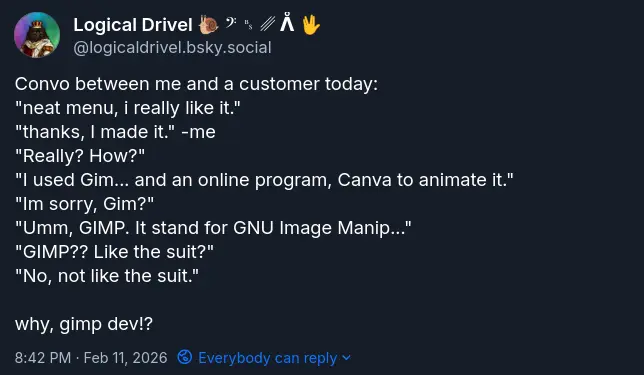
Honest to gods, this conversation happened today, and it may have cost me a job opportunity. The customer was super impressed with my menu design and animation, and wanted to know who we got it from. When I said I did it, their face lit up! Too bad as soon as i said GIMP, they weren't interested anymore. Has anyone else experienced this? What do you say in similar situations?
22
23
24
cross-posted from: https://lemmy.world/post/41518884
"Gimp is good but i miss the heal patch" ...not really.
Resynthesize is a heal selection plugin you can add to Gimp. With many software store manager like the one from Linux Mint all you have to do is simply to add the additional components in the software page
Otherwise you can download it from github and add it to your plugin folder following this guide
https://www.arkthinker.com/edit-image/remove-the-watermark-with-gimp/
https://github.com/bootchk/resynthesizer
once installed you can find it in Filters> Enhance > Heal section


More Gimp plugins
https://beebom.com/best-gimp-plugins/
https://www.makeuseof.com/tag/install-gimp-plugins/

25
today I learned that imagemagick can read gimp's project files, and treat each layer as a seprate image. This. Is. Huge. It means that now finally we can have something that is close to "Save all images".
for example magick template.xcf layer_%d.png would save each layer as layer_1.png, layer_2.png, etc

and here's a preview in my image viewer:

I discovered this by accident, as I was trying to montage images into a single image, I kept seeing some source images being included that weren't really exported in the image directory. Turns out it was the xcf file :)
view more:
next ›