Either (or both) of the two games by this developer: https://play.google.com/store/apps/dev?id=8857752720402747582
You could download a terminal app (termux from f-droid) and run ls > file.txt. You would first want to cd (change directory) to the location you're interested in. This will generate a file.txt with the output of ls (list files command).
Desperate for that blue check money
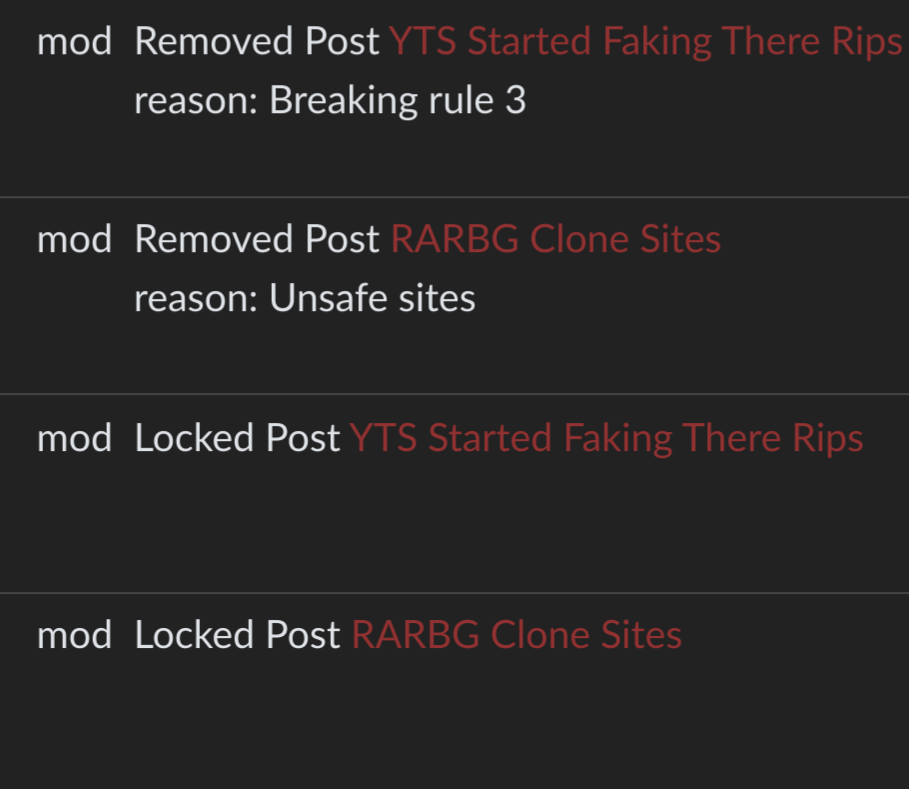
what were the titles of your posts?
There's like 100-200+ individual contributors to each of the apps. Practically impossible for everyone to agree to relicense especially considering the community reaction to the sale.
Another option would be to build in on a VPS, especially because a lot of them will give free credits and bill by the hour
Why do you say that? Unless they completely rewrite the app from scratch it is not even possible to have a closed-source version of the app. That's what the GPLv3 does.
The same system he was responsible for sending people into as part of his daily work, assuming they were still alive.
Why don't you revert it back to the original structure and instruct makemkv to operate on that directory?
AFAIK the code is all GPLv3 so they won't be able to close-source it.
I was talking about immediately switching. There is enough time to build the apps from source for yourself before they upload their shittified version.
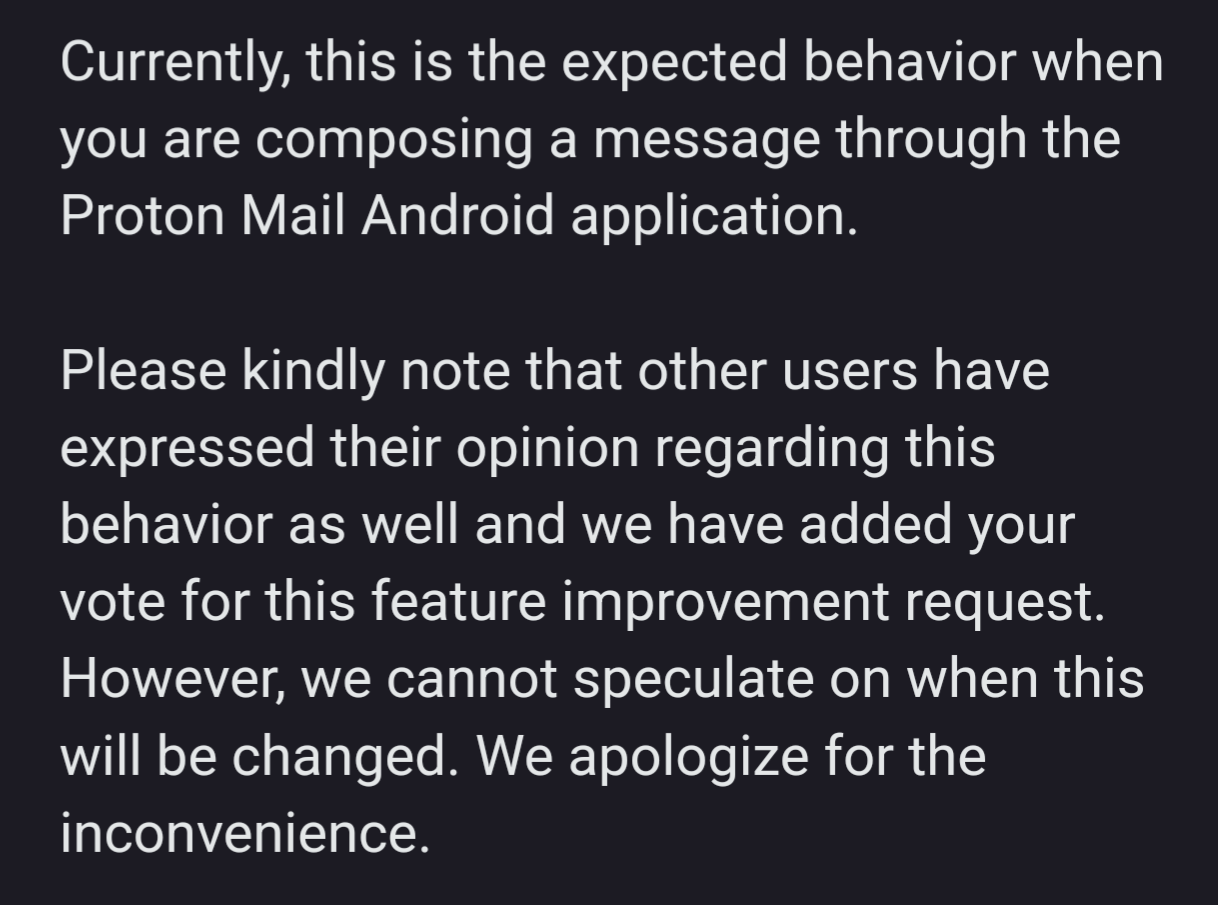
I've noticed a small issue with my email client for quite some time now where composing a new email will have several blank lines by default.
It's not too much of an issue to simply delete them but hey, maybe no one had pointed this out before! So I filed a bug report only to get this response... basically it's not a bug, its a feature!
view more:
next ›