[deleted]
V
Chiropractic (bone popping) and Homeopathy are my guesses
Plasma - liquefy?
You misspelled "vaporize"
Oh.
I misinterpreted this, thinking it was showing me savings on shipping and such.
Instead, I think it's referring specifically to savings on purchases that were Prime Exclusive Deals or maybe Prime Early Access.
Apologies for the wild goose chase.
I see those too if I scroll down further. I'm using this version on Pixel 5 with Android 14.
Amazon App Version 26.23.4.100 Build 18.0.336079.0
In the app open your profile (1) and then your account (2):
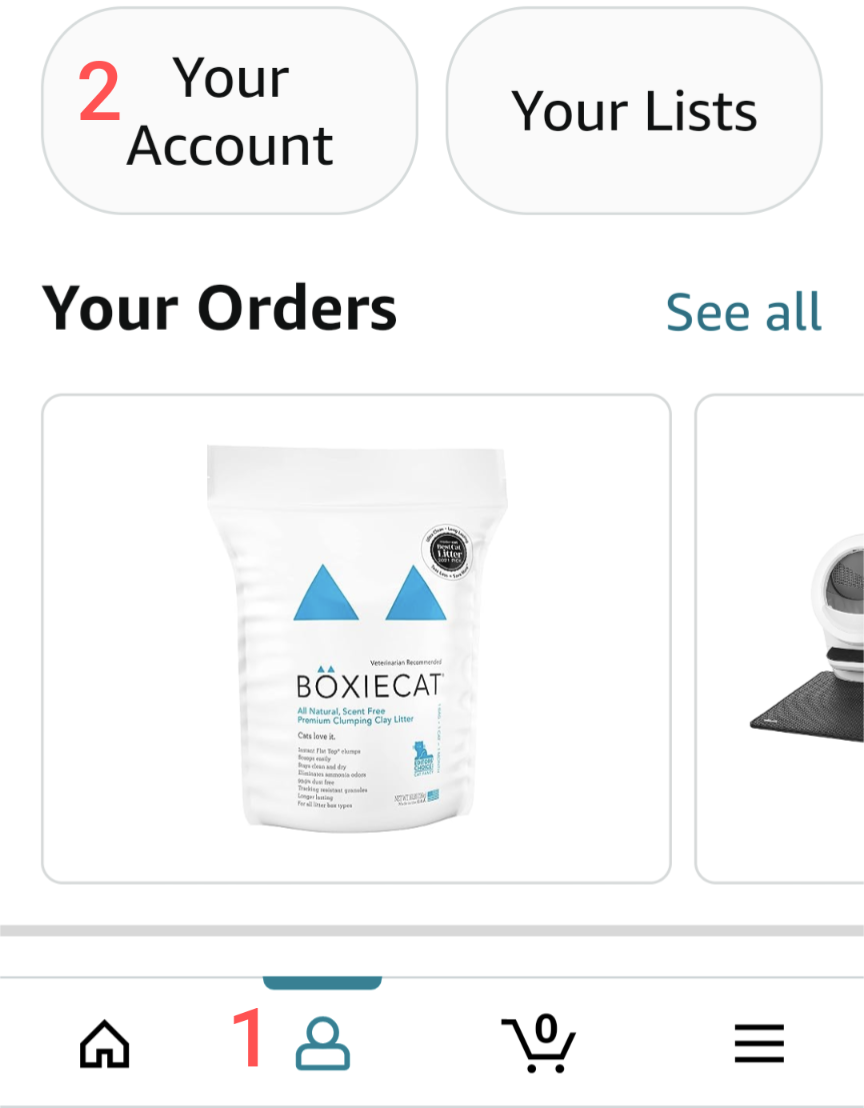
Then scroll down to Account Settings to (3) Manage Prime Membership:

And scroll down to (4) Your Prime deals and discount savings:

This is what it looks like for me:

In the Prime app, you can see how much you've saved with Prime over the last year... Looks like it will be cheaper for me to just cancel outright.

Imma just drop this here
This is not my comment from the Play store, it's from another Sync user having a similar issue:
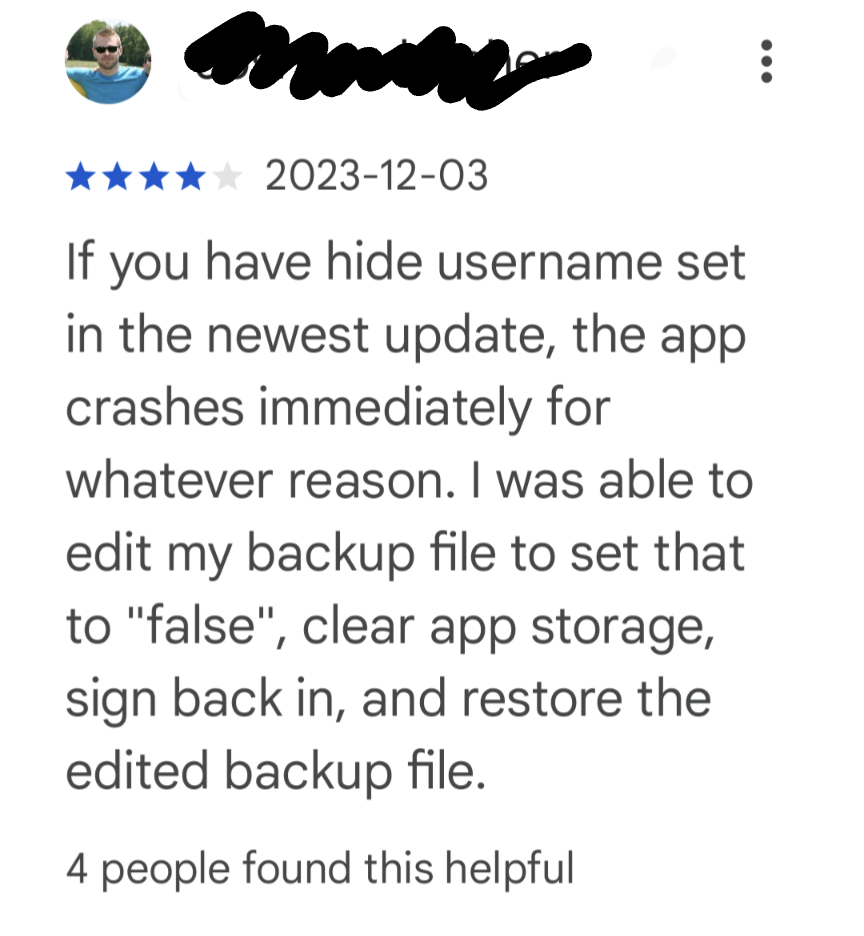
Play store link: Sync for Lemmy