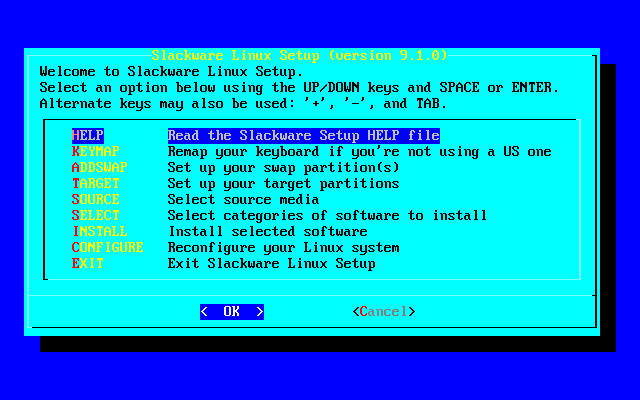
No, no, this is the peak OS installation menu:

😜
No, no, this is the peak OS installation menu:

😜
No, Ark Linux (not Arch) had Tetris in their installer, so we could play while we waited. It has been discontinued unfortunately.
Wow I'd never heard of anything like that before, that's pretty dang cool.
I know some Minecraft mod packs used to have pong integrated in their loading screens.
Small history lesson for those interested: the reason we didn't see much of this sort of thing is because Namco actually had it patented, up until late 2015. Originally, you could play Galaxian while you waited for Ridge Racer to load! (At the expense of everyone else being able to have little loading screen games...)
Just because of the loading bar? You're easy to please 😁.
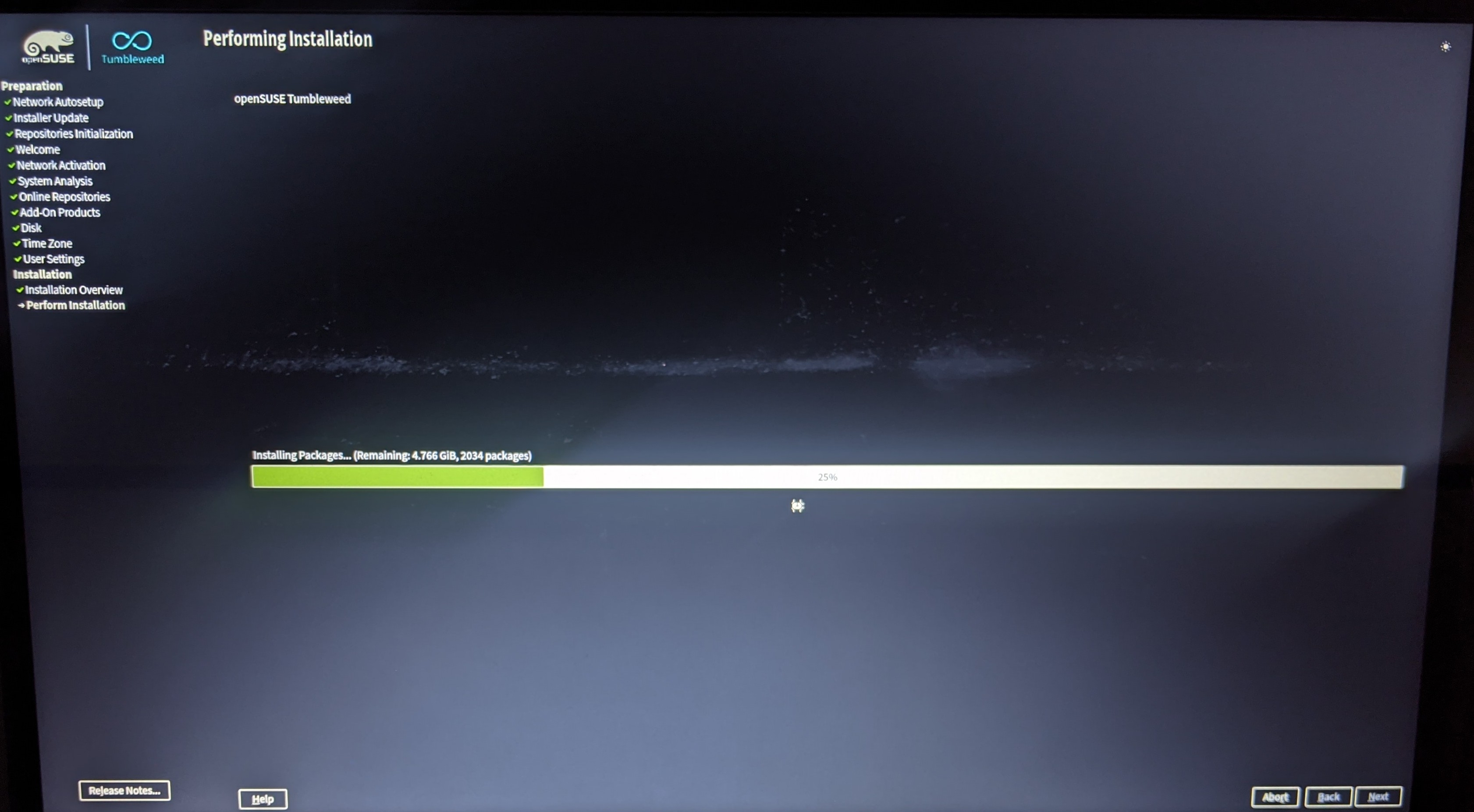
I mean, it is something surprisingly absent from most installers
You apparently haven't tried Ubuntu in 20 years? Canonical has had a very clean Windows-ish experience forever, though even back in the day, Suse always had a pretty decent one as well.
It is also a lie as the installer doesnt know any percentages.
But afaik Debian installer, Calamares, Fedora Anaconda and more all have loading bars
Not just loading bar it's everything about the aesthetic in the menu, logo on the top, installation steps on the side and loading bar on the middle just enough to fill the screen while not being too crowded or overwhelming
And then there's the installation options that look and behave exactly like a regularly themed Qt application (which it probably is). Wonderful!
Okay, I'm coming from Gentoo and Debian, cut me some slack, I'm easy to please regarding installers :-P
Help, why does this picture feel like it's ever so slightly tilted?
When I look at it as a thumbnail, it looks like the installation box is popping out of my phone. When I fulllscreen it, the illusion vanishes for me.
I bet it's something to do with the drop shadow. Seems like the center of mass is shifted, eh?
Well there was also gobo Linux, which would let you play Tetris while the installation did its thing.
Yeah it's alright. I've been using Tumbleweed on my Desktop PC for the last few months and I gotta say it's mid. They do hard drive unlocking in Grub instead of in the initfs which means that only LUKS 1 and with that only the not-so-secure PDKDF is supported, instead of argon2id which is the modern KDF you want to use. This is a small and annoying oversight in the distros security which is why I will not be using it in the future
Doesn't GRUB support LUKS2 nowadays? I know that wasn't the case a year ago or so, but I didn't see a notice on the Archwiki last time I checked.
Not sure how up to date this is, but it claims LUKS2 is only partially supported by GRUB https://docs.voidlinux.org/installation/guides/fde.html
LUKS2 is only partially supported by GRUB; specifically, only the PBKDF2 key derivation function is implemented, which is not the default KDF used with LUKS2, that being Argon2i (GRUB Bug 59409). LUKS encrypted partitions using Argon2i (as well as the other KDF) can not be decrypted. For that reason, this guide only recommends LUKS1 be used.
If we’re being honest every release without this status bar being the tail unfolding OR the tongue extending to catch a fly is a waste.
You could've shown a better screenshot I guess
There's some decent screenshots here: https://opensuse-guide.org/installation.php
With Gentoo, you can choose any live-iso, open a terminal and start installing. (:
This might just be me but I hate those bars. It better come with some sort of text output so I can see what's actually going on.
I still prefer archinstall‘s TUI install script (I just wish that it would offer to install yay as well)
OpenSUSE also had a TUI installer IIRC, it's YaST-adjacent.
Give me the Debian TUI anyday. Clean, simple, to the point. Has become just muscle memory thanks to all the server VMs I’ve installed it in.
I am impressed, creating btrfs sub-volumes in a debian installation with muscle memory would look like magic to me (as a linux-beginner).
The partitioning and filesystem stuff feels very unsorted and confusing for me.
But if all the standard settings are ok for you and you only have to hit enter, I guess the installer is ok.
I think people here are don't know and understand how customizable is opensuse's installer.
Debian: boring installer, bare-metal install completed in about 10 minutes
Almalinux: nice installer, bare-metal install completed in about 10 minutes
Opensuse: nice installer, bare-metal install completed in about an hour. WHYYYYYYYY?
I don't like that it doesn't give you a live image by default. It's kind of hard to find them on the website.
I think my ideal installer would be one that boots into a desktop and by default installs that and copies everything you've done there onto the installed system. Like "here you can start using your system right away, we'll ask you a few questions and then do the pesky installation stuff for you in the background".
Huh, I haven't installed SUSE in at least 10 years and seeing the Gecko is giving me a bit of nostalgia. I may have to run an install and see what's changed.
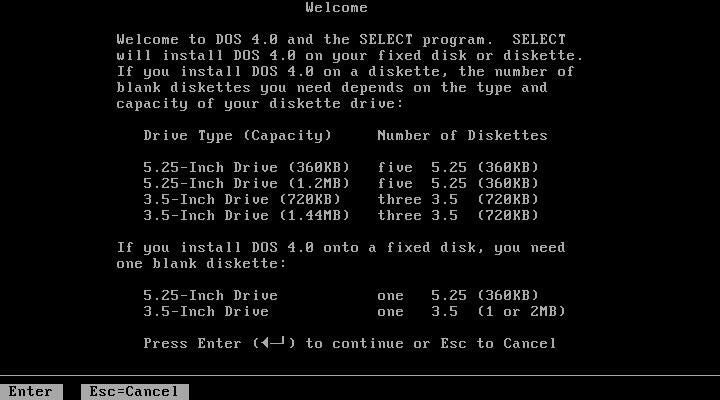
I don't know man, Debian's TUI installer is just neat. It does the job.
top 50 comments