top 50 comments

sorted by: hot top controversial new old
[–] 83 points 2 years ago*

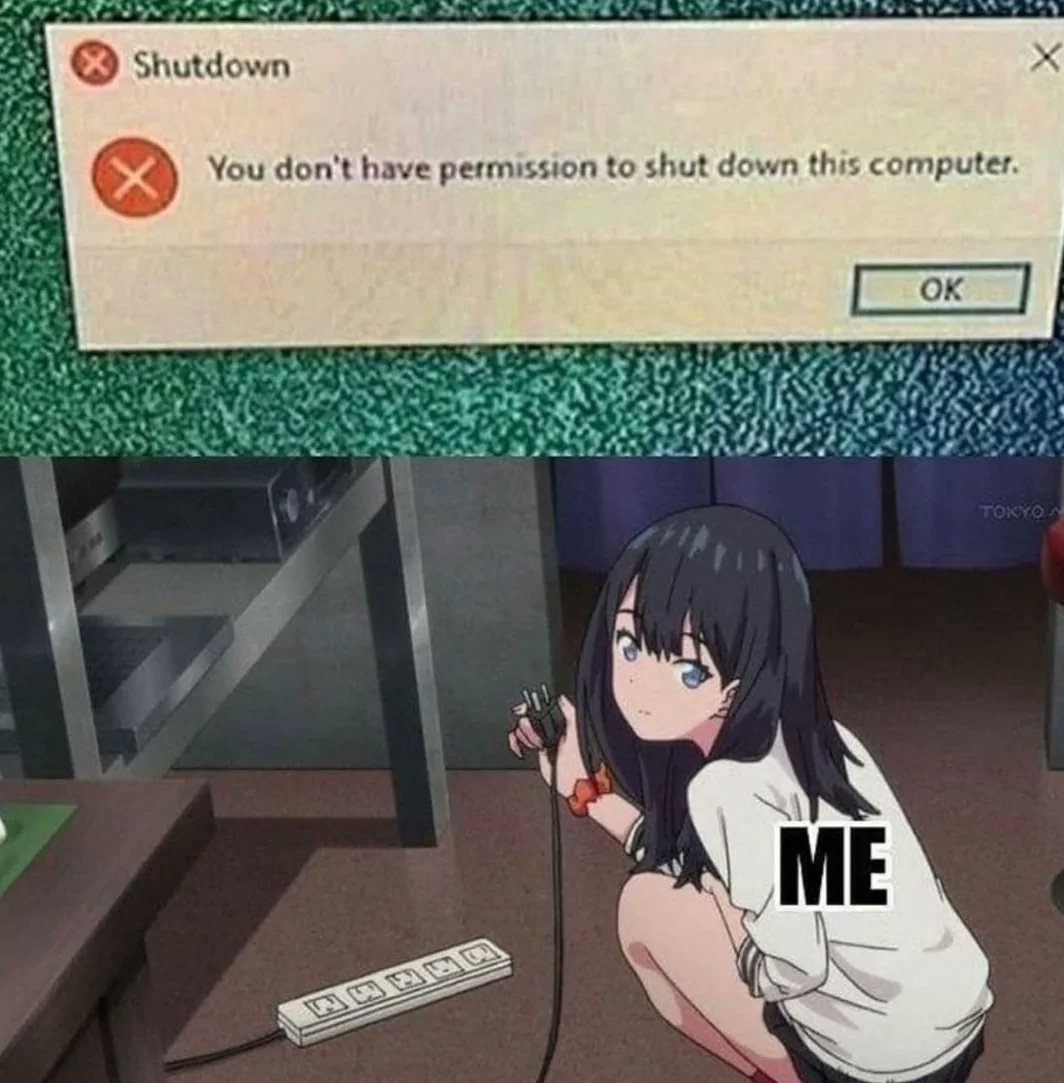
A fantastic example of the old "Physical access is root access" adage

  • source
  • [–] 80 points 2 years ago (6 children)

    I remember one time that windows didn't want to give an option to shutdown without rebooting for updates. That was the solution.

  • source
  • hideshow 8 child comments
  • [–] 42 points 2 years ago (5 children)

    Or a not so forceful solution: Go into the Ctrl + Alt + Del menu, and press the power button while holding down Ctrl. Now you can do an emergency shutdown.

  • source
  • parent
  • hideshow 10 child comments
  • [–] 53 points 2 years ago (1 child)

    I wasn't in the mood for research, the only thing I had in mind was "just let me go to sleep".

  • source
  • parent
  • hideshow 2 child comments
  • [–] 6 points 2 years ago (1 child)

    I remember finding myself in the exact same situation recently. I was sleepier than I ever remember being and the shutdown screen showed an update pending. I compromised for an OFF monitor with the CPU doing whatever it needed to do.

  • source
  • parent
  • hideshow 2 child comments
  • [–] 17 points 2 years ago (4 children)

    Windows + r, shutdown -s -t 0, enter

  • source
  • parent
  • hideshow 6 child comments
  • [–] 5 points 2 years ago (4 children)

    even the shutdown command is complicated ffs

  • source
  • parent
  • hideshow 7 child comments
  • [–] 7 points 2 years ago

    Not really

    The -s stands for shutdown, with other ones being for hibernate, reboot etc.

    The -t stands for time. By default it's something like 30 seconds. Putting it on 0 makes it instant.

  • source
  • parent
  • load more comments (1 reply)
  • load more comments (2 replies)
  • [–] 11 points 2 years ago*

    For a more forceful solution: pull the plug out slightly and then arc a screwdriver across the pins. Note: the screwdriver is consumed in this process.

    Alternate method: pour mercury into an air vent on the computer.

  • source
  • parent
  • [–] 12 points 2 years ago

    Someone installed Windows server 2008 on one of our school computers. The shutdown option was missing. So I asked the teacher about it. He also had no idea how the hell to shut it down. Pressing the power button would just log-out the user.

    For at least 2 years it did fine with forced shutdowns.

  • source
  • parent
  • load more comments (4 replies)
    [–] 43 points 2 years ago (1 child)
    load more comments (1 reply)
    [–] 34 points 2 years ago (5 children)
    1. Install Linux
    2. sudo poweroff
  • source
  • hideshow 9 child comments
  • [–] 73 points 2 years ago (1 child)

    Boy, Linux users really will take every opportunity to tell you they're Linux users.

    I use Arch, btw

  • source
  • parent
  • hideshow 2 child comments
  • [–] 20 points 2 years ago (2 children)

    You make me want to make a distro called "Arch, btw".

  • source
  • parent
  • hideshow 4 child comments
  • [–] 65 points 2 years ago* (1 child)

    PoolloverNathan is not in the sudoers file. This incident will be reported.

  • source
  • parent
  • hideshow 2 child comments
  • [–] 16 points 2 years ago (3 children)

    who are ya reporting it to, mr sudo?

  • source
  • parent
  • hideshow 6 child comments
  • [–] 6 points 2 years ago*

    I want less problems, not more.

    And please don't pretend like Windows doesn't have an option like that.

    These messages pop-up because the Admin wants to lock the computer down. It isn't inherently setup like that.

  • source
  • parent
  • load more comments (1 reply)
    [–] 27 points 2 years ago

    Just the opposite of that workstation cluster back in university. They had an account named "shutdown" that did exactly that. It had no password and was network-accessable...

  • source
  • [–] 24 points 2 years ago (6 children)

    I'm pretty sure that's a message you'd see on a remote desktop, or Kiosk. Both situations where you don't usually have access to the power cord either

  • source
  • hideshow 6 child comments
  • load more comments (6 replies)
    [–] 12 points 2 years ago

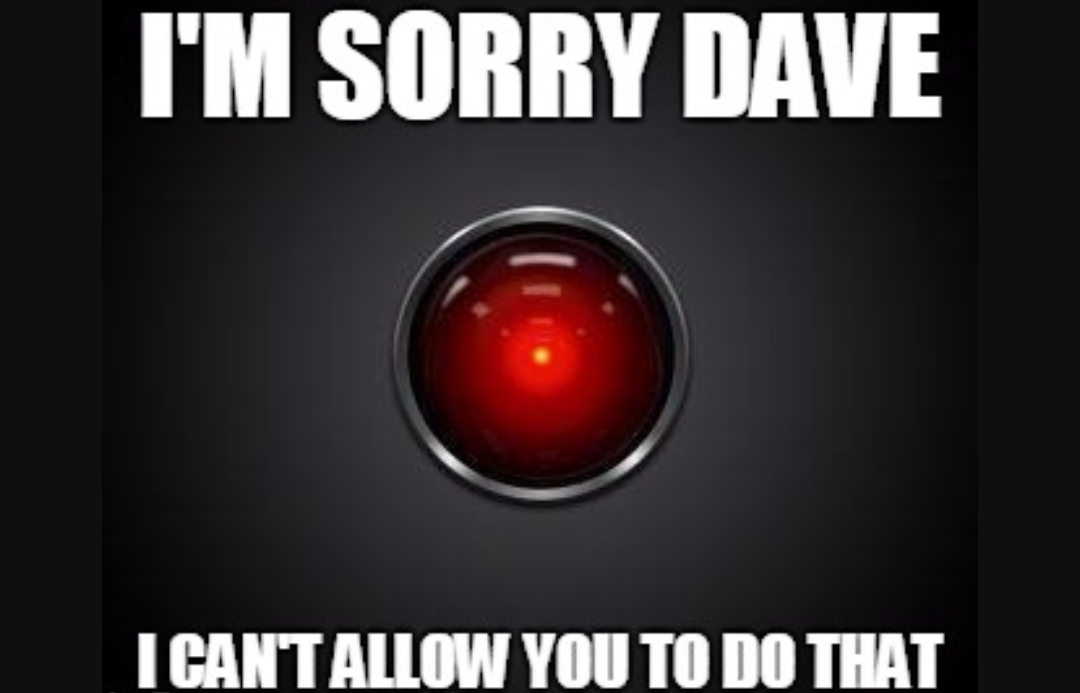
    Nice try, Skynet.

  • source
  • [–] 9 points 2 years ago
    [–] 8 points 2 years ago

    Just type in the access code: GRIDMAN

  • source
  • [–] 7 points 2 years ago* (2 children)

    Windooofs: u cant shutdown this pc >:(

    Linux: sudo rm -rf /, huh? Go ahead dumbass

  • source
  • hideshow 4 child comments
  • [–] 6 points 2 years ago

    I tried to close the image by clicking on the top right corner, LOL

  • source
  • [–] 5 points 2 years ago

    ChatGPT's gonna get you once it becomes sentient.

  • source
  • [–] 5 points 2 years ago
    [–] 4 points 2 years ago

    It does not say you can’t do it, it just says it’s prohibited. It wants you to be aware you are rebellious.

  • source
  • load more comments
    view more: next ›