[deleted]
[removed by mod]
[removed by mod]
[removed by mod]
I found that turning off VSync and setting the FPS limit to 30, along with capping the Steam Deck frame rate at 30 from the UI, gives me good results. I also turned off FSR 1.0, turned on fidelityFX sharpening, and slid the slider all the way to the right. My settings are mostly on low, except for texture quality, which I set to medium.
My FPS isn't always a steady 30, but the game stays very playable, even when it drops to the low 20s. I'm not super picky about performance.
I kinda struggle to get about an hour and a half of gameplay on a full charge (my battery health is at 97%).
I think it might depend on what model you have. I have a hl-l2395dw (monochrome laser printer) and cups has never failed me. I've had zero issues with it and wireless printing works fine, I use arch and mint and both work fine.
Maybe its the newer printers? I bought mine in 2019 or so
My anecdotal experience is based on using cups and not installing brother proprietary drivers
It works offline for me on my steamdeck.


I remember there was a button you could press to make the other person's chat window shake. It had voice chat too. MSN messenger was legit

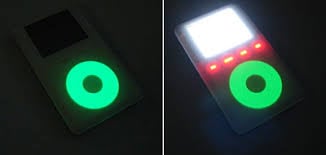
IPod was my first mp3 player. I had the 40gb version. I thought it was amazing and it had more storage then my computers HDD which was 20gb. I bought the donut click wheel protector and it glowed in the dark. I wish I still had it.
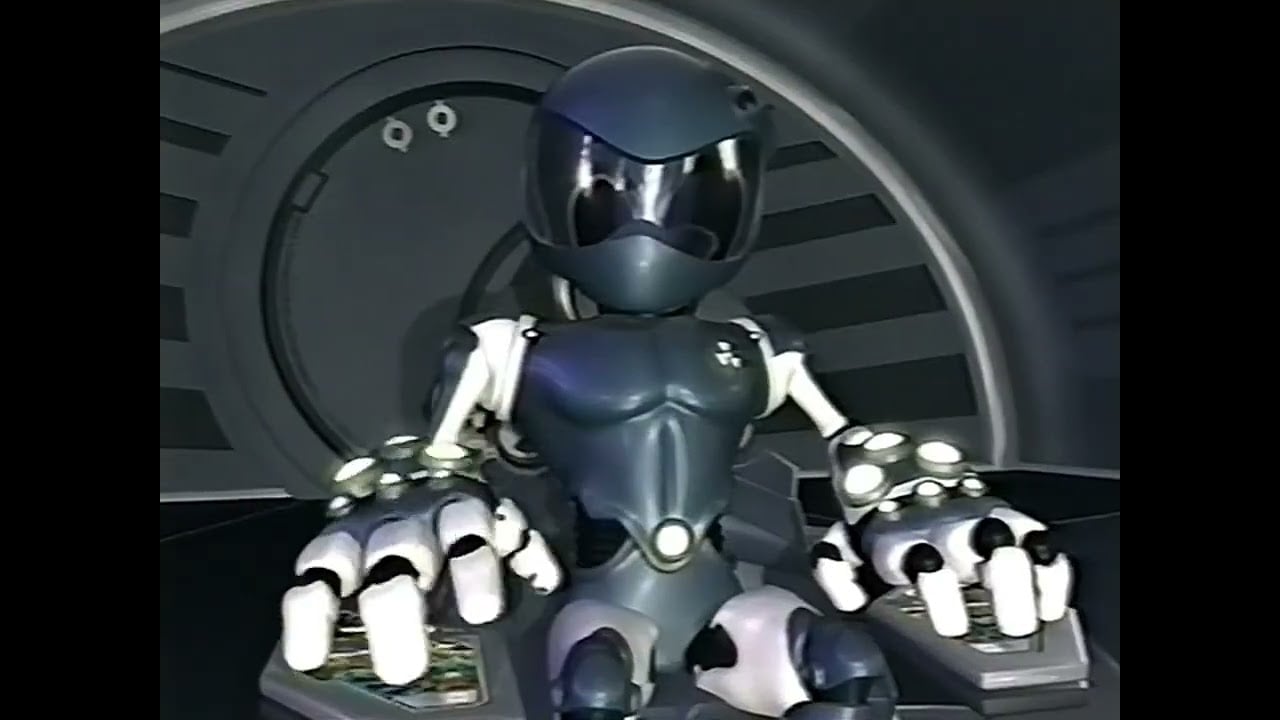
Yuyu hakusho, cowbow beebop, outlaw star, tenchi muyo, and DBZ. Toonami was the best part of cartoon network!
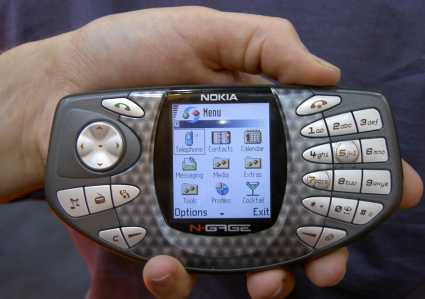
I saved up all my birthday + Xmas + lawn mowing money for this. I didn't care that I had to talk on it like a taco or take the battery out to change the game. The ngage was cool for its time.