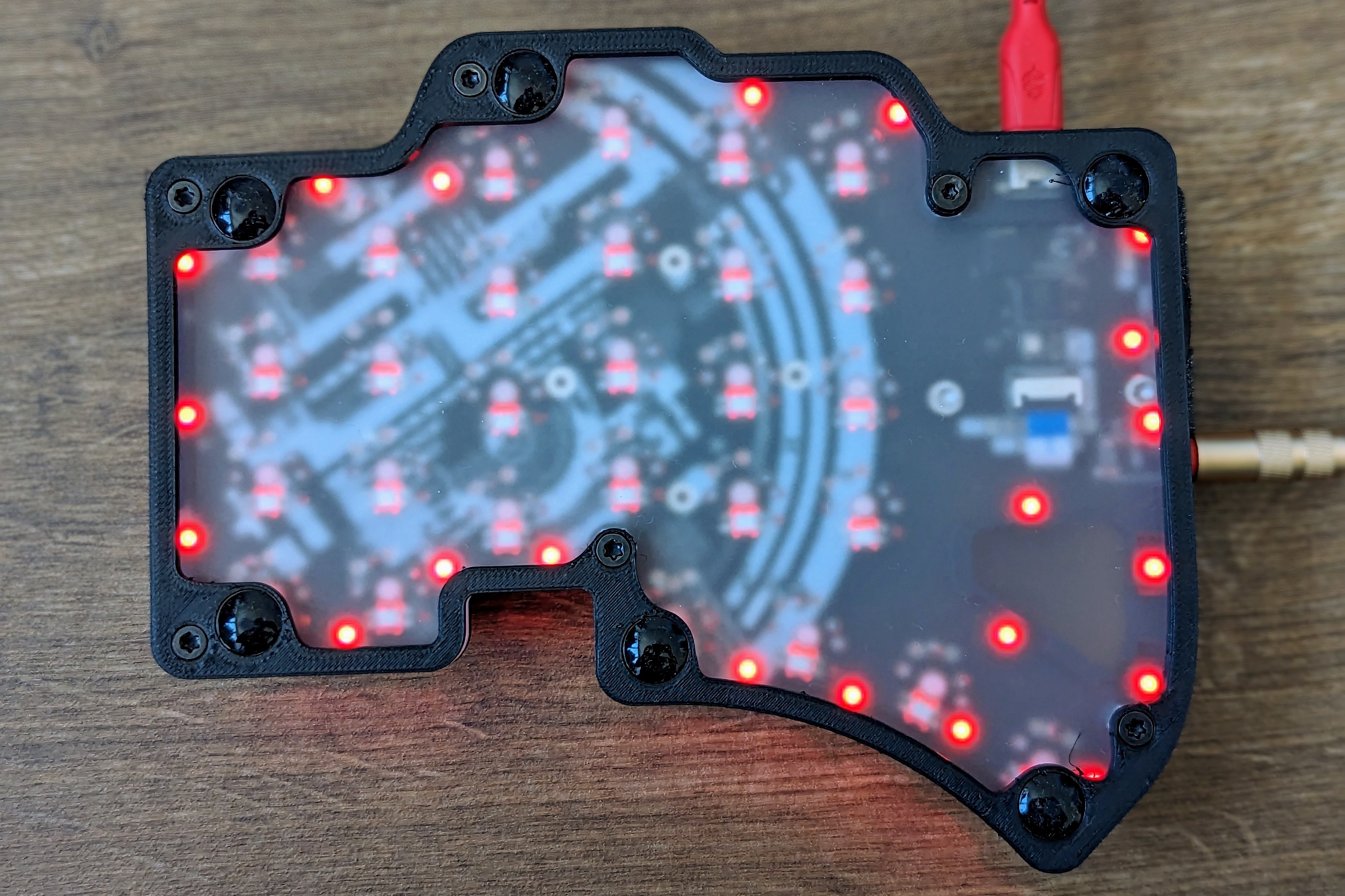
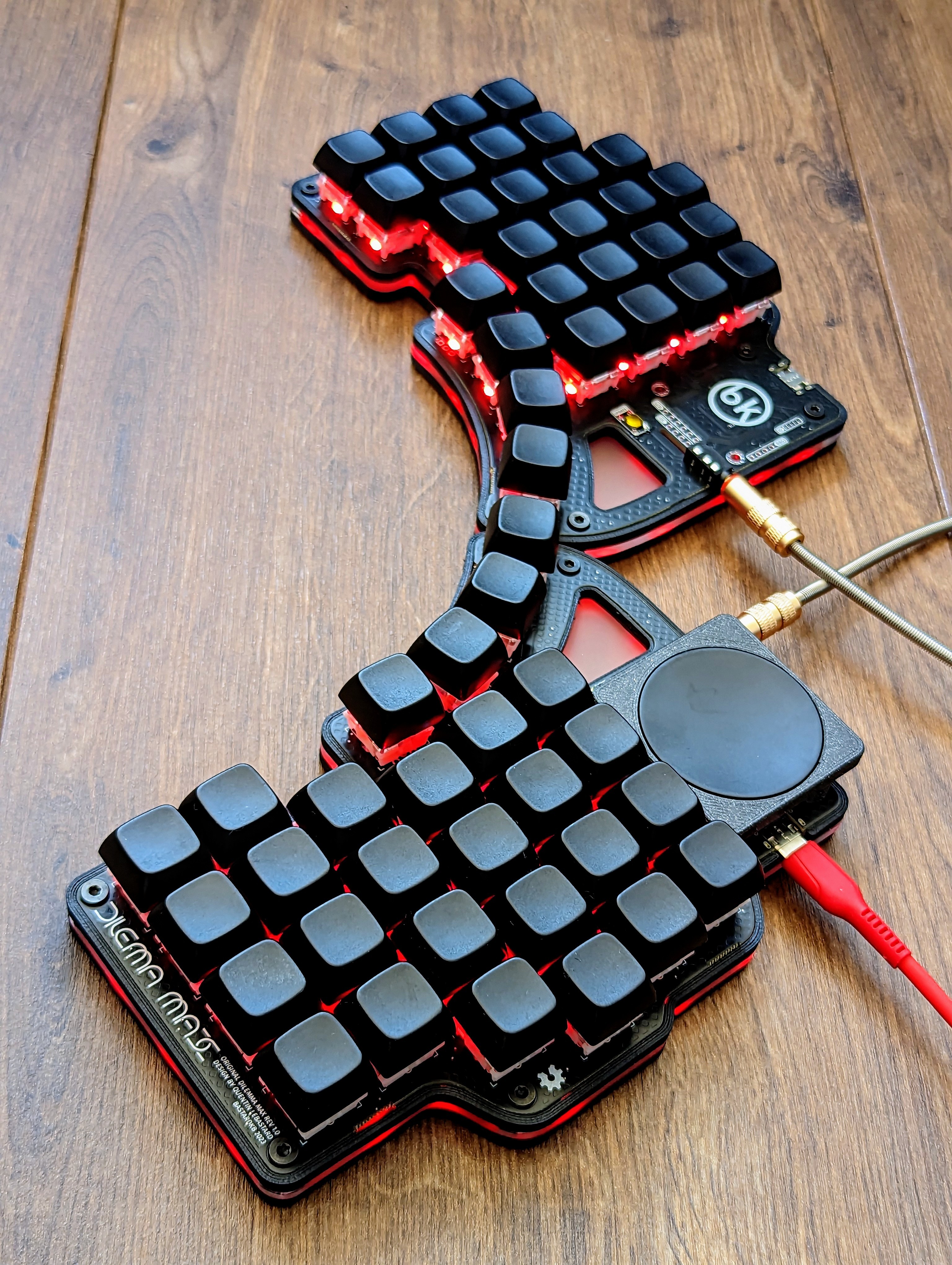
https://images2.imgbox.com/6c/cc/QW7HYRQE_o.jpg https://images2.imgbox.com/b4/0e/l7NzXbub_o.jpg

Dilemma Max by BastardKB; It has an integrated RP2040 microcontroller chip and diodes and underglow leds came presoldered, so soldering the per-key LEDs and switches and assembling the trackpad and case took me close to 2 hours.

I'm still looking for a display to use on the left side.

all 28 comments

sorted by: hot top controversial new old
[–] 3 points 2 years ago* (1 child)

Is that the same trackpad as used in the steam controller? Does it click?

  • source
  • hideshow 2 child comments
  • [–] 2 points 2 years ago (1 child)

    Is this kit no longer available? I've been waiting forever for splitkb to release the Elora to compliment my kyria for when I need a number row (gaming), but this seems like the next best thing.

  • source
  • hideshow 2 child comments
  • [–] [S] 3 points 2 years ago (1 child)

    This will be for sale very soon, it's not listed yet, I was just able to get it a bit sooner 😄

    The Elora is also undergoing the last few steps before going for sale, I'm also waiting for it and can't wait to try out the module system!

  • source
  • parent
  • hideshow 2 child comments
  • [–] 2 points 2 years ago (1 child)

    Where would your hands go?

  • source
  • hideshow 2 child comments
  • [–] [S] 8 points 2 years ago* (last edited 2 years ago) (1 child)

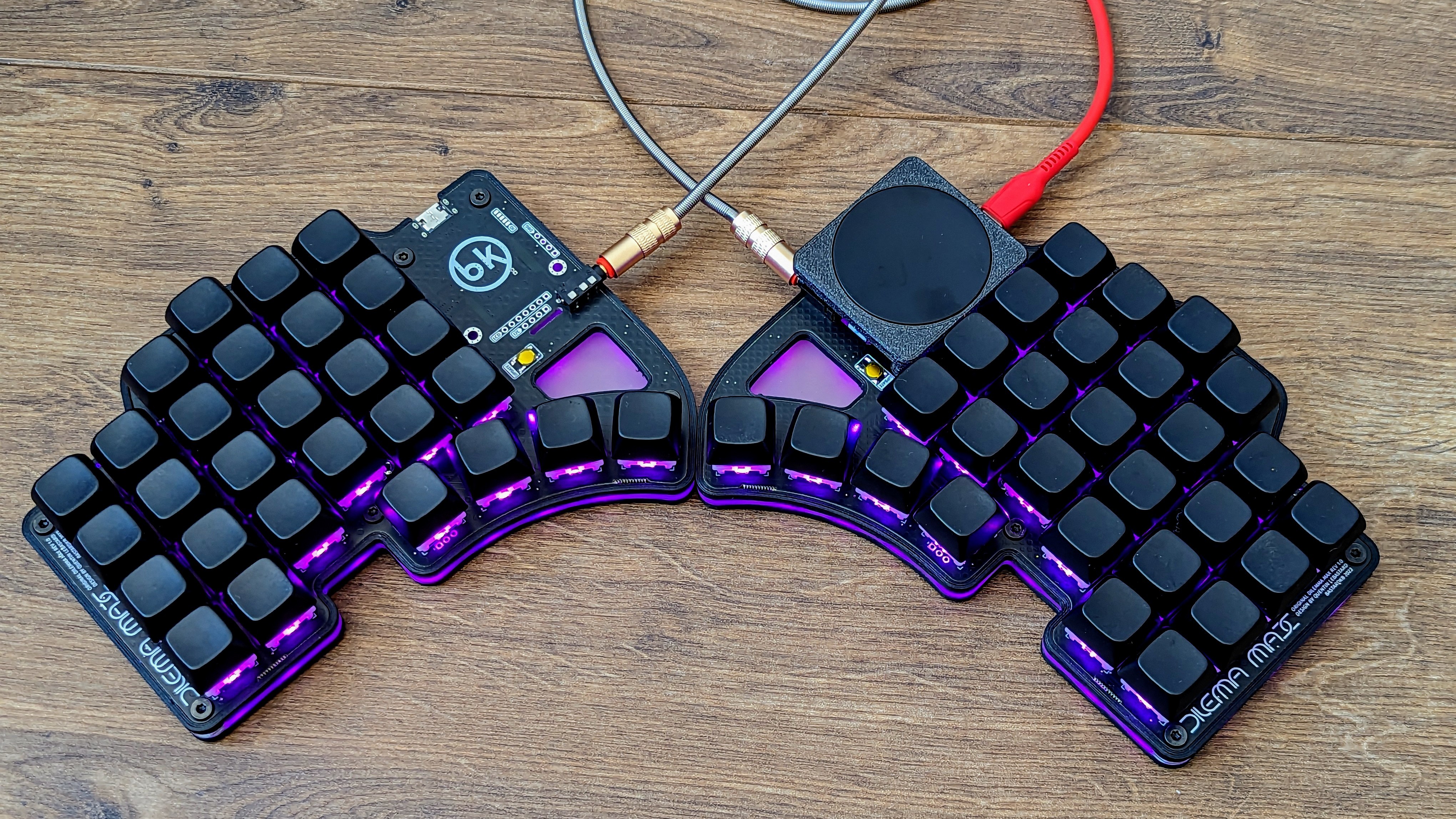
    The 4 keys next to each other are the thumb keys, so the keyboard would sit like this on the desk.

  • source
  • parent
  • hideshow 2 child comments
  • [–] 2 points 2 years ago (1 child)

    Wow, that looks really cool! Is that a track pad on the right?

  • source
  • parent
  • hideshow 2 child comments
  • [–] [S] 3 points 2 years ago (1 child)
  • [–] 1 point 2 years ago (1 child)

    Yeah, I've been a standard 60-75% user but this looks pretty great...

  • source
  • parent
  • hideshow 2 child comments
  • [–] [S] 1 point 2 years ago (1 child)

    It has 58 keys, so it's getting close 😄

  • source
  • parent
  • hideshow 2 child comments
  • [–] 2 points 2 years ago (1 child)

    Looks near, but the location of the track pad doesn't seem particularly useful... but I suppose that's entirely user opinion

  • source
  • hideshow 2 child comments
  • [–] 2 points 2 years ago

    I am interested in the 3x5+3 version and would love to get Miryoku on it, plus of course the track pad needs to work, too. Is there an easy way, like a qmk workflow build that achieves this? Or another guide that describes it?

  • source
  • [–] 1 point 2 years ago (2 children)

    Is this keyboard wireless? If not I couldn’t imagine using it because the wires would sit in your lap

  • source
  • hideshow 4 child comments
  • [–] [S] 5 points 2 years ago (2 children)

    It isn't wireless. I'm not sure how the wires would end up in your lap when the keyboard is on your desk.

  • source
  • parent
  • hideshow 4 child comments
  • [–] 2 points 2 years ago (1 child)

    Because the wire on the trackpad is facing the user

  • source
  • parent
  • hideshow 2 child comments
  • [–] 1 point 2 years ago* (1 child)

    I think they said that because the wires seem to be going toward the user instead of away like a typical keyboard. Edit... Unless you're supposed to use it the other way and turn your hands out instead of in.

  • source
  • parent
  • hideshow 2 child comments
  • [–] [S] 1 point 2 years ago

    It's a split keyboard so you can rotate the two halves and put them further apart as you like. I noticed there was some confusion about how the keyboard should be orientated 😅

    I commented another picture with how it would sit on the desk.

  • source
  • parent
  • [–] 1 point 2 years ago (1 child)

    Looks really neat! Will you apply letters / paint for identifying the keys?

    I really like the construction, if I could try something and customize it to my hands and my workflow / comfort / ergonomics / productivity AND customize the firmware (key macros, binds etc) that could be really neat!

    What is your particular use case? Gaming? Streaming? Programming? Typing all day?

    I suppose having multiple keyboards is also an option
  • source
  • hideshow 2 child comments
  • [–] [S] 2 points 2 years ago* (1 child)

    Thanks! This was actually the only keycaps set I had laying around that wasn't in use 😄 But I'm a Colemak user myself, so 90% of the caps usually don't match my layout anyway and I never look at the keys. That said, I'm thinking about replacing the caps with a uniform XDA set (the current set is NP-profile) with labels.

    I do have multiple keyboards, but I'll try this one out for gaming, since it has a num row which most of my other boards haven't.

  • source
  • parent
  • hideshow 2 child comments
  • [–] 1 point 2 years ago

    I've been re-exploring these split keyboards... Thanks for replying . How are you liking this?

    Is there anything you would change?

    How is your typing speed? I'm a fast typer and type a lot everyday.. less a gamer but something like this would also be fun to build and program.

    I still think this is one of the cooler ones that I have seen! 👍 Good job!

  • source
  • parent