submitted 2 years ago* (last edited 2 years ago) by to c/jerboa@lemmy.ml
 

Since the last release, I find that gifs won't play in Jerboa anymore. For example, this comment just appears as a static image for me, even when I click on it. Do you see the same behavior?

Edit: solved by user merde alors:

did you enable "auto play GIFs" in settings>look&feel ?

Then close and reopen the app and that should fix it.

all 15 comments

sorted by: hot top controversial new old
[–] 8 points 2 years ago* (2 children)

did you enable "auto play GIFs" in settings>look&feel ?

  • source
  • hideshow 4 child comments
  • [–] 2 points 2 years ago

    I enabled the option and after reopening the app GIFs play but only after I click them.

    Click image, which zooms to occupy full screen, and GIF plays. Go back to thread by closing image and it stops again. \ So basically it plays when full screen but not inline.

  • source
  • parent
  • [–] 5 points 2 years ago* (6 children)

    Gifs never worked inline for me. They used to work when clicking on them however.

    Does this work for you at all?
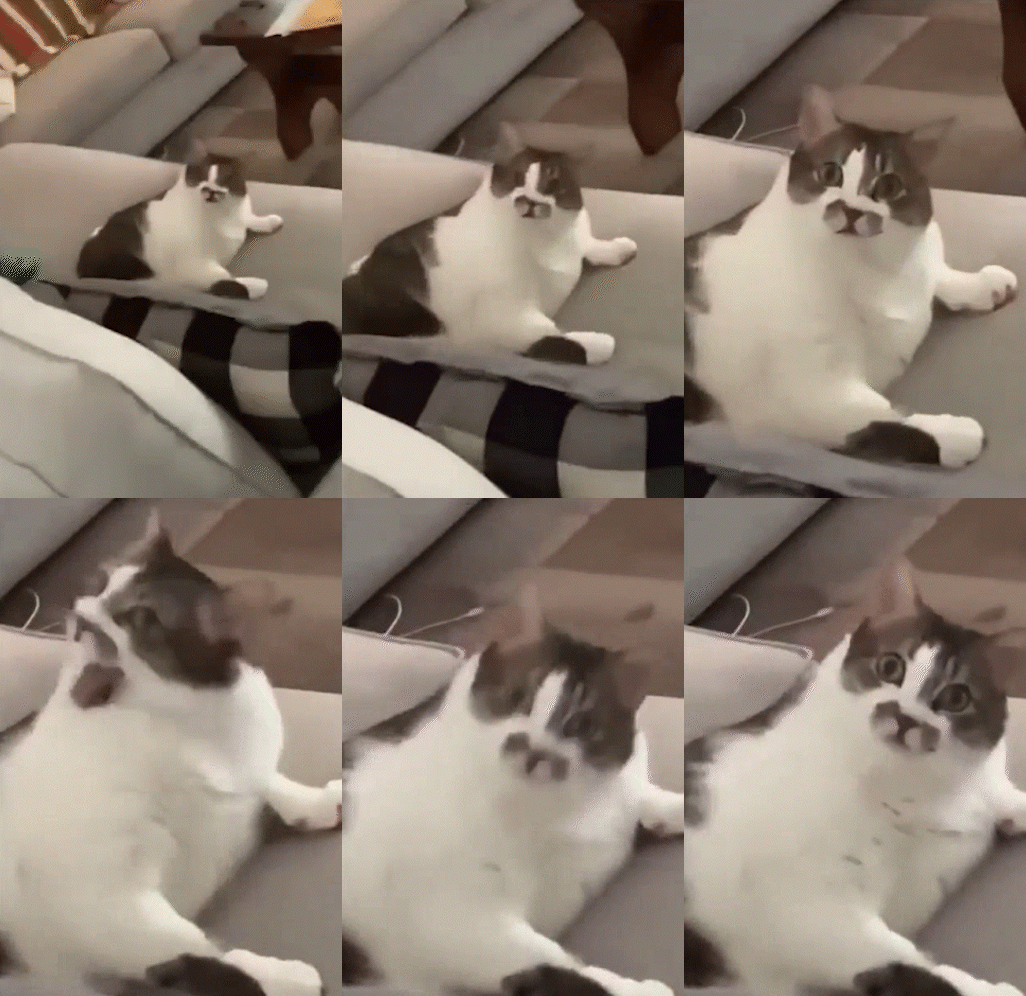
    Edit: Actually this doesn't work for me either now even after clicking into it. Yes GIFs are broken.

    Version 0.0.67

  • source
  • hideshow 12 child comments
  • [–] [S] 4 points 2 years ago (2 children)

    Ooh user merde alors suggested:

    did you enable "auto play GIFs" in settings>look&feel ?

    I did that, then closed and reopened the app, and now gifs are working!

  • source
  • parent
  • hideshow 4 child comments
  • [–] 1 point 2 years ago

    Gifs never worked in comments. Could never get it to work. But imageviewer should always auto play gifs regardless of the setting autoPlayGifs. So that's a bug I'll look into.

    The setting is for controlling previews and icons/avatars.

  • source
  • parent
  • [–] 3 points 2 years ago

    Clicks link

    Opens in internal browser

    Oh.

  • source
  • [–] 3 points 2 years ago

    Put [Fixed] in the title, this might help other people

  • source