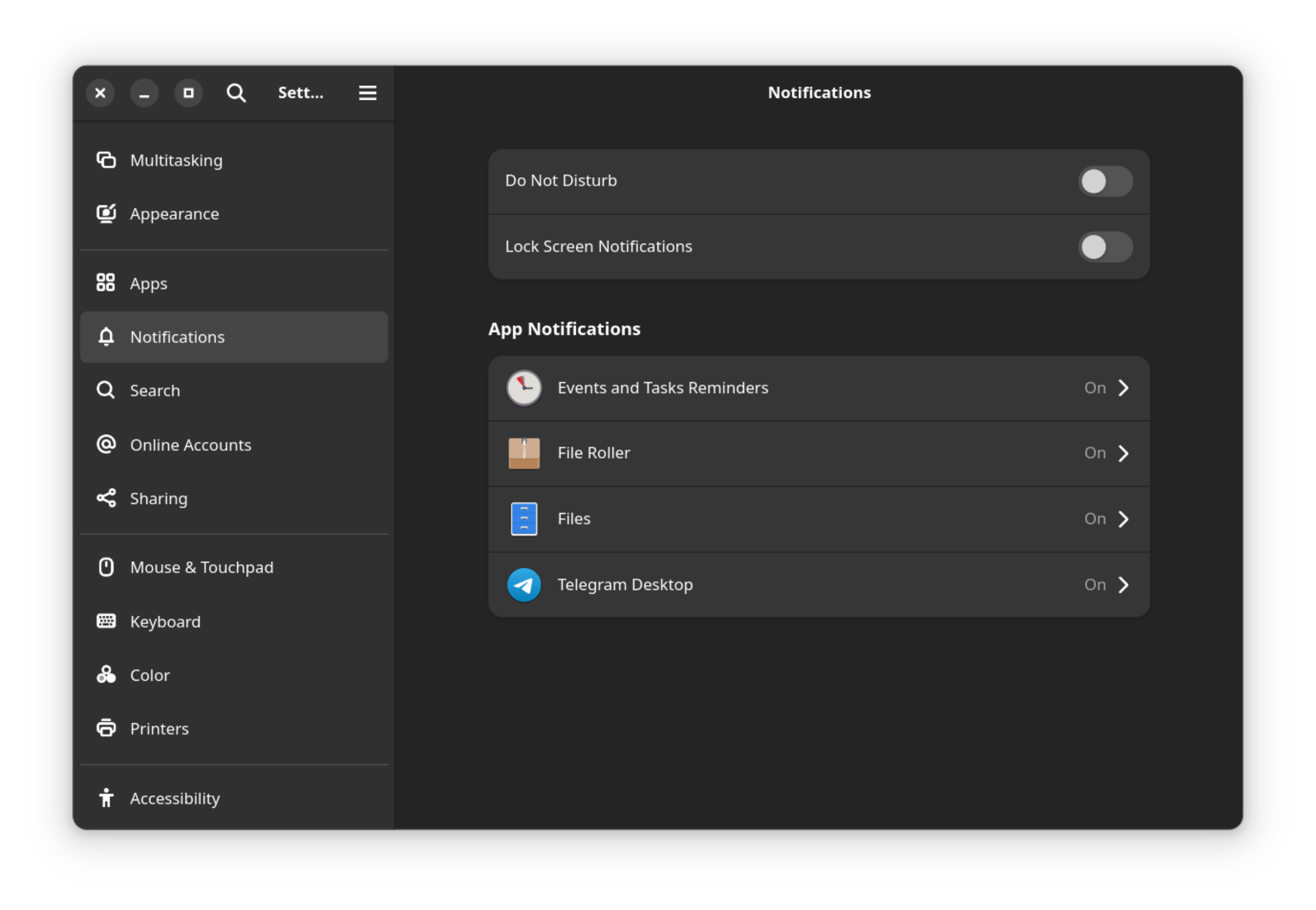
I did a minimal Fedora 40 installation on my Thinkpad, so it's possible I missed some package... I don't have the Power entry in the notification settings; need that one to turn off the absolutely inane notification that the laptop's about to suspend.
Searched dnf for anything resembling power, came up short. Any idea what to check for?
Not sure if it's possible on the latest version of gnome anymore. Maybe try turning off lock screen notification because those sleep warning notification would often shows up when the screen is already locked?
all 11 comments