New Post View Settings (lemmynsfw.com)
submitted 3 years ago* (last edited 3 years ago) by [M] to c/lemmynsfw@lemmynsfw.com
 
You can now turn on/off the following options:
  • Blur NSFW images
  • Blur NSFW community avatars (in list)
  • Auto expand images

You can find it in the "Local Settings" section in the settings. If you are on mobile, you have to scroll down from the settings block. Also you may need to clear caches.

Note:

These options are kept on the device and are not synchronized between devices.

all 17 comments

sorted by: hot top controversial new old
[–] 8 points 3 years ago (1 child)

Is there any chance this update could be applied again? The options seem to have disappeared recently and it's the worst

  • source
  • hideshow 2 child comments
  • [–] 4 points 3 years ago (1 child)

    On the web interface here:

    All the nsfw thumbnails are blurred, and there's no setting to un-blur them.

    The post photos used to expand when scrolling down my home feed, but they don't anymore, and I have to click on each post, then click on each photo to view it.

    This is very inconvenient.

  • source
  • hideshow 2 child comments
  • [–] 4 points 3 years ago* (last edited 3 years ago) (1 child)

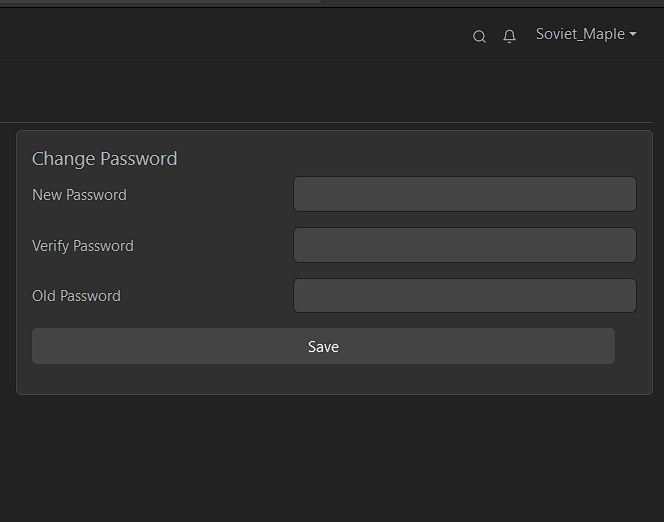
    thumbnails are blurred
    Local Setting are gone
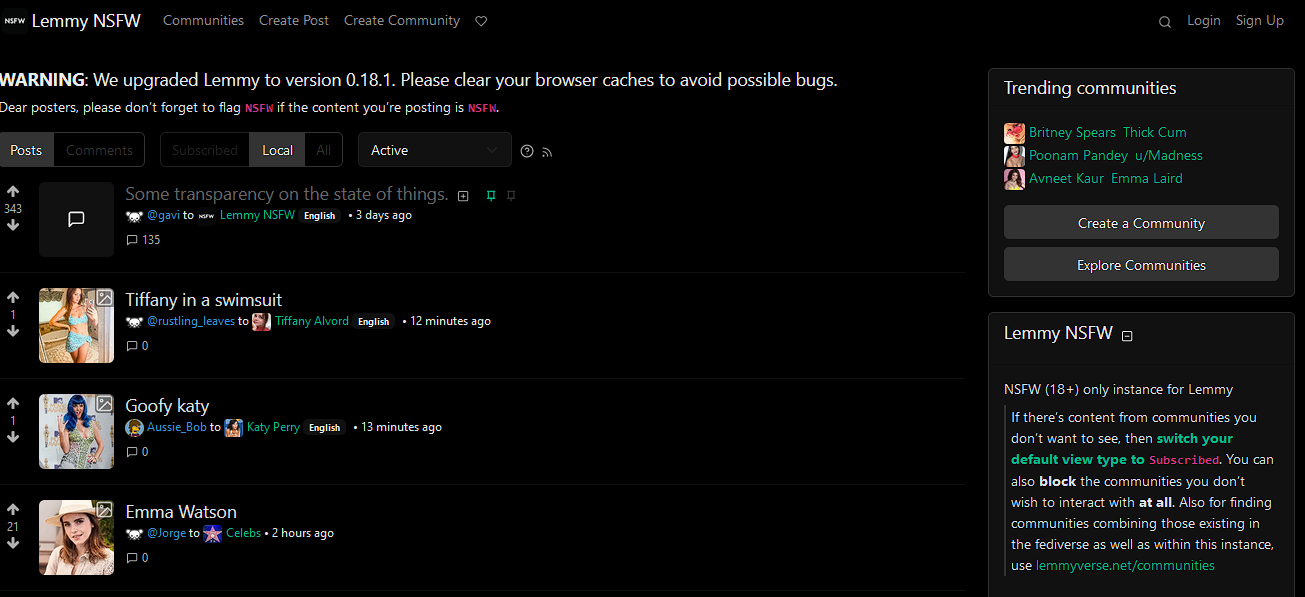
    anon view is not censored btw
  • source
  • hideshow 2 child comments
  • [–] [S] 0 points 3 years ago (1 child)
  • [–] 2 points 3 years ago (1 child)

    For apparent reasons I only browse LemmyNSFW in private mode. This also means that even though I log in I have to go reset my “local” settings every time.

    Not going to demand or ask anything, but for me that UX doesn’t work well at all.

    And depending on browser - local storage gets cleared somewhat randomly.

    Relevant XKCD: https://xkcd.com/1172/

  • source
  • hideshow 2 child comments
  • [–] [S] 1 point 3 years ago

    Hey sorry for the latency! It's kinda busy here. Those settings really only "local". So there is no way that those could be used on private mode.

    But the good thing is, a friend added those settings to the main repo, so these settings will be saved to your account. Hopefully on 0.18.1. So please wait for a lil while.

  • source
  • parent
  • [–] 0 points 3 years ago (1 child)

    Is there anything that can be done to have RedGifs thumbnails show up like other images/gifs? A proper embedding of those links would be an amazing improvement, lots of porn to share from there :)

  • source
  • hideshow 2 child comments
  • [–] [S] 0 points 3 years ago (1 child)

    absolutely, my next improvement is it. but i don't have enough time for this. can take 1 week.

  • source
  • parent
  • hideshow 2 child comments
  • [–] 1 point 2 years ago (2 children)
  • [–] [S] 2 points 2 years ago

    Stupid Redgifs is now blocking direct access to even thumbnail links. I wrote a simple proxy script to get over it and its working. But I can't rebuild this version right now. It should be available in 0.19.4

  • source
  • parent