you are viewing a single comment's thread
view the rest of the comments
[–] 7 points 3 years ago* (2 children)

Not so, if you are OK using x11 you will probably have zero issues. Wayland support, however, is shit. I had a 1660 super when I switched and it was good. Just when I had two monitors with different refresh rates it get weird, x11 does not support it at all (there is some workarounds but they are workarounds). Wayland fix the issue but nvidia support for Wayland was veeery bad at the end of last year, when I switched to AMD.

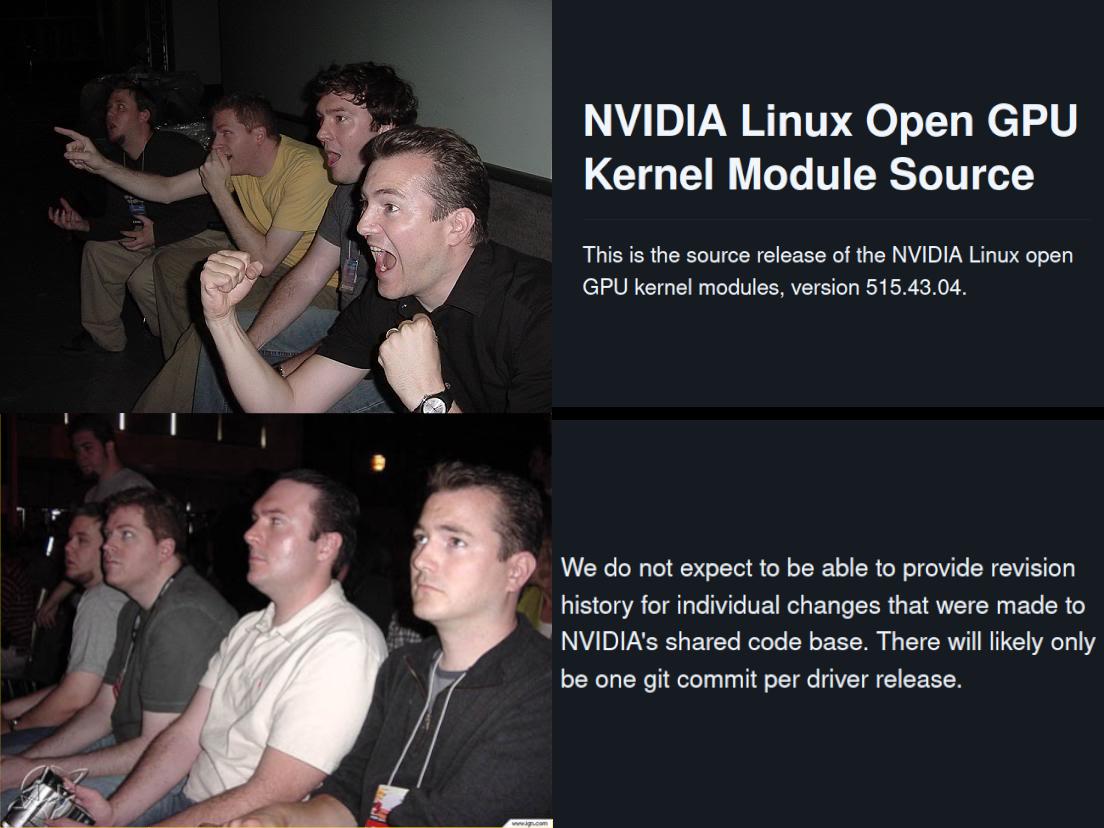
The thing about being open source is just that the community could help move things faster and would not need to wait the good will of nvidia for everithing, but nvidia is still moving slow towards open source, it does not means that they aren't doing things and fixing bugs, just they are a bit slow and stubborn
  • source
  • parent
  • hideshow 4 child comments
  • [–] 4 points 3 years ago (1 child)

    What’s the issue with 2 refresh rates? I’ve got a 1440p 144hz monitor and a 1080p 60hz monitor and I haven’t noticed any issues with them. I can tell the 144hz one is actually running over 60hz as I can see the difference when the mouse moves over to the other screen

  • source
  • parent
  • hideshow 2 child comments
  • [–] 1 point 3 years ago (1 child)

    I've been using the Wayfire window manager with an NVIDIA GPU and 2 monitors with different refresh rates and I don't encounter many issues. Rarely it'll still crash, but I've managed with this setup for around 6 months.

    My next GPU will probably still be AMD though.

  • source
  • parent
  • hideshow 2 child comments