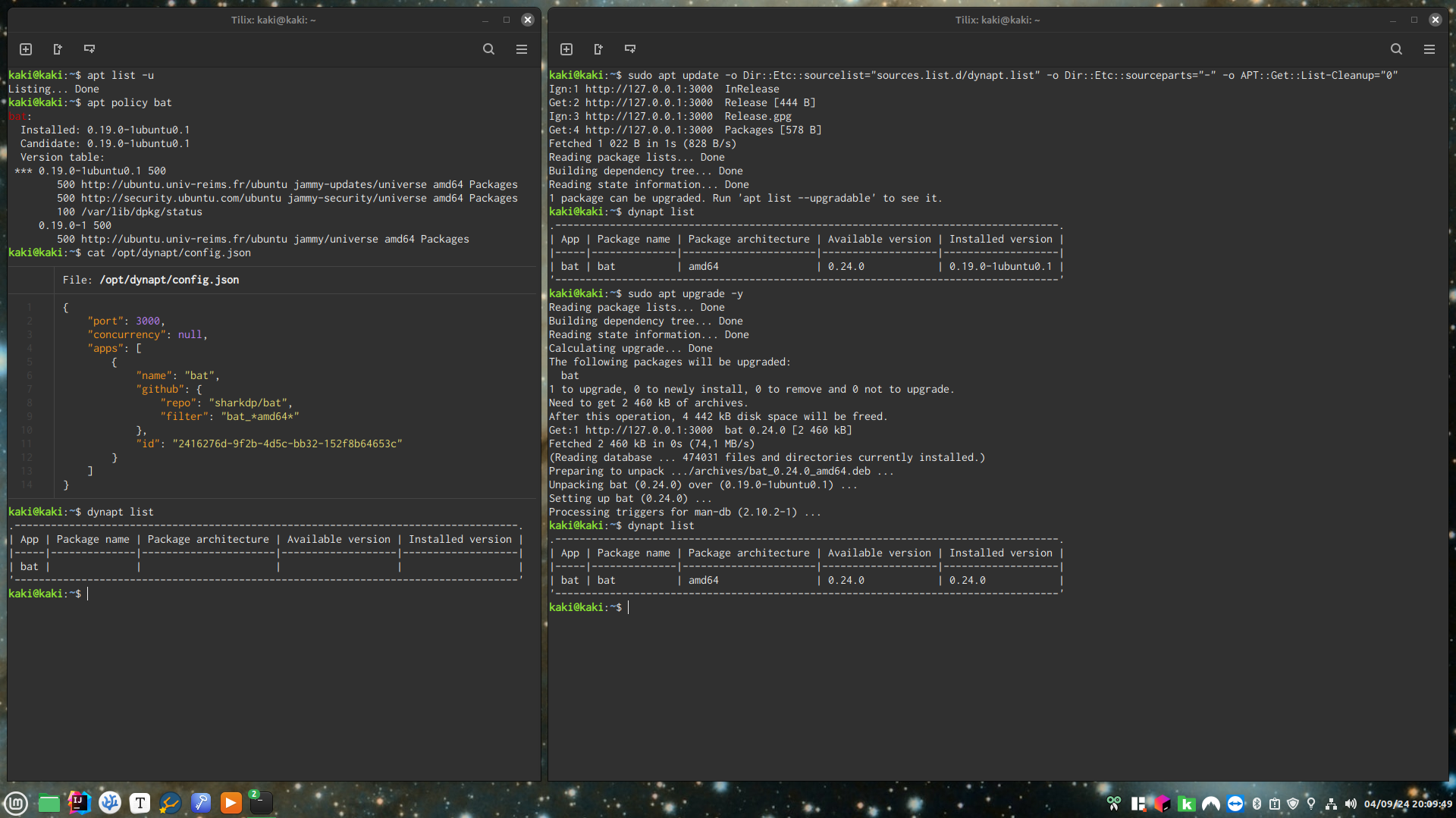
On Debian-based distros, when an app is available as a DEB or an AppImage (that doesn't self-update), but no APT repository, PPA or Flatpak, the only option is to manually download each update, and usually manually check even whether there are updates.
But, what if those would be upgraded at the same time as everything else using the tools you're familiar with ?
dynapt is a local web server that fetches those DEBs (and AppImages to be wrapped into DEBs) wherever those are, then serves these to APT like any package repository does.
I started building it a few months ago, and after using it to upgrade apps on my computers and servers for some time, I pre-released it for the first time last week.
The stable version will come with a CLI wizard to avoid this manual configuration.
Feedback is welcome :)