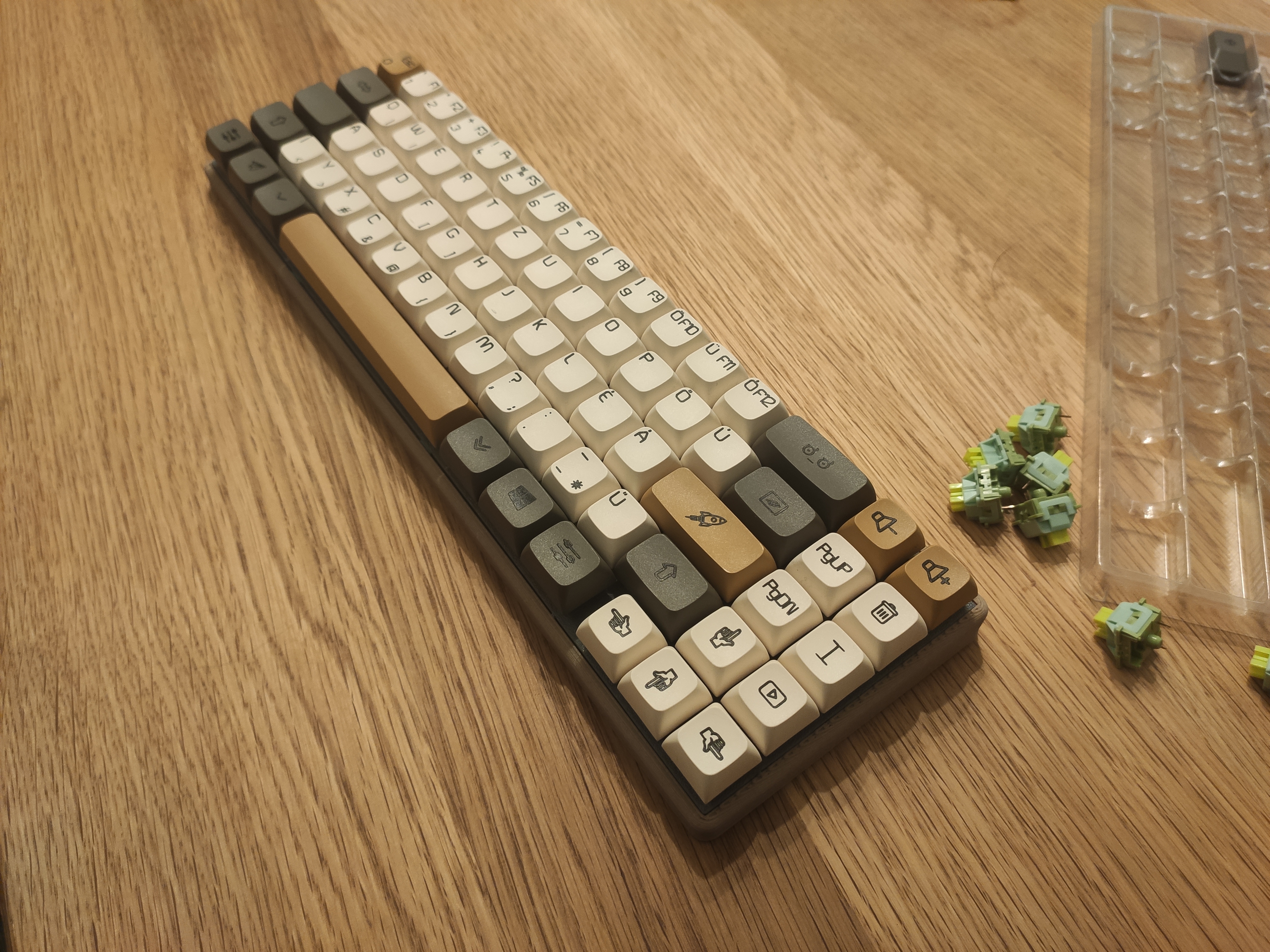
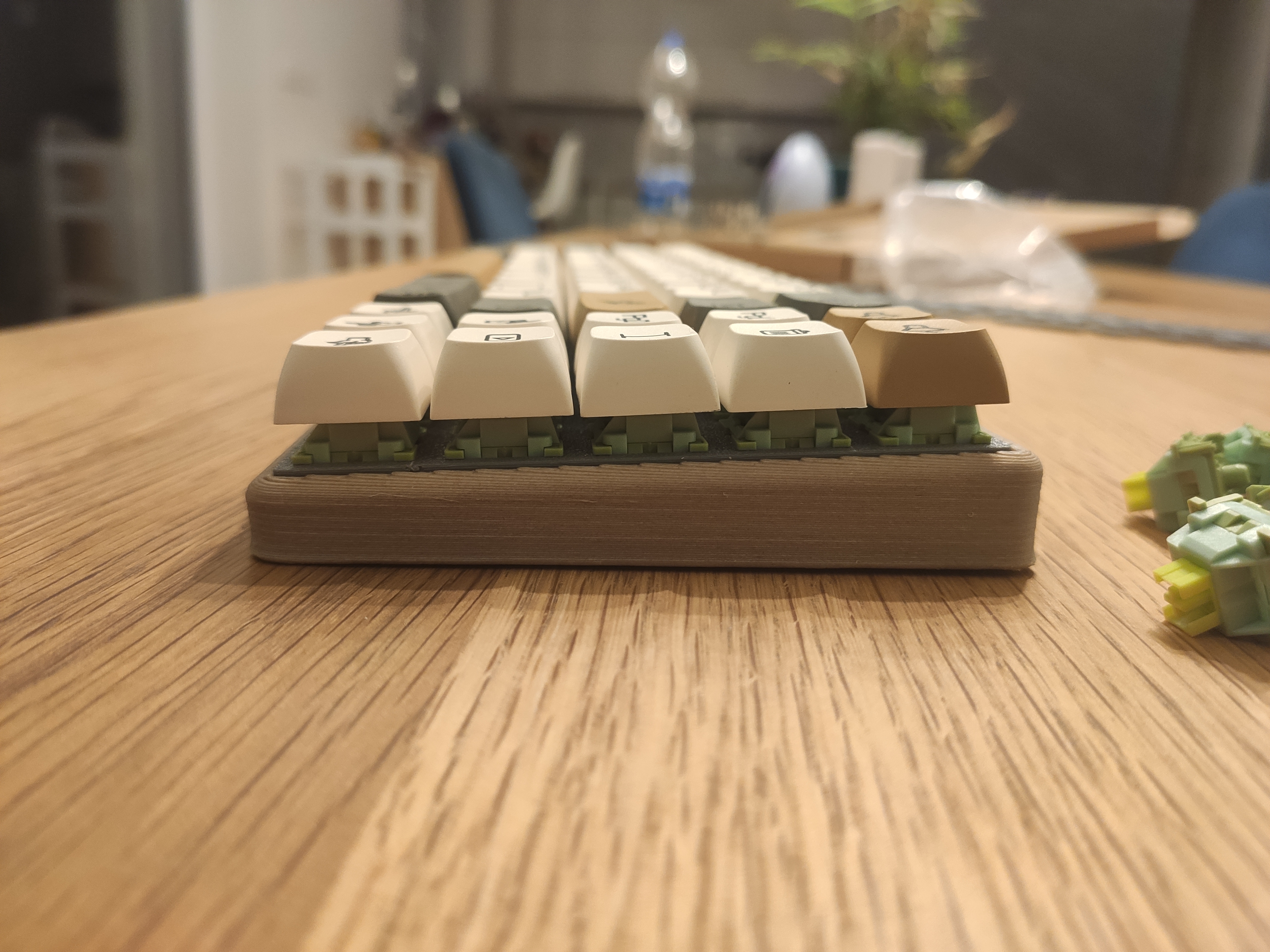
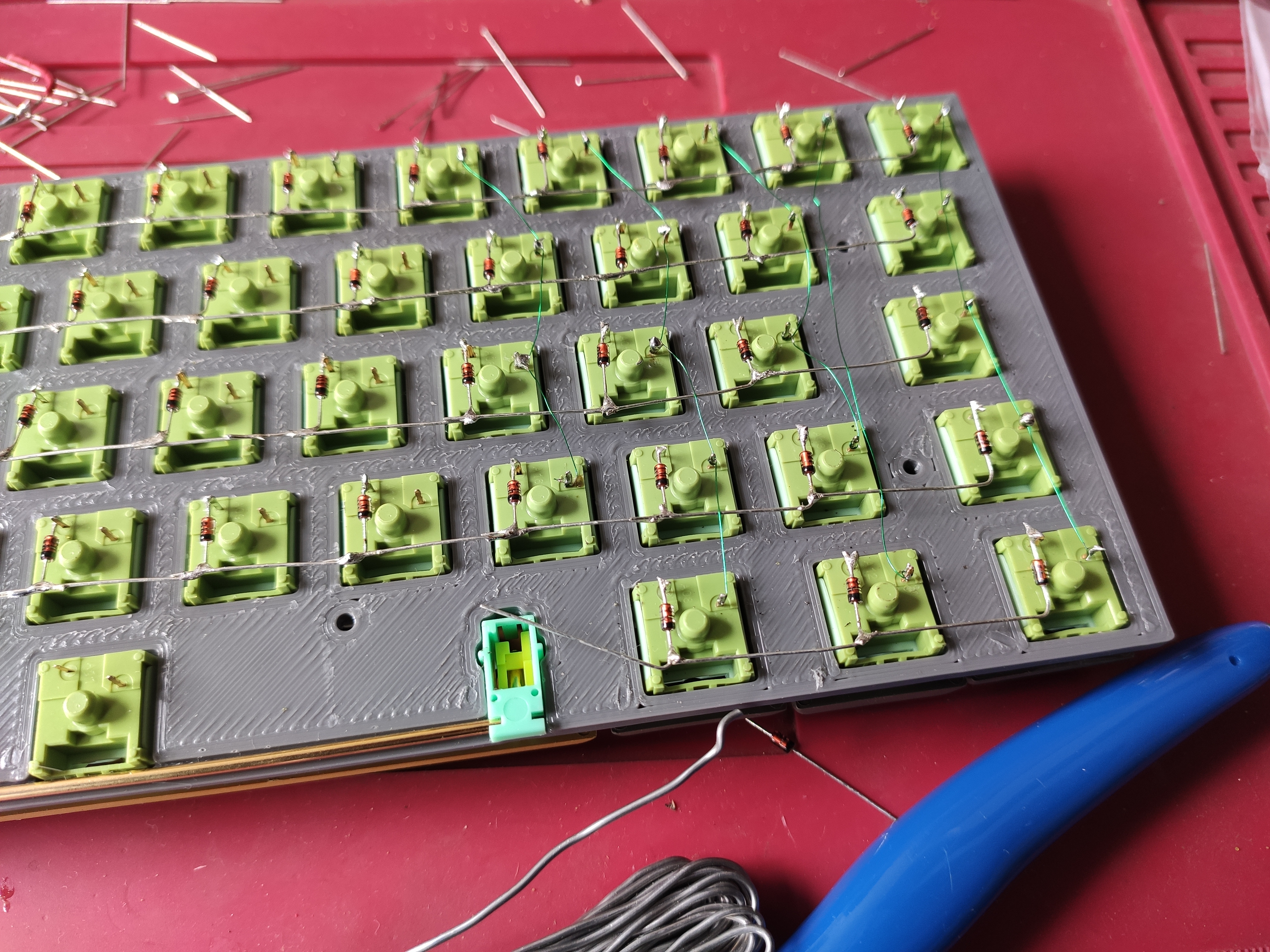
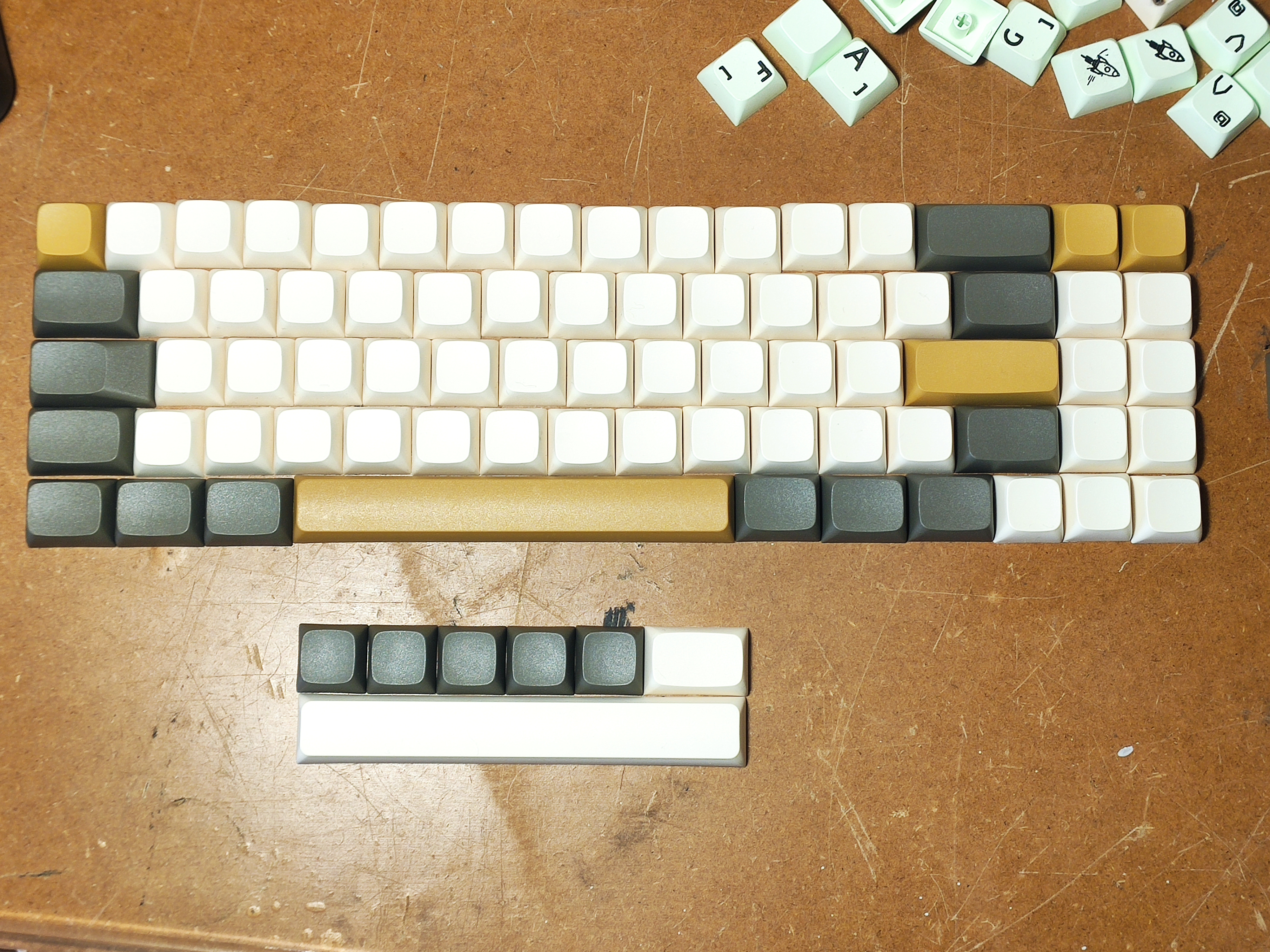

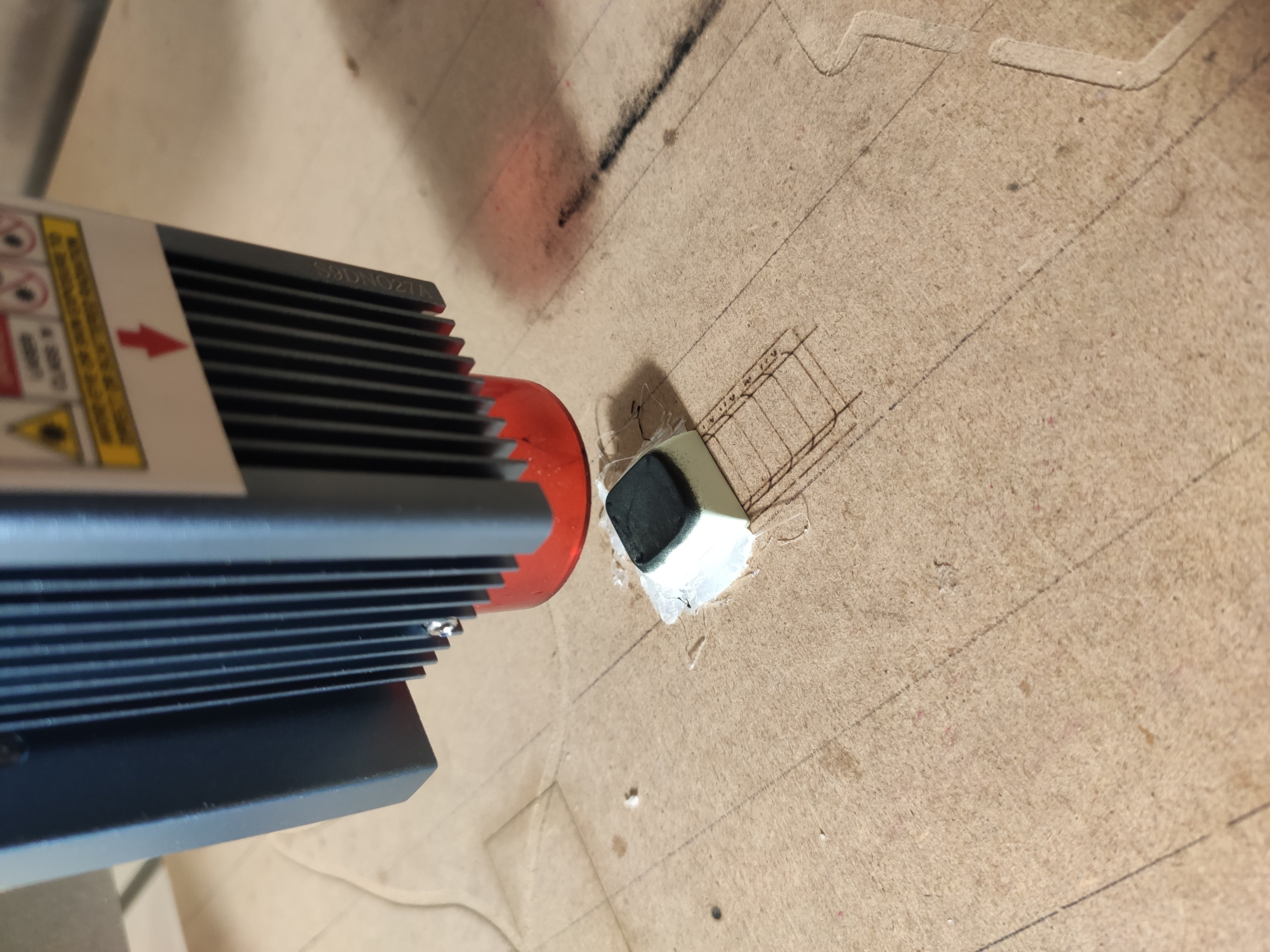
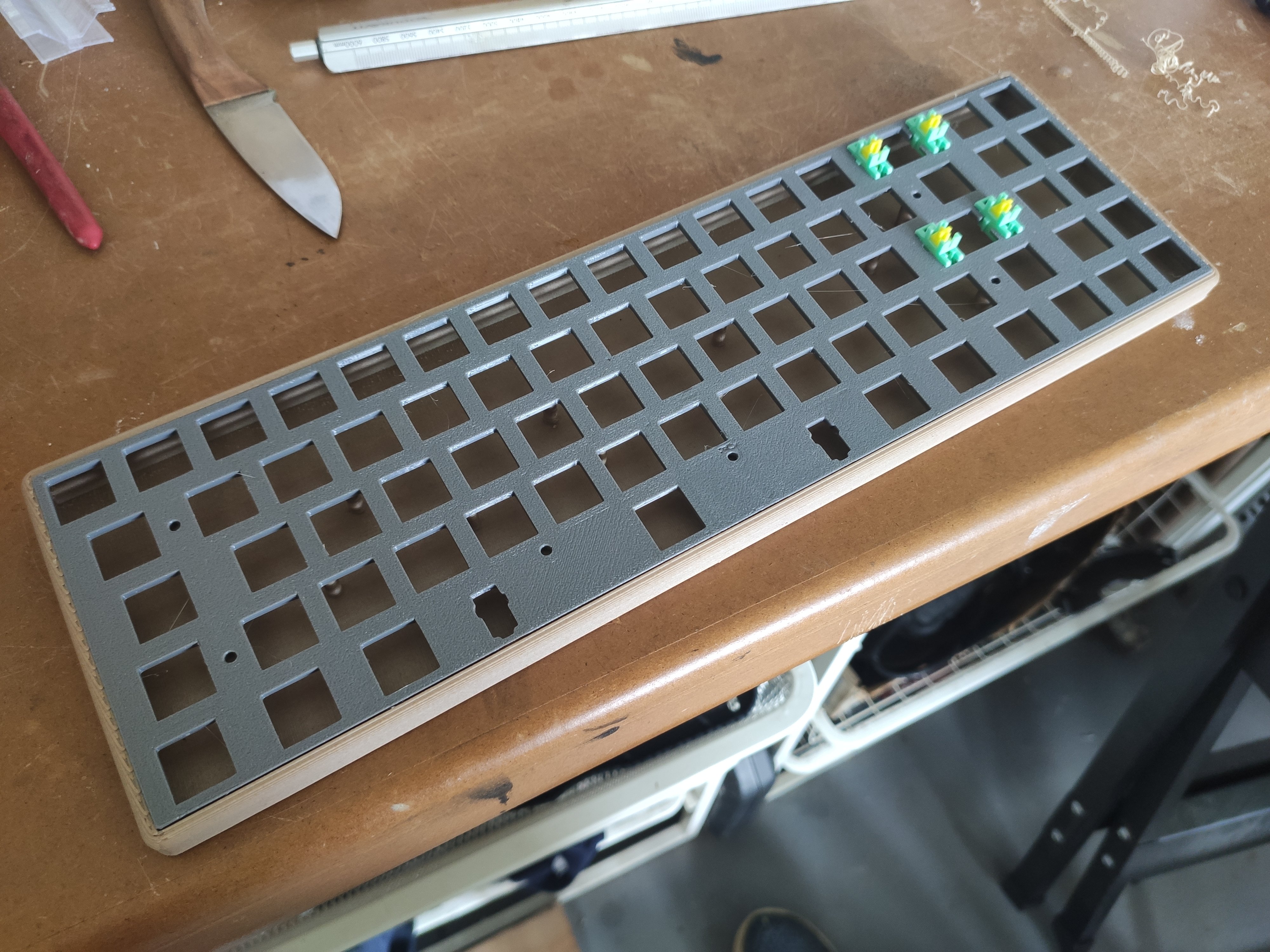
The non english keycap market is really small and have always held me back from switching to mechanical. I didnt like any of the options. I found a video https://youtu.be/JR1BwcFyexQ where it is explained in great detail how to make your own keycaps with a "cheap" diode laser. This was the last push, I have ordered blank keys, switches, teensy and started designing in fusion. I have a large(er) format printer so i was able to print it in 1 piece. Bottom made of bamboo pla, plate is petg. I did the handwiring with magnet wire, I found this to be the simplest option. There is a single capslock led under CL key. Firmware is QMK, I have 1 extra layer only for FN and 1 macro for the youtube key.