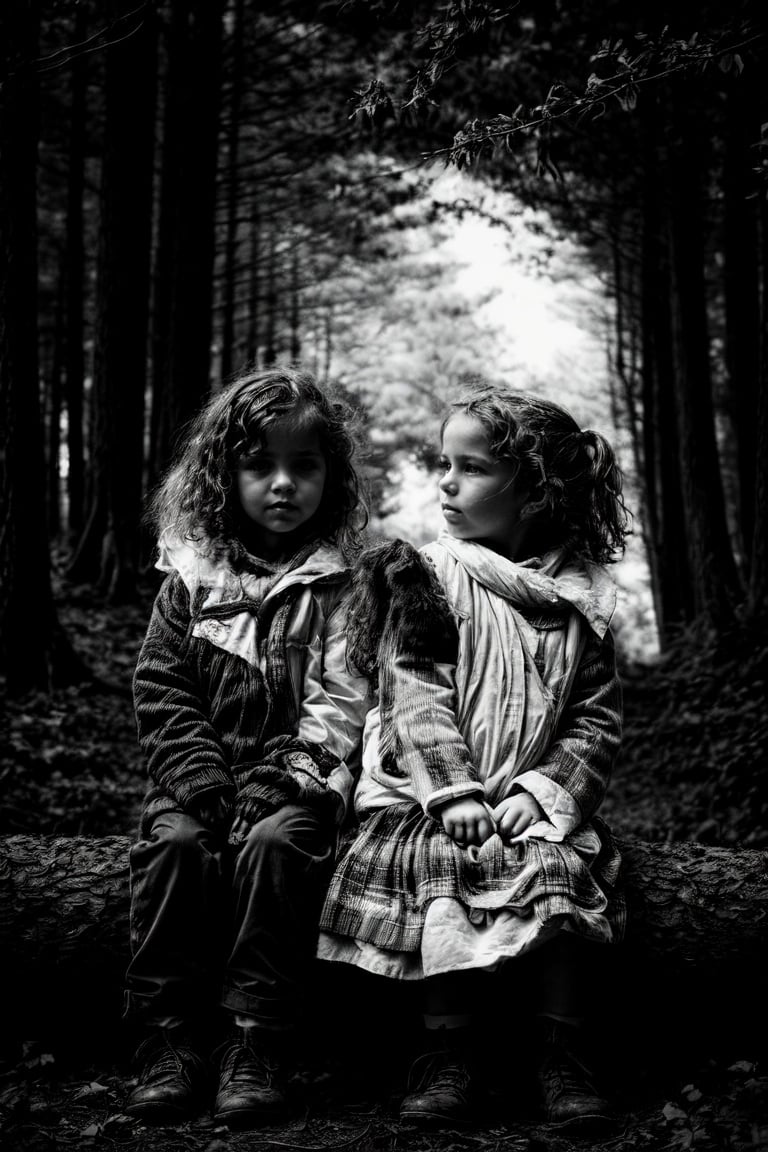
▲ 359 ▼ Forest (lemmy.world) submitted 2 years ago* (last edited 2 years ago) by myfaceistupid@lemmy.world to c/imageai@sh.itjust.works 17 comments fedilink hide all child comments Generated using SD1.5 RealisticVision Checkpoint. Additional "effects" were achieved using qrcode monster controlnet model.
[–] rikudou@lemmings.world 7 points 2 years ago (1 child) I'm guessing ControlNet. permalink fedilink source parent hideshow 2 child comments replies: [–] myfaceistupid@lemmy.world [S] 7 points 2 years ago (1 child) The effect was achieved using qrcode monster controlnet model permalink fedilink source parent hideshow 2 child comments replies: [–] jon@lemmy.tf 2 points 2 years ago (1 child) What settings are you using to get it this subtle, and have a full background? Most of my outputs wind up with only the controlnet image filled in, and solid backgrounds. Invert preprocessor doesn't help... permalink fedilink source parent hideshow 2 child comments replies: [–] myfaceistupid@lemmy.world [S] 2 points 2 years ago This image was made using Automatic 1111. Controlnet model is qrcode monster: https://huggingface.co/monster-labs/control_v1p_sd15_qrcode_monster Settings used is: Pixel Perfect, Balanced, control weight: 1.2 The controlnet image was a photo of skull i found on google that I applied a black and white filter to. permalink fedilink source parent
[–] myfaceistupid@lemmy.world [S] 7 points 2 years ago (1 child) The effect was achieved using qrcode monster controlnet model permalink fedilink source parent hideshow 2 child comments replies: [–] jon@lemmy.tf 2 points 2 years ago (1 child) What settings are you using to get it this subtle, and have a full background? Most of my outputs wind up with only the controlnet image filled in, and solid backgrounds. Invert preprocessor doesn't help... permalink fedilink source parent hideshow 2 child comments replies: [–] myfaceistupid@lemmy.world [S] 2 points 2 years ago This image was made using Automatic 1111. Controlnet model is qrcode monster: https://huggingface.co/monster-labs/control_v1p_sd15_qrcode_monster Settings used is: Pixel Perfect, Balanced, control weight: 1.2 The controlnet image was a photo of skull i found on google that I applied a black and white filter to. permalink fedilink source parent
[–] jon@lemmy.tf 2 points 2 years ago (1 child) What settings are you using to get it this subtle, and have a full background? Most of my outputs wind up with only the controlnet image filled in, and solid backgrounds. Invert preprocessor doesn't help... permalink fedilink source parent hideshow 2 child comments replies: [–] myfaceistupid@lemmy.world [S] 2 points 2 years ago This image was made using Automatic 1111. Controlnet model is qrcode monster: https://huggingface.co/monster-labs/control_v1p_sd15_qrcode_monster Settings used is: Pixel Perfect, Balanced, control weight: 1.2 The controlnet image was a photo of skull i found on google that I applied a black and white filter to. permalink fedilink source parent
[–] myfaceistupid@lemmy.world [S] 2 points 2 years ago This image was made using Automatic 1111. Controlnet model is qrcode monster: https://huggingface.co/monster-labs/control_v1p_sd15_qrcode_monster Settings used is: Pixel Perfect, Balanced, control weight: 1.2 The controlnet image was a photo of skull i found on google that I applied a black and white filter to. permalink fedilink source parent