I'm pretty new to selfhosting and homelabs, and I would appreciate a simple-worded explanation here. Details are always welcome!

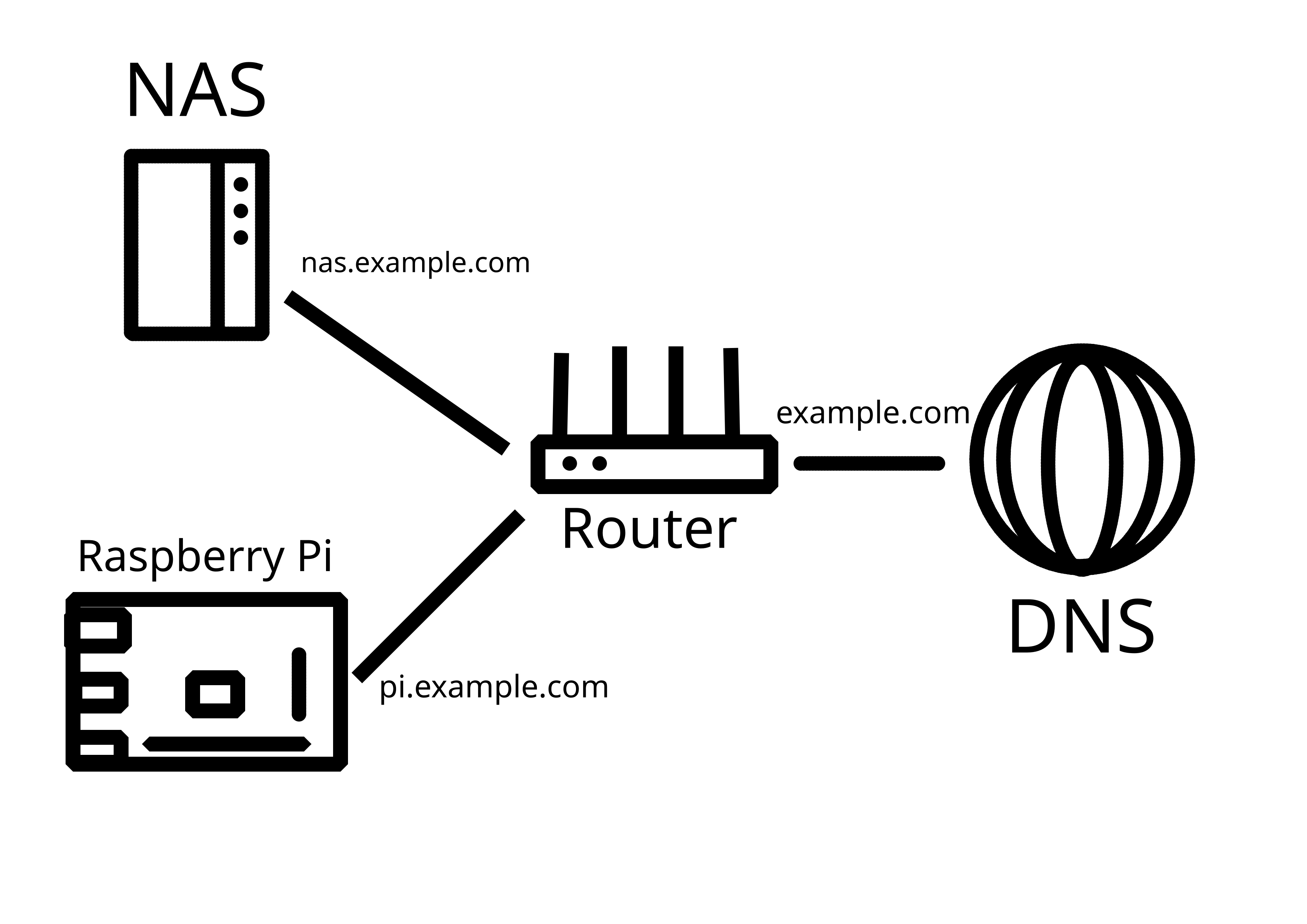
So, I have a home network with a dynamic external IP address. I already have my Synology NAS exposed to the Internet with DDNS - this was done using the interface, so didn't require much technical knowledge.

Now, I would like to add another server (currently testing with Raspberry Pi) in the same LAN that would also be externally reachable, either through a subdomain (preferable), or through specific ports. How do I go about it?

P.S. Apparently, what I've tried on the router does work, it's just that my NAS was sitting in the DMZ. Now it works!
you are viewing a single comment's thread
view the rest of the comments
[–] [S] 1 point 1 year ago (1 child)

In what way? It is a physical server located in my bedroom, sharing resources online.

  • source
  • parent
  • hideshow 2 child comments
  • [–] 3 points 1 year ago (2 children)

    Dude above you over is under the perception that it requires 100% uptime or other users to to be classified, which is wrong. You are definitely self hosting, albeit only for yourself I assume. Which is fine

  • source
  • parent
  • hideshow 4 child comments
  • [–] [S] 1 point 1 year ago (1 child)

    Yep, sharing stuff for others requires more expertise, as I'll get responsible for other people's experience. If I screw something up now, only I will be affected.

  • source
  • parent
  • hideshow 2 child comments
  • [–] 1 point 1 year ago (1 child)

    And you are self-sufficient, or whatever the word is. But that's the key thing for me, not having to rely on others for my services :)

  • source
  • parent
  • hideshow 2 child comments
  • [–] [S] 1 point 1 year ago

    Yep!

    For me it's a sense of reliability and control - my stack will keep working even if new censorship rolls out (I live in a heavily censored and sanctioned jurisdiction), or if there's a global outage, or whatever else. I am also the sole authority over my piece of the Internet, and no one can do anything to alter it or take it away.

  • source
  • parent
  • [–] 1 point 1 year ago

    yes. i ment the uptime. to me hosted means i can reach it in a digital way any time even if it is just wake on lan. but if you guys say some device running 8hrs a day is hosting I am fine with that.

  • source
  • parent