I'm pretty new to selfhosting and homelabs, and I would appreciate a simple-worded explanation here. Details are always welcome!

So, I have a home network with a dynamic external IP address. I already have my Synology NAS exposed to the Internet with DDNS - this was done using the interface, so didn't require much technical knowledge.

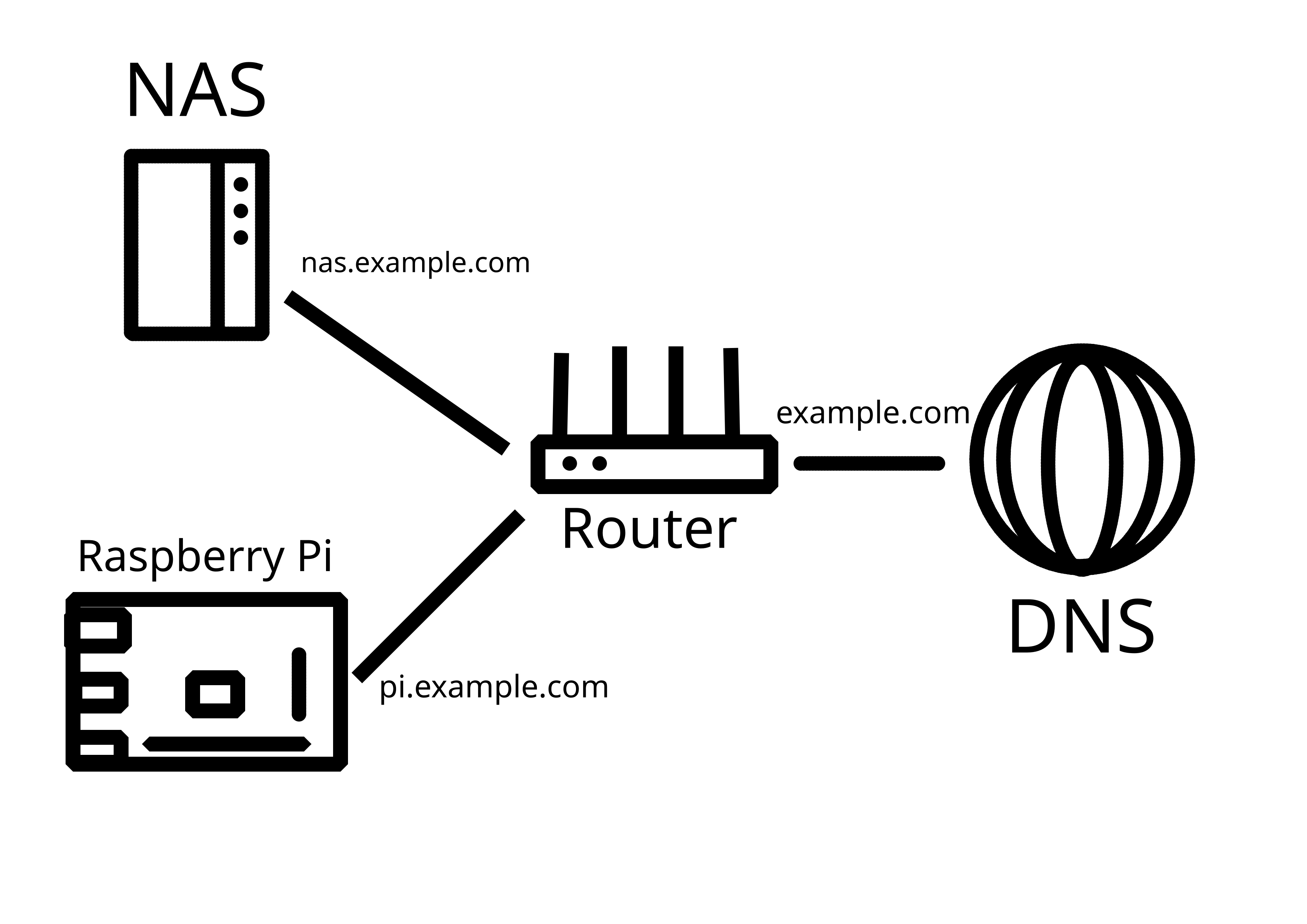
Now, I would like to add another server (currently testing with Raspberry Pi) in the same LAN that would also be externally reachable, either through a subdomain (preferable), or through specific ports. How do I go about it?

P.S. Apparently, what I've tried on the router does work, it's just that my NAS was sitting in the DMZ. Now it works!
you are viewing a single comment's thread
view the rest of the comments
[–] 8 points 1 year ago* (1 child)

Router gets the public IP. Login to it, find port forwarding option. You'll pick a public port. IE 443 and forward it to a local IP:port combo, IE 192.168.0.101:443.

Then you can pick another public port and forward it to a different private IP:port combo.

If you want a subdomain, you forward one port to one host and have it do the work. IE configure Nginx to do whatever you want.

EDIT: or you use IPv6. Everything is a public IP.

  • source
  • hideshow 2 child comments
  • [–] [S] 2 points 1 year ago (1 child)
  • [–] 1 point 1 year ago (2 children)

    Looks like you got it! Congrats.

  • source
  • parent
  • hideshow 4 child comments
  • [–] 1 point 1 year ago (2 children)

    Or he just uses a reverse proxy like nginx. So all can be hosted behind the same port (443)

  • source
  • parent
  • hideshow 4 child comments