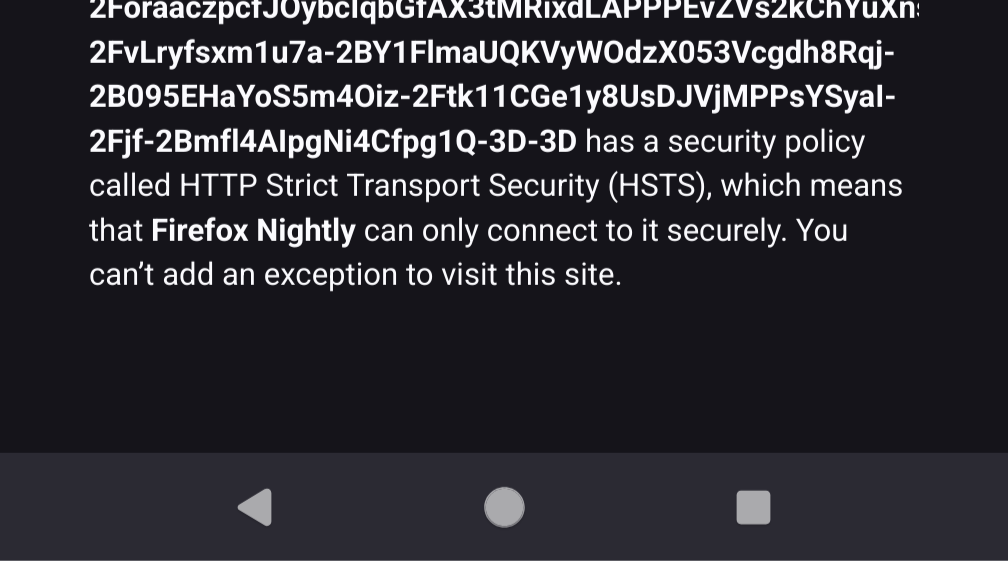
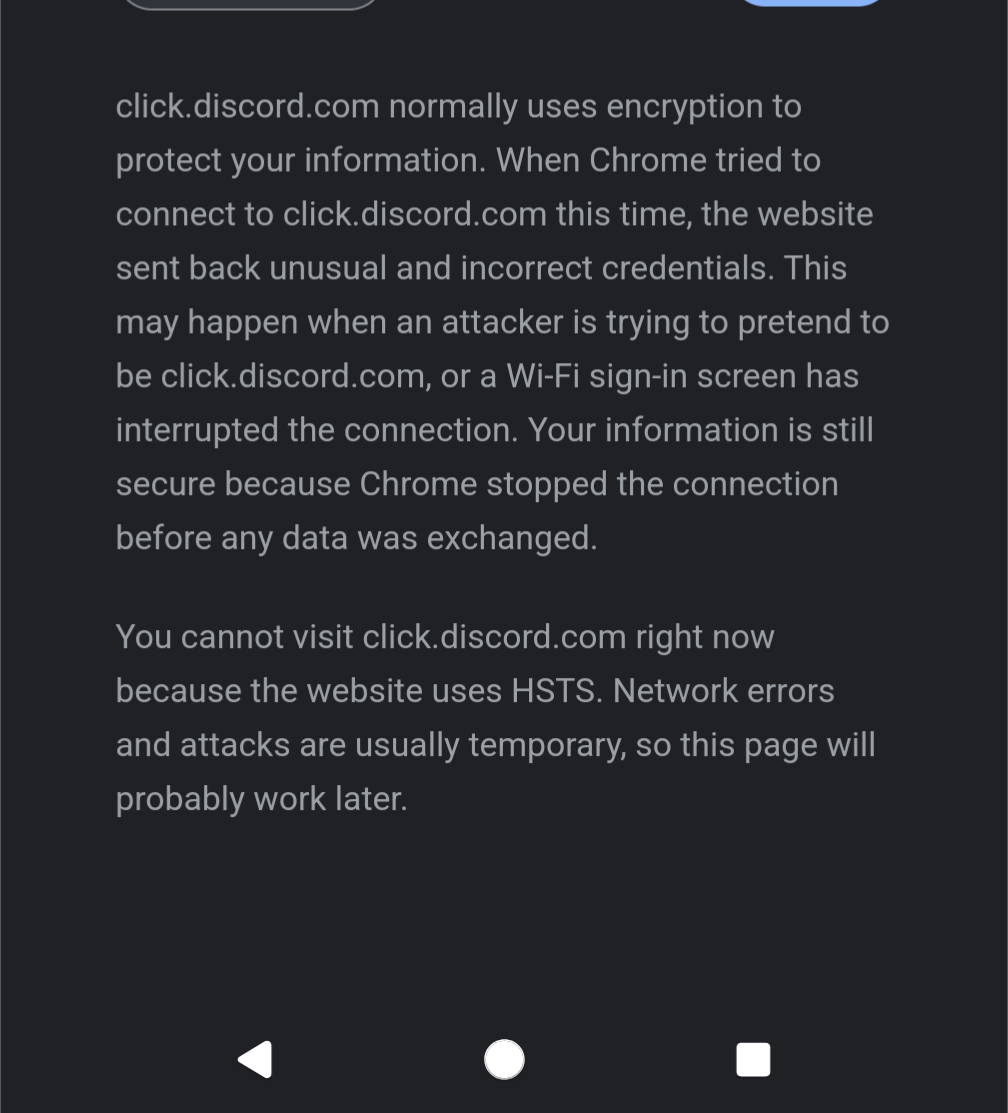
I literally just need to access a link to reset my discord password but for whatever reason discords reset link always does this to me on mobile and I'm nowhere near my desktop.

Any way to bypass this on android? I've tried chrome and Firefox both

you are viewing a single comment's thread
view the rest of the comments
[–] [S] 1 point 1 year ago (3 children)

I mean it varies from browser to browser, and it usually happens when clicking a link from emails, not during normal browsing.

Honestly I've had this same issue for 3 phones now, I just assumed it was something that just happened sometimes

Chrome

firefox

  • source
  • parent
  • hideshow 6 child comments
  • [–] 10 points 1 year ago* (2 children)

    Yeah that's a security feature and it's doing its job. If someone is trying to steal your Discord account, bypassing this error will give it to them.

    Do you have anything like a VPN that does any kind of traffic manipulation? Some custom DNS server? Can you think of anything that might be different between your mobile and desktop connections that could cause this? Are you in a country/company/ISP that interferes with its citizens' Internet access?

    Edit: also, if you go to https://badssl.com/ and try some of the green ones, do they work or not? Especially HSTS

  • source
  • parent
  • hideshow 4 child comments
  • [–] [S] 5 points 1 year ago (2 children)

    Edit: so it turns out it was actually my VPN, turns out there's some issue with either android or Nord where if I click to disconnect from the VPN it wasn't actually disconnecting. I had to manually remove it from VPN permissions in the android settings

  • source
  • parent
  • hideshow 4 child comments
  • [–] 12 points 1 year ago (1 child)

    I'm not sure I'd trust a VPN that MITMs my connections.

  • source
  • parent
  • hideshow 2 child comments
  • [–] 1 point 1 year ago (1 child)

    I think that is actually pretty common. If not, your DNS queries would need to go through your ISP and they could interpret what you are doing from them. You could manually configure DNS settings to route to a trusted source, which could address both.

  • source
  • parent
  • hideshow 2 child comments
  • [–] 11 points 1 year ago (1 child)

    VPN software can easily configure your DNS settings without doing MitM trickery on websites' certificates.

  • source
  • parent
  • hideshow 2 child comments
  • [–] [S] 3 points 1 year ago* (1 child)

    It's a bit above my paygrade tbh, most of the time it's seamless and lightning fast, but times like this, or say, when I can't port forward on my torrenting device because Nord doesn't support that or split tunneling is ass, can be annoying when they arise.

    Tbh as soon as my membership renews I'm finding a better VPN for my use cases, but for now it works "well enough"

  • source
  • parent
  • hideshow 2 child comments
  • [–] [S] 1 point 1 year ago* (last edited 1 year ago) (1 child)

    I have a VPN but I get the same issues disabling it. Only other thing I could guess is it might be root related? Edit: all of them work except for 10000 sans, that one I can't click accept risk and continue

  • source
  • parent
  • hideshow 2 child comments
  • [–] 1 point 1 year ago

    Seems like the website you're trying to access is using HSTS, which means it has told the browser "if the SSL is invalid, do not proceed".

    If the same issue occurs across multiple devices, I would be inclined to think that there's some problem with the website.

  • source
  • parent