1


Hi folks, Context: I've been consistently using Mullvad VPN recently. I now stumpled upon a DNS leak tracker site by curiosity which flagged me for a DNS leak. The same is shown on the Mullvad site, though the DNS server does rotate with the exit server location I chose. Disabling DNS over https in my android settings did not change the leaked server IP. I use the IronFox browser, which has its own DNS over https settings.

Question: The IronFox crowd strongly recommends against changing any setting in order to keep a low entropy fingerprint. By default, it's set to increased protection with Quad9 as preferred provider; defaulting to the system if that doesn't work. The Mullvad site recommends disabling all DNS via https settings in order to always go with their service. Intuitively, that's what I would do, but I'm hesitant about screwing around in IronFox.

What do y'all think? Is there any way that setting introduces entropy and if yes, is that worse than a DNS leak for privacy? Pretty regular threat model of reducing online tracking by attention merchants. Thanks in advance.
2


IronFox is Firefox ESR-based, completely de-Googled, has zero telemetry, and comes pre-hardened for privacy.

IronFox is a fork of Divested Computing Group's Mull Browser, based on Mozilla Firefox. Our goal is to continue the legacy of Mull by providing a free and open source, privacy and security-oriented web browser for daily use.

Version IronFox v140.0.4 released, .apk available for download here.

More discussion about the browser here.

Unfortunately, not available in FDroid yet.

3


cross-posted from: https://lemmy.world/post/31808224 Please see the cross-post as it is updated.

What is the best degoogled tablet for an artist

what is the best tablet for iodeOS, GrapheneOS and LineageOS

  • with smooth stylus support that is as good as apple pen
    • palm rejection
    • pressure sensitive stylus
    • works well for krita / excalidraw / xournalapp
    • latency
  • at least 16GB RAM and 256GB storage

For iodeOS, it doesn't seem to support any tablet device officially


For GrapheneOS, the only choice is google pixel tablet (or maybe pixel fold). However


For LineageOS

  • What tablet+stylus+LineageOS has the best performance?
  • What tablet+stylus+LineageOS has the best balance between price and performance?
  • Can someone share their stylus experience on krita / excalidraw / xournalapp?

Sincere thanks

cross-posted from: https://lemmy.world/post/31808224 Please see the cross-post as it is updated.

4


cross-posted from: https://lemmy.dbzer0.com/post/36841328

Hello, everyone! I wanted to share my experience of successfully running LLaMA on an Android device. The model that performed the best for me was llama3.2:1b on a mid-range phone with around 8 GB of RAM. I was also able to get it up and running on a lower-end phone with 4 GB RAM. However, I also tested several other models that worked quite well, including qwen2.5:0.5b , qwen2.5:1.5b , qwen2.5:3b , smallthinker , tinyllama , deepseek-r1:1.5b , and gemma2:2b. I hope this helps anyone looking to experiment with these models on mobile devices!


Step 1: Install Termux

  1. Download and install Termux from the Google Play Store or F-Droid

Step 2: Set Up proot-distro and Install Debian

  1. Open Termux and update the package list:

    pkg update && pkg upgrade
    
  2. Install proot-distro

    pkg install proot-distro
    
  3. Install Debian using proot-distro:

    proot-distro install debian
    
  4. Log in to the Debian environment:

    proot-distro login debian
    

    You will need to log-in every time you want to run Ollama. You will need to repeat this step and all the steps below every time you want to run a model (excluding step 3 and the first half of step 4).


Step 3: Install Dependencies

  1. Update the package list in Debian:

    apt update && apt upgrade
    
  2. Install curl:

    apt install curl
    

Step 4: Install Ollama

  1. Run the following command to download and install Ollama:

    curl -fsSL https://ollama.com/install.sh | sh
    
  2. Start the Ollama server:

    ollama serve &
    

    After you run this command, do ctrl + c and the server will continue to run in the background.


Step 5: Download and run the Llama3.2:1B Model

  1. Use the following command to download the Llama3.2:1B model:
    ollama run llama3.2:1b
    
    This step fetches and runs the lightweight 1-billion-parameter version of the Llama 3.2 model .

Running LLaMA and other similar models on Android devices is definitely achievable, even with mid-range hardware. The performance varies depending on the model size and your device's specifications, but with some experimentation, you can find a setup that works well for your needs. I’ll make sure to keep this post updated if there are any new developments or additional tips that could help improve the experience. If you have any questions or suggestions, feel free to share them below!

– llama

5


cross-posted from: https://lemmy.ml/post/17202620

I have OnePlus 7 Pro that I successfully flashed with LineageOS 21 with MicroG. Do you have some interesting apps or ideas to take advantage of it? I thought of some Magisk modules. Maybe someone is more experience than me! This is the spare smartphone, the main one is GrapheneOS, so I don't mind breaking stuff.

6


The article is AdGuard centric but it sheds light on the whole process where Google suddenly decided to ban ad blockers.

7


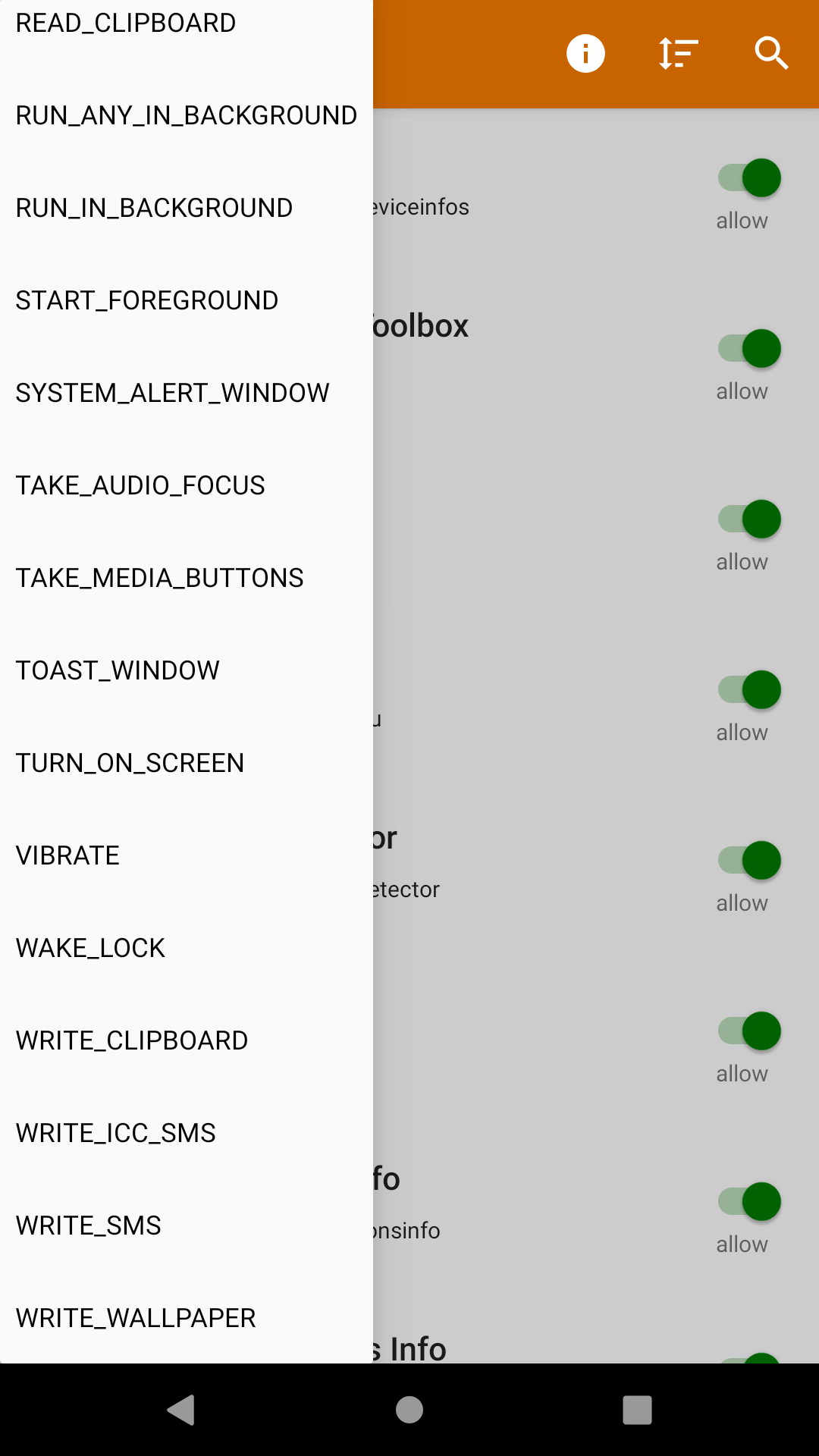
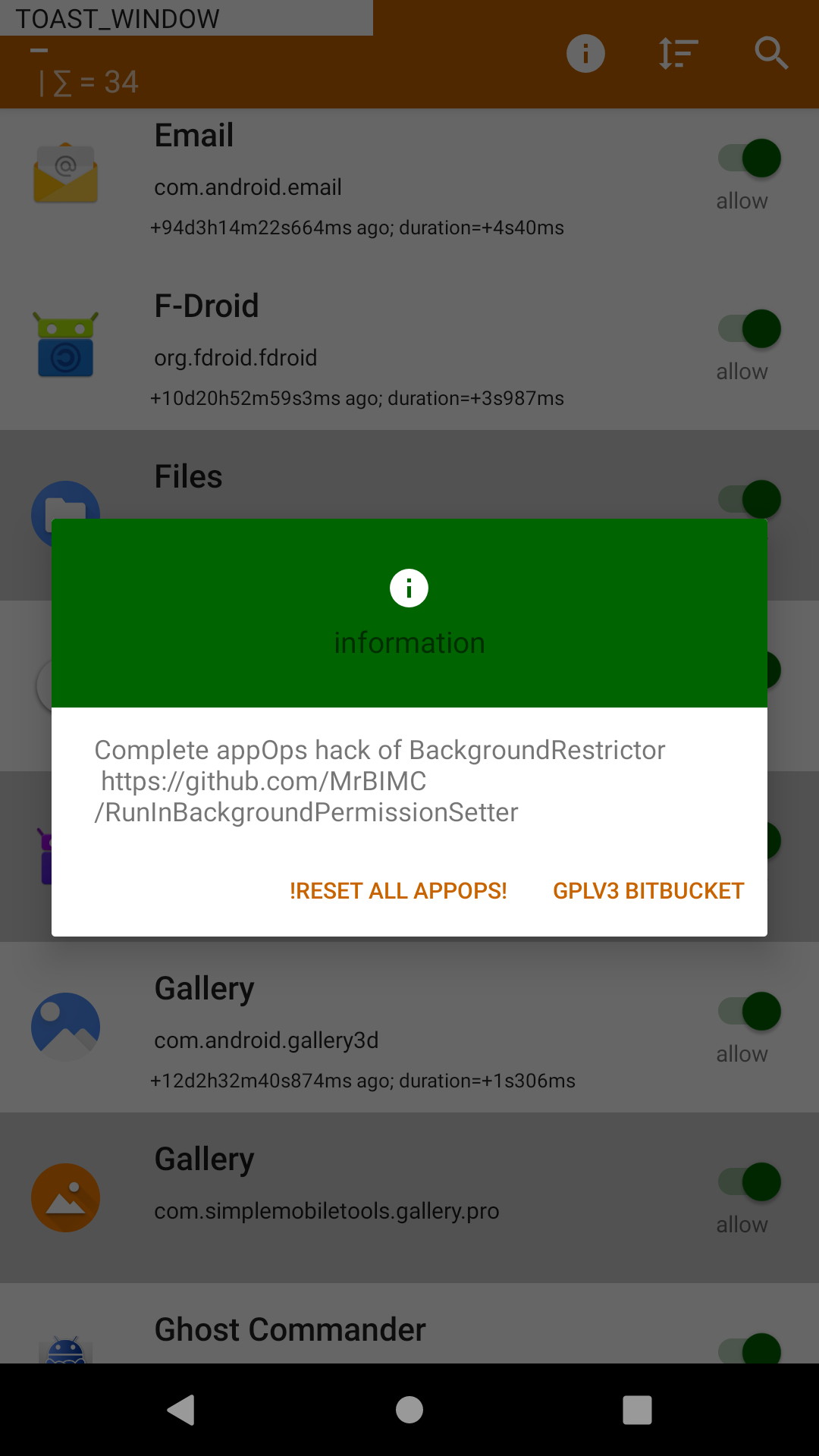
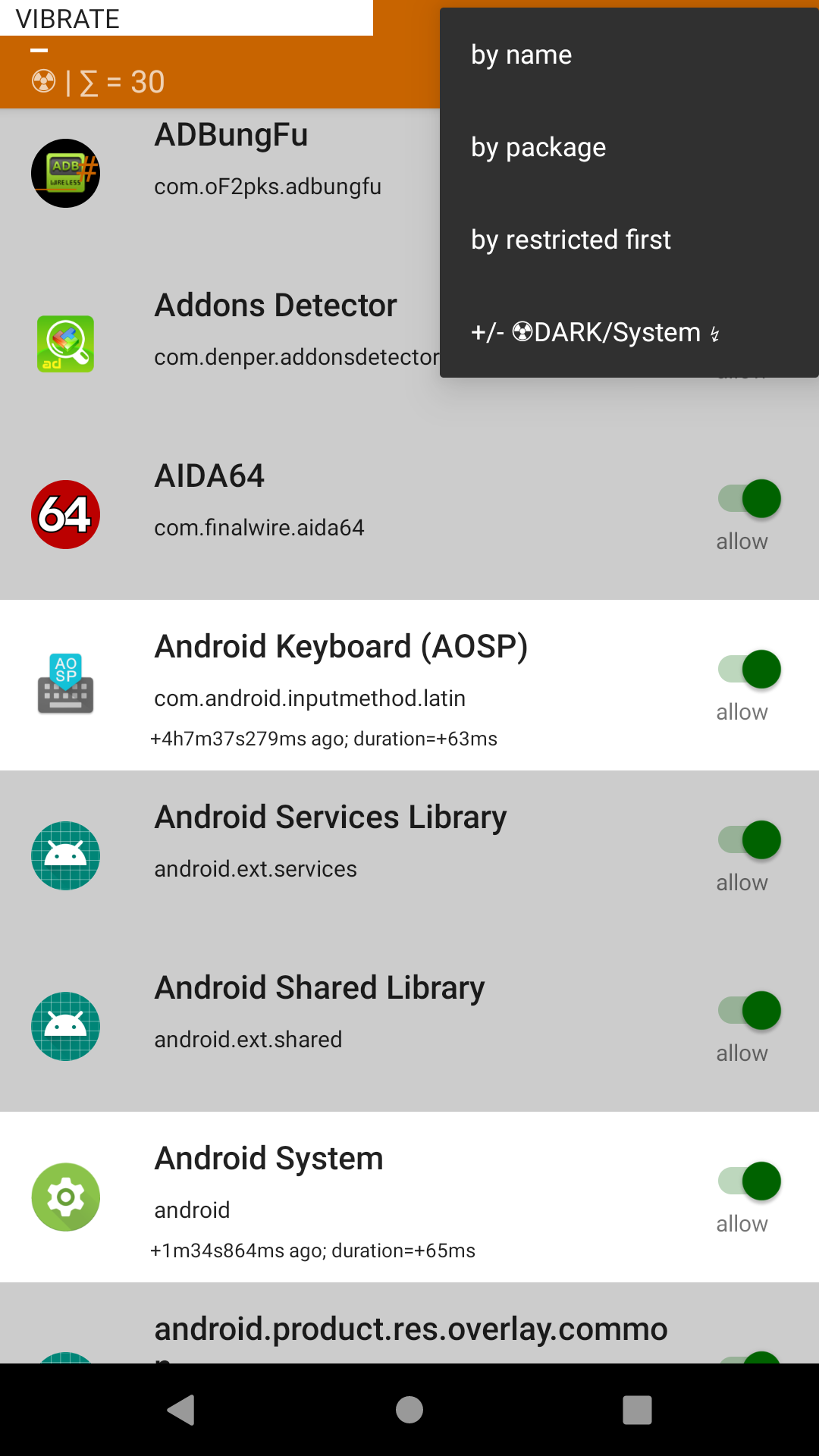
appOps manager / ADB simulator for rooted devices ONLY (#su Magisk).

'''USE WITH CAUTION.'''

8
 
 
9


Maps on F droid was nice but its not working for me , i use sometimes transpotr. i found that OSMand+ is not very user friendly sadly ... Another good app for navigating OSM ?

Maybe using OSM from web is an alternative ?

thoughts on maps.me ?

10


Video help how to use Android Universal Debloater by w1nst0n on Unix Terminal

11


Looking for solutions to delete/opt out as much as i can from GAFAMs and other chinese closed-sources stuff ... im a noob and i feel lost right now ... would this be a good idea? https://gitlab.com/W1nst0n/universal-android-debloater/

Or should i think about Lineage OS or similar ?

12


The main goal is to improve battery performance and privacy by removing unnecessary and obscure system apps. This can also contribute to improve security by reducing the attack surface. The script has a menu that lets you choose what debloat list you want to use. I strongly encourage you to take a look at the lists because the default selection may not suit you. All packages are as well documented as possible in order to provide a better understanding of what you can delete or not.