1
posts
2
3
4
5
cross-posted from: https://lemmy.dbzer0.com/post/30765479
I updated my graphics drivers from nvidia 470 to nvidia 560 due to issues running certain games. It's fixed my gaming issue but reintroduced the problem that kept me from updating for so long.
After setting my computer to "suspend," it wakes up to this screen on all monitors. I am unable to scroll up or type further commands, my only option is to reboot the machine.
- My graphics card is: NVIDIA Corporation GP104 [GeForce GTX 1070]
- Nvidia driver version: 560.35.03
I can't make heads or tails of this error screen. The best I can understand is the "Fixing recursive fault but reboot is required!" line. How can I get more information? Does anyone have any ideas on how I can fix this? Thanks in advance.

6
cross-posted from: https://lemmy.ml/post/19176020
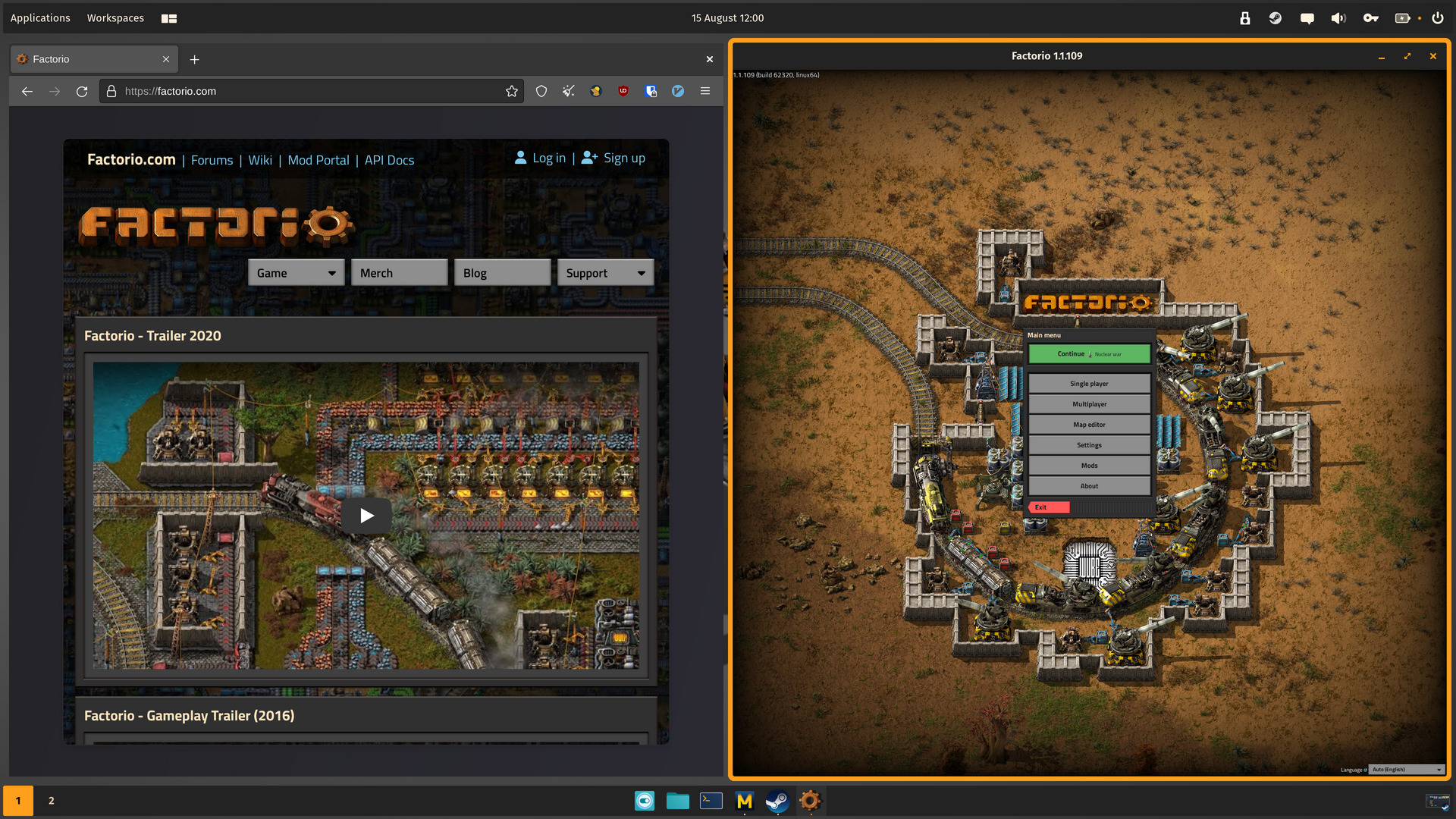
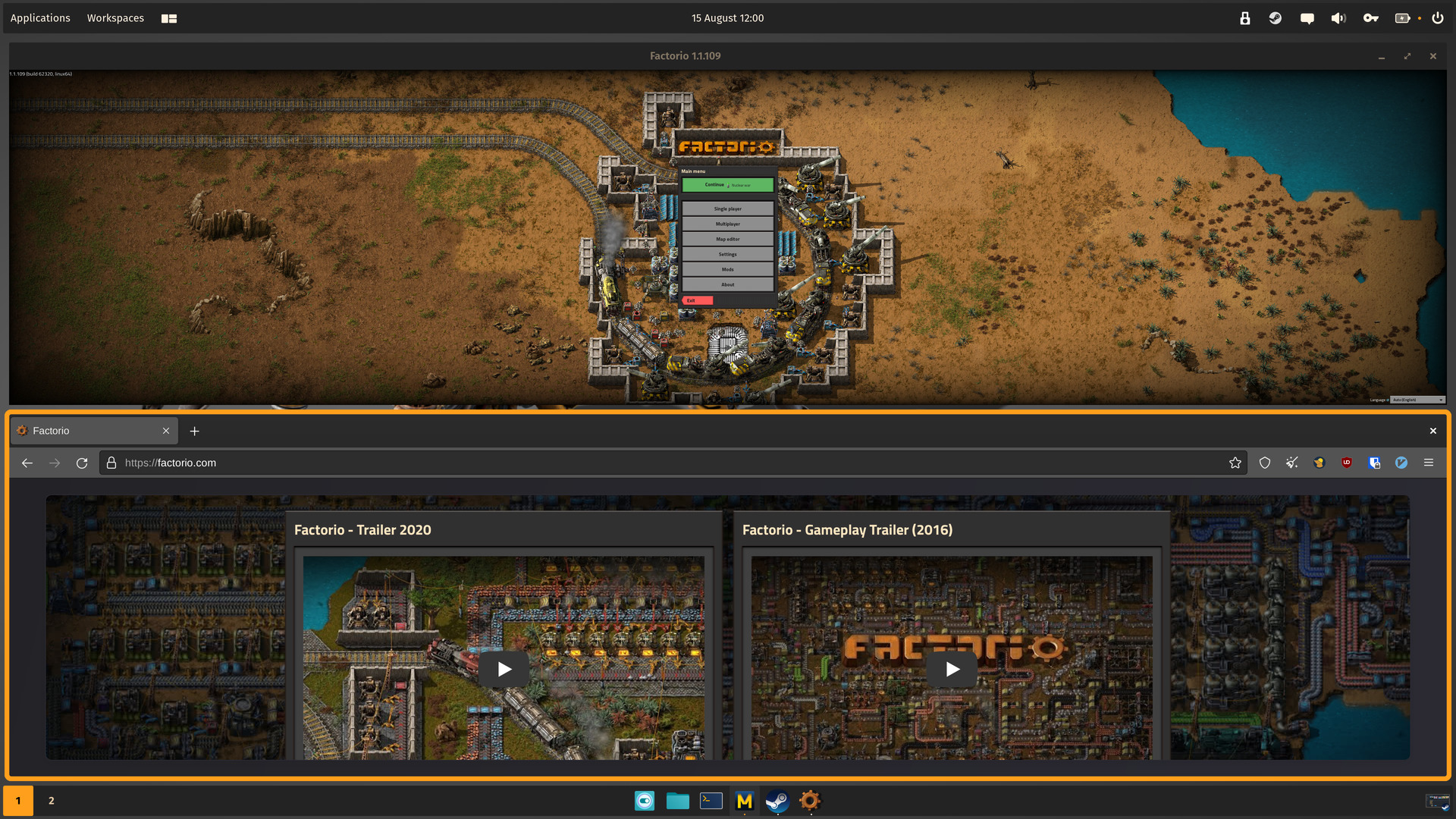
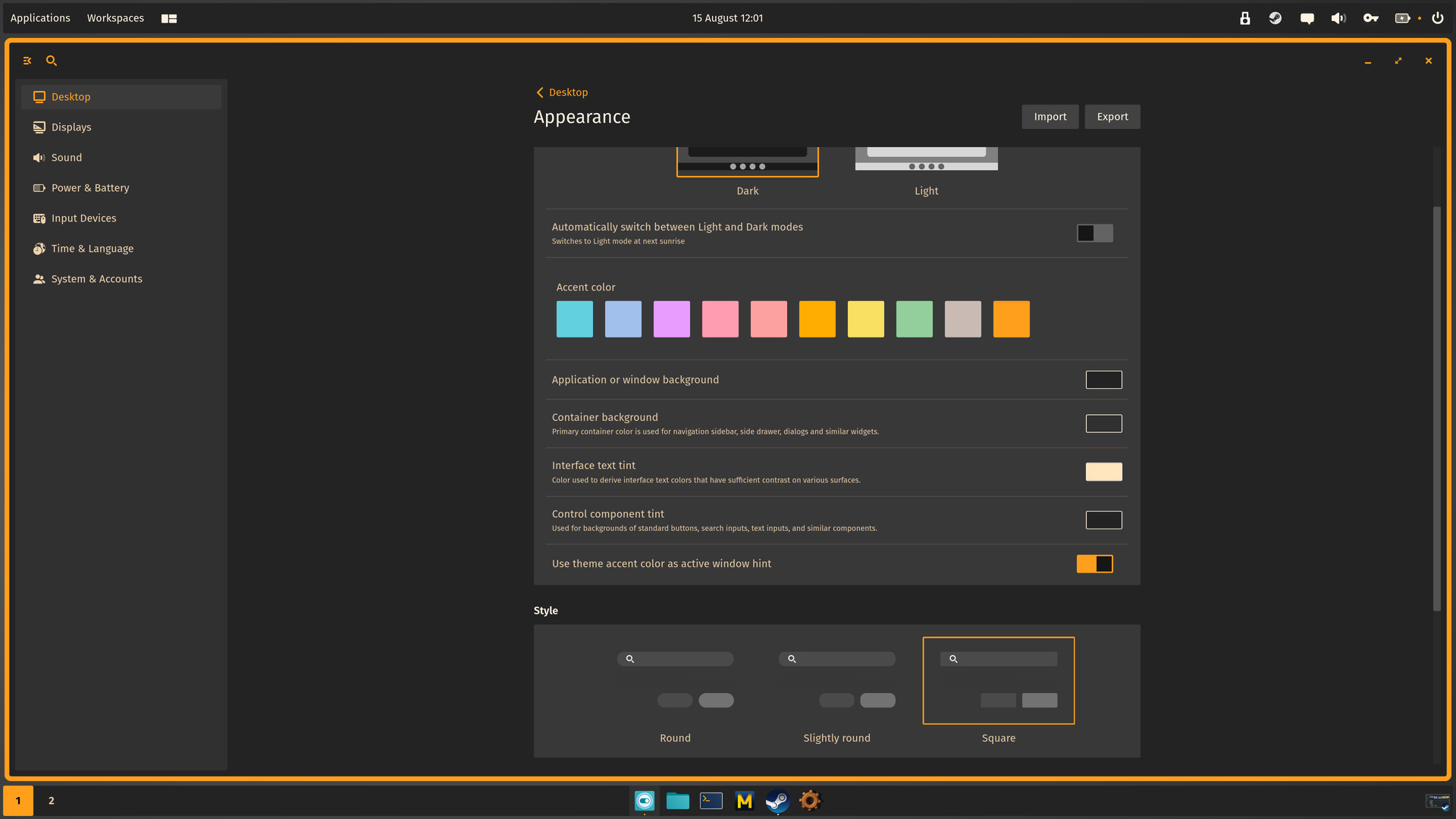
Compressed using ImageMagick and oxipng as cosmic-screenshot produces huge sizes that Lemmy doesn't want to handle.
Desktop
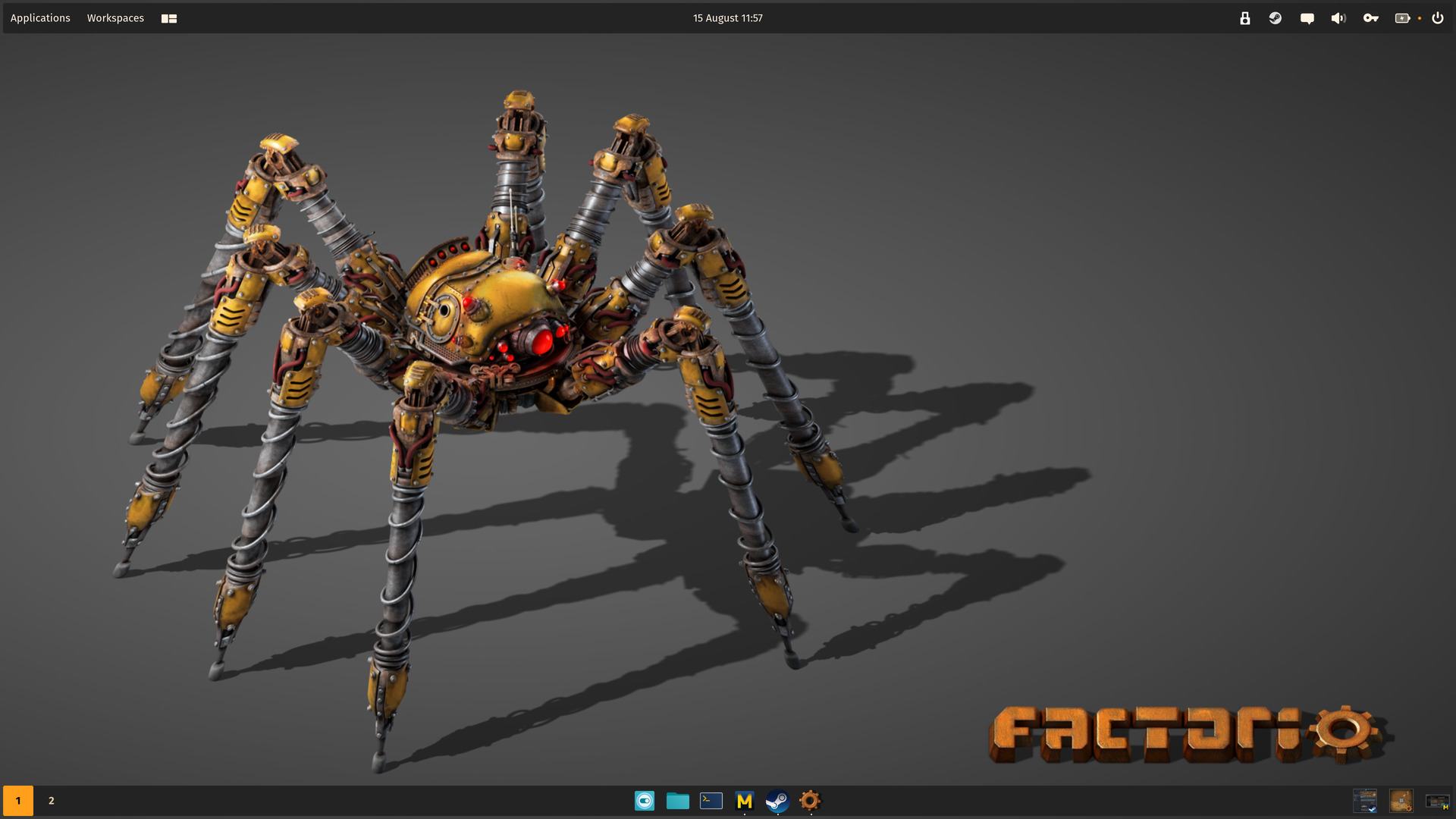
Wallpaper
Appearance (based on Factorio.com)
- Dark: true
- Accent color: #FF9F1C
- Application or window background: #242324
- Container background: #313031
- Interface text tint: #FFE6C0
- Control component tint: #242324
- Use theme accent color as active window hint: true
- Style: Square
- Active window hint size: 6
- Gaps around tiled windows: 12
- Experimental settings > Apply this theme to GNOME apps: true
Other configuration should be visible, just a matter of taste and Factorio UI.
Factorio.ron
282 lines
(
    palette: Dark((
        name: "cosmic-dark",
        blue: (
            red: 0.5803922,
            green: 0.92156863,
            blue: 0.92156863,
            alpha: 1.0,
        ),
        red: (
            red: 1.0,
            green: 0.70980394,
            blue: 0.70980394,
            alpha: 1.0,
        ),
        green: (
            red: 0.6745098,
            green: 0.96862745,
            blue: 0.8235294,
            alpha: 1.0,
        ),
        yellow: (
            red: 1.0,
            green: 0.94509804,
            blue: 0.61960787,
            alpha: 1.0,
        ),
        gray_1: (
            red: 0.105882354,
            green: 0.105882354,
            blue: 0.105882354,
            alpha: 1.0,
        ),
        gray_2: (
            red: 0.14901961,
            green: 0.14901961,
            blue: 0.14901961,
            alpha: 1.0,
        ),
        gray_3: (
            red: 0.1882353,
            green: 0.1882353,
            blue: 0.1882353,
            alpha: 1.0,
        ),
        neutral_0: (
            red: 0.0,
            green: 0.0,
            blue: 0.0,
            alpha: 1.0,
        ),
        neutral_1: (
            red: 0.105882354,
            green: 0.105882354,
            blue: 0.105882354,
            alpha: 1.0,
        ),
        neutral_2: (
            red: 0.1882353,
            green: 0.1882353,
            blue: 0.1882353,
            alpha: 1.0,
        ),
        neutral_3: (
            red: 0.2784314,
            green: 0.2784314,
            blue: 0.2784314,
            alpha: 1.0,
        ),
        neutral_4: (
            red: 0.36862746,
            green: 0.36862746,
            blue: 0.36862746,
            alpha: 1.0,
        ),
        neutral_5: (
            red: 0.46666667,
            green: 0.46666667,
            blue: 0.46666667,
            alpha: 1.0,
        ),
        neutral_6: (
            red: 0.5686275,
            green: 0.5686275,
            blue: 0.5686275,
            alpha: 1.0,
        ),
        neutral_7: (
            red: 0.67058825,
            green: 0.67058825,
            blue: 0.67058825,
            alpha: 1.0,
        ),
        neutral_8: (
            red: 0.7764706,
            green: 0.7764706,
            blue: 0.7764706,
            alpha: 1.0,
        ),
        neutral_9: (
            red: 0.8862745,
            green: 0.8862745,
            blue: 0.8862745,
            alpha: 1.0,
        ),
        neutral_10: (
            red: 1.0,
            green: 1.0,
            blue: 1.0,
            alpha: 1.0,
        ),
        bright_green: (
            red: 0.36862746,
            green: 0.85882354,
            blue: 0.54901963,
            alpha: 1.0,
        ),
        bright_red: (
            red: 1.0,
            green: 0.627451,
            blue: 0.5647059,
            alpha: 1.0,
        ),
        bright_orange: (
            red: 1.0,
            green: 0.6392157,
            blue: 0.49019608,
            alpha: 1.0,
        ),
        ext_warm_grey: (
            red: 0.60784316,
            green: 0.5568628,
            blue: 0.5411765,
            alpha: 1.0,
        ),
        ext_orange: (
            red: 1.0,
            green: 0.6784314,
            blue: 0.0,
            alpha: 1.0,
        ),
        ext_yellow: (
            red: 0.99607843,
            green: 0.85882354,
            blue: 0.2509804,
            alpha: 1.0,
        ),
        ext_blue: (
            red: 0.28235295,
            green: 0.7254902,
            blue: 0.78039217,
            alpha: 1.0,
        ),
        ext_purple: (
            red: 0.8117647,
            green: 0.49019608,
            blue: 1.0,
            alpha: 1.0,
        ),
        ext_pink: (
            red: 0.9764706,
            green: 0.22745098,
            blue: 0.5137255,
            alpha: 1.0,
        ),
        ext_indigo: (
            red: 0.24313726,
            green: 0.53333336,
            blue: 1.0,
            alpha: 1.0,
        ),
        accent_blue: (
            red: 0.3882353,
            green: 0.8156863,
            blue: 0.8745098,
            alpha: 1.0,
        ),
        accent_red: (
            red: 0.99215686,
            green: 0.6313726,
            blue: 0.627451,
            alpha: 1.0,
        ),
        accent_green: (
            red: 0.57254905,
            green: 0.8117647,
            blue: 0.6117647,
            alpha: 1.0,
        ),
        accent_warm_grey: (
            red: 0.7921569,
            green: 0.7294118,
            blue: 0.7058824,
            alpha: 1.0,
        ),
        accent_orange: (
            red: 1.0,
            green: 0.6784314,
            blue: 0.0,
            alpha: 1.0,
        ),
        accent_yellow: (
            red: 0.96862745,
            green: 0.8784314,
            blue: 0.38431373,
            alpha: 1.0,
        ),
        accent_purple: (
            red: 0.90588236,
            green: 0.6117647,
            blue: 0.99607843,
            alpha: 1.0,
        ),
        accent_pink: (
            red: 1.0,
            green: 0.6117647,
            blue: 0.69411767,
            alpha: 1.0,
        ),
        accent_indigo: (
            red: 0.6313726,
            green: 0.7529412,
            blue: 0.92156863,
            alpha: 1.0,
        ),
    )),
    spacing: (
        space_none: 0,
        space_xxxs: 4,
        space_xxs: 8,
        space_xs: 12,
        space_s: 16,
        space_m: 24,
        space_l: 32,
        space_xl: 48,
        space_xxl: 64,
        space_xxxl: 128,
    ),
    corner_radii: (
        radius_0: (0.0, 0.0, 0.0, 0.0),
        radius_xs: (2.0, 2.0, 2.0, 2.0),
        radius_s: (2.0, 2.0, 2.0, 2.0),
        radius_m: (2.0, 2.0, 2.0, 2.0),
        radius_l: (2.0, 2.0, 2.0, 2.0),
        radius_xl: (2.0, 2.0, 2.0, 2.0),
    ),
    neutral_tint: Some((
        red: 0.14117648,
        green: 0.13725491,
        blue: 0.14117648,
    )),
    bg_color: Some((
        red: 0.14117648,
        green: 0.13725491,
        blue: 0.14117648,
        alpha: 1.0,
    )),
    primary_container_bg: Some((
        red: 0.19215687,
        green: 0.1882353,
        blue: 0.19215687,
        alpha: 1.0,
    )),
    secondary_container_bg: None,
    text_tint: Some((
        red: 1.0,
        green: 0.9019608,
        blue: 0.7529412,
    )),
    accent: Some((
        red: 1.0,
        green: 0.62352943,
        blue: 0.109803915,
    )),
    success: None,
    warning: None,
    destructive: None,
    is_frosted: false,
    gaps: (0, 12),
    active_hint: 6,
    window_hint: None,
)
7
8
9
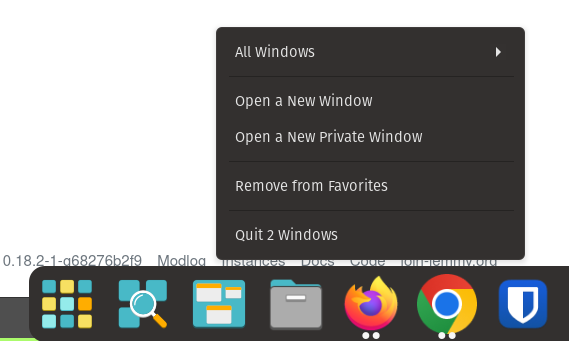
Currently I have to click all windows to see all windows(Firefox is where I am trying to demonstrate in screenshot). How do change to this to show all the windows when I hover over without having to press "All window"? Mint Cinnamon does this
10
11
12