TIL about Kessler Syndrome. Thanks.
Microsoft always buys stuff just to destroy it. Why even buying studios just to empty them? At that point just buy the license to use their name ¯\_ (:-/) _/¯
Box3D | A revolutionary new physics engine developed by Erin Catto in collaboration with a Valve dev
Performance mostly

neither audio nor mic work in calls.
Take a look at callaudiod, MAYBE that's its fault.
Edit:
PmOS could have moved from callaudiod to a wireplumber plugin.
This is a post on its Twitter linked in its Github:
https://nuku.trabun.org/BIGMONTIENERGY/status/2060520116165439946#m
What the hell.
Any other website linked in its Github doesn't work expect one which is too broken to be a mistake:
https://montidroid-com.l.ink/
And this seems to be him lol (first result of searching his name and birth):
https://mugshots.com/US-States/Florida/Osceola-County-FL/John-Charles-Monti.5892549.html
Edit:
This readme was too weird not to look him up, like what's he even up to?
How were they able to make memory leaks in rust? Lol
It's already at version 1.2.0, it's backed by a company who actually ships it as default and it got a solid roadmap.
I think it's still young but should not give any big issue.
This is a bit more manual, so there isn't a safe way.
You can get groups installed by enviroment with this:
dnf environment info kde-desktop-environment
You can then check the difference between your new installed cosmic environment and removing the differences or just remove the desktop group (in this case "kde-desktop"):
sudo dnf remove @kde-desktop
I've never done this, so be aware and check every step.
This maybe could try to delete packages even required by your new cosmic environment or other packages useful in general. Try to run the command and see what it lists to remove (do not confirm if not sure). This is a safer version which automatically says "no", so you can just list changes:
sudo dnf remove --assumeno @kde-desktop
To remove only some packages in the group, list packages inside it:
dnf group info kde-desktop
And then manually write a dnf command to remove what you want:
sudo dnf remove kwin plasma-* kscreenlocker kdialog kdesplasma-addons [...]
Lemmy know how this process goes because I want to switch to COSMIC too in the near future.
Edit:
If you delete the old display manager (ie SDDM), remember to switch to the new one. I'm not sure if the system does it automatically. To switch do:
sudo systemctl enable cosmic-greeter.service
Cosmic greeter is the cosmic desktop display manager, if not installed install and enable it:
sudo dnf install cosmic-greater
Here is the official pmOS hardware support list.
Just install the package of DE and switch to it through the login page (display manager).
Fedora do provide a "group" of packages to install COSMIC Desktop. To install it:
sudo dnf install @cosmic-desktop
And now you should be able to select it on login.
Fedora KDE uses SDDM as login/display manager. I've never used it so I don't know where to click to switch DE, but maybe it should be the "Other" button.
Fedora Workstation uses GDM (Gnome Display Manager). To switch DE click the cogwheel in the bottom-right corner.
Edit:
By reading the official Fedora documentation I've found out that there are "special groups" named "environments".
To list all of them:
dnf environment list --available | grep -i desktop
So to install COSMIC:
sudo dnf install @cosmic-desktop-environment
I don't know what's the difference, but this is what the official documentation says.
Edit 2:
By doing:
dnf environment info cosmic-desktop-environment
It's clear that "environment"s are groups of groups of packages. So it could include stuff you don't need, like libreoffice group.
Wasn't aware of physical case for Fortnite DLCs.
Proving it's a scam by having hard cases. Usually codes are in paper card form, like PS Plus codes or stuff like that.


Still their anticheat doesn't support it :'(


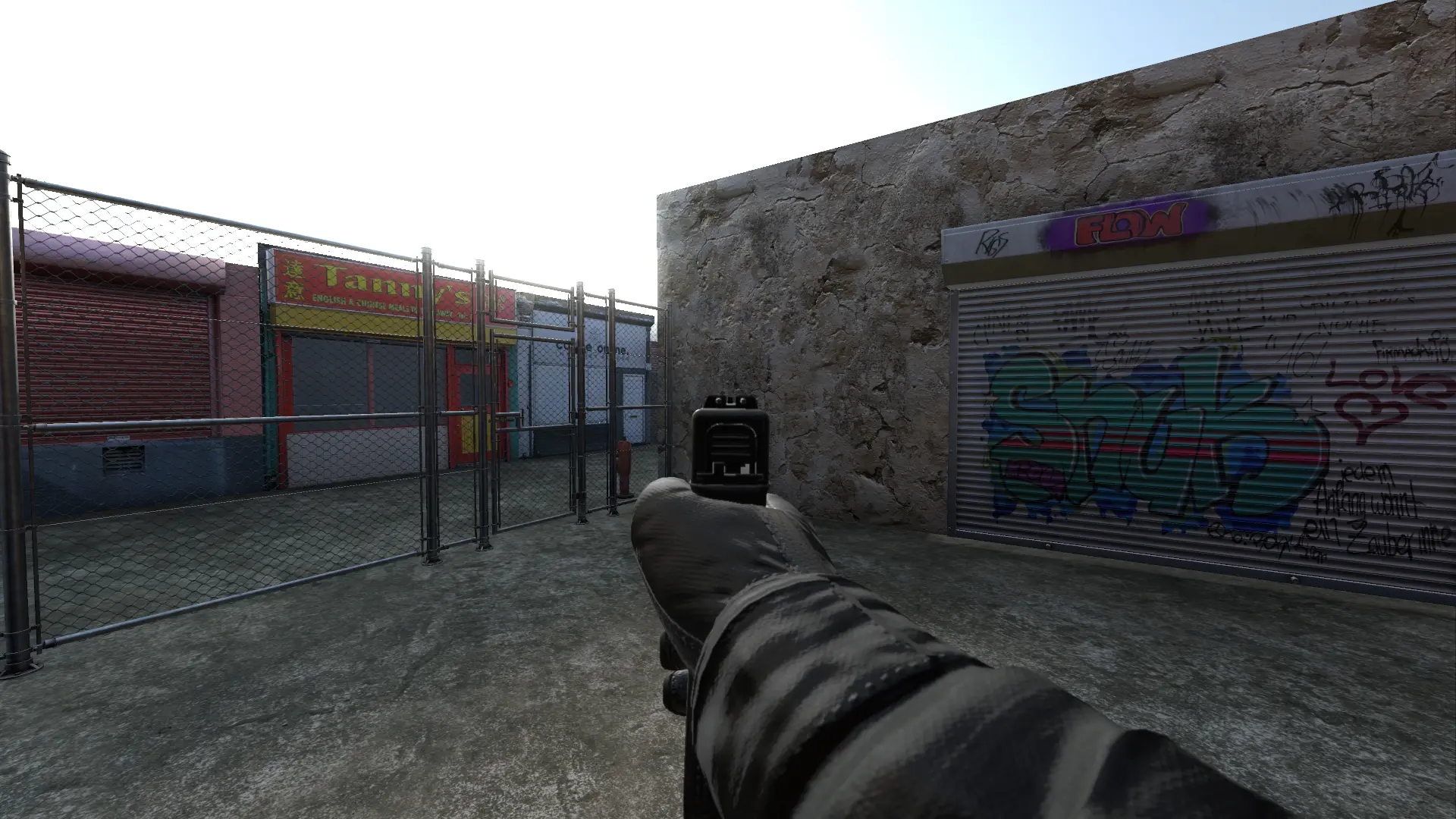
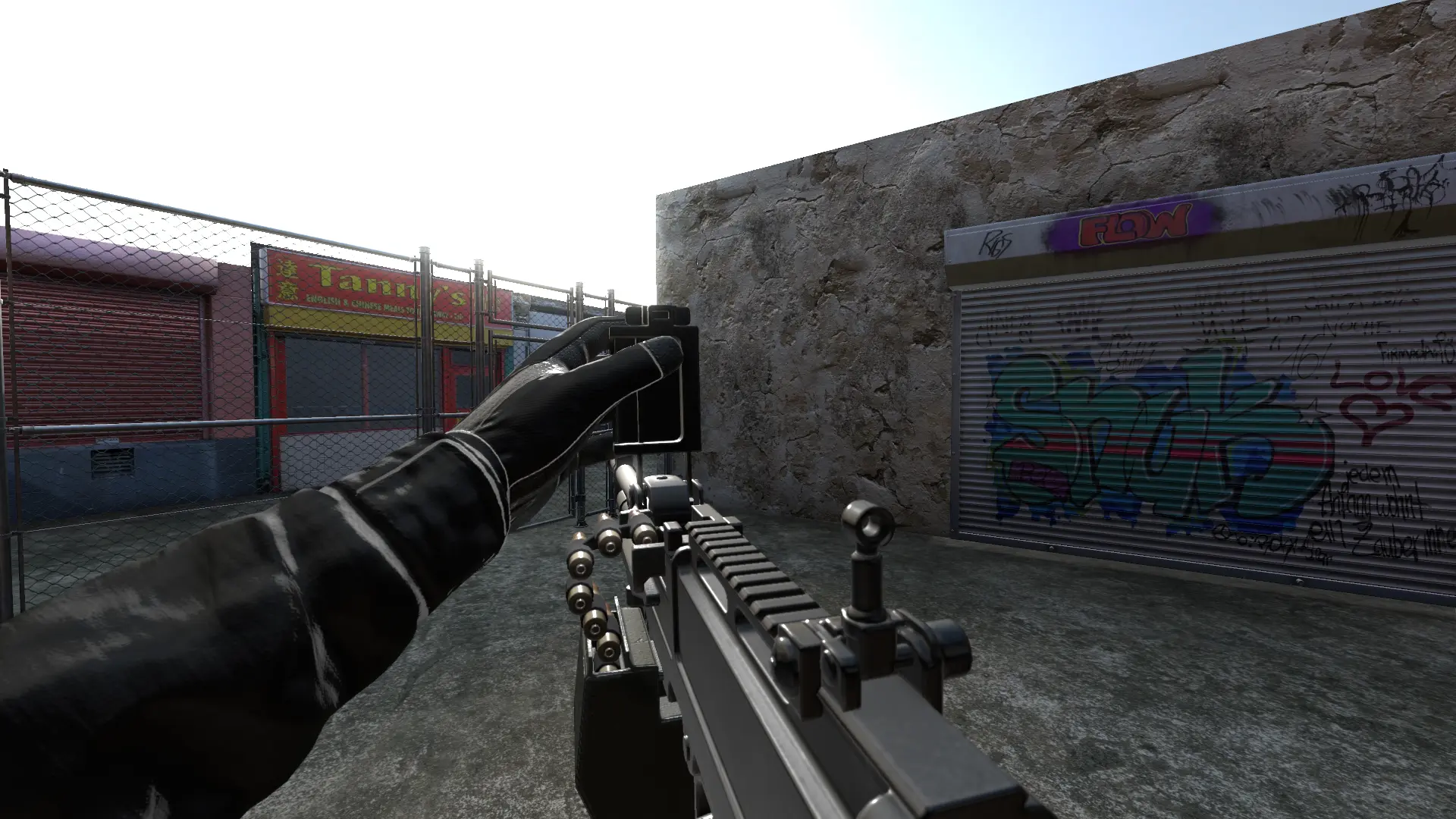
Plug and play hands for FPS with animated weapons.
Feel free to contribute.
Godot Asset Library
Source code
view more:
next ›